

Makepad Components Gallery
Quick reference for Makepad built-in widgets with usage examples extracted from ui_zoo.
Quick Navigation
| Widget Type | Description |
|---|---|
| Buttons | Button, ButtonGradient, ButtonIcon |
| Text Input | TextInput variants |
| Sliders | Slider, SliderRound, SliderMinimal |
| Checkboxes | CheckBox, CheckBoxToggle |
| Radio Buttons | RadioButton groups |
| Dropdowns | Dropdown menus |
| Labels | Label, H1-H4, P |
| Icons & Images | Icon, Image, RotatedImage |
| Views & Containers | RoundedView, ScrollView |
| Lists | PortalList (virtual) |
| Navigation | PageFlip, Fold |
Button Variants
live_design! {
// Standard Button
<Button> { text: "Click me" }

// Button with icon
<Button> {
draw_icon: {
svg_file: dep("crate://self/resources/icon.svg")
color: #fff
}
text: "With Icon"
}

// Gradient Buttons
<ButtonGradientX> { text: "Gradient X" }
<ButtonGradientY> { text: "Gradient Y" }

// Icon-only Button
<ButtonIcon> {
draw_icon: {
svg_file: dep("crate://self/resources/icon.svg")
}
}
}
Text Input
live_design! {
// Standard TextInput
<TextInput> { empty_text: "Enter text." }

// Password input
<TextInput> {
empty_text: "Password"
password: true
}

// Multi-line
<TextInput> {
empty_text: "Enter description"
height: Fill
}
}
Sliders
live_design! {
// Standard Slider
<Slider> { min: 0, max: 100, value: 50 }

// Round Slider
<SliderRound> { min: 0, max: 1.0, value: 0.5 }

// Minimal Slider
<SliderMinimal> { min: 0, max: 100, value: 25 }
}
Checkboxes & Radio Buttons
live_design! {
// CheckBox
<CheckBox> { text: "Enable feature" }

// Toggle Switch
<CheckBoxToggle> { text: "Dark mode" }

// Radio Button Group
<View> {
flow: Down, spacing: 10
<RadioButton> { radio_id: 1, text: "Option 1" }
<RadioButton> { radio_id: 2, text: "Option 2" }
<RadioButton> { radio_id: 3, text: "Option 3" }
}
}
Virtual Lists (PortalList)
live_design! {
<PortalList> {
drag_scrolling: true
item_template: <ItemView> {
// Template for each item
}
}
}
Resources
Related: Makepad Core Concepts and Makepad Deployment. Hub: skills.
Comments
No comments yet. Be the first to comment!
Related Tools

Related Insights

Anthropic Subagent: The Multi-Agent Architecture Revolution
Deep dive into Anthropic multi-agent architecture design. Learn how Subagents break through context window limitations, achieve 90% performance improvements, and real-world applications in Claude Code.
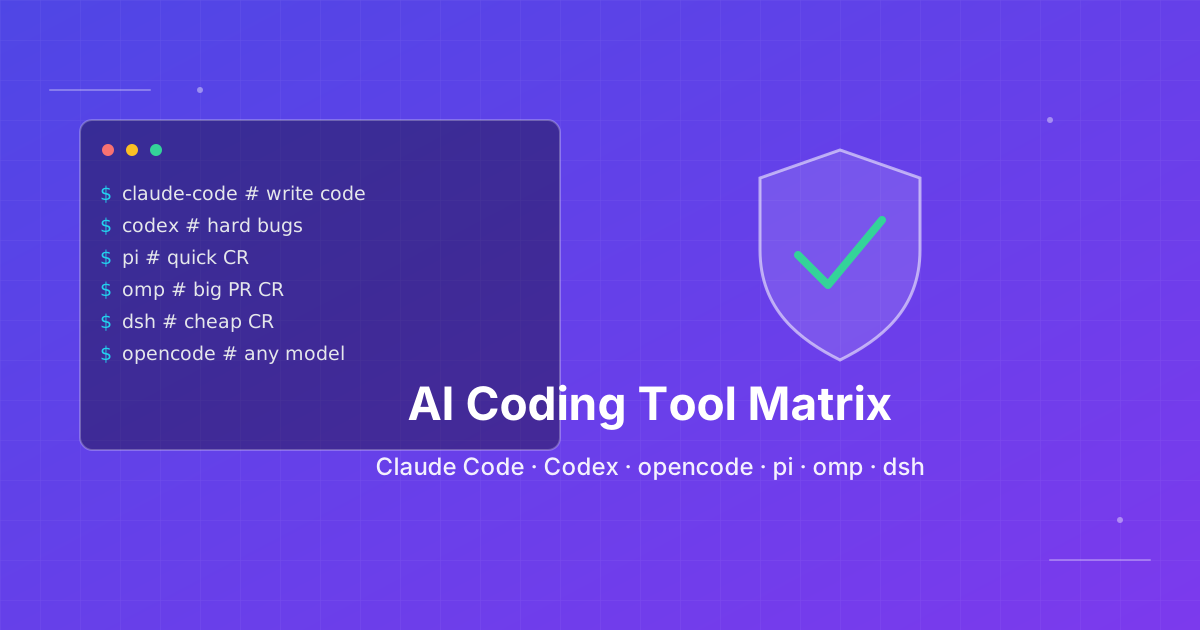
How to pick an AI coding CLI for your repo
Match Claude Code, Codex CLI, OpenCode, Pi, omp, DeepSeek Harness, and Grok Build to the work you actually run. Docs rechecked 2026-10-06.

Skills + Hooks + Plugins: How Anthropic Redefined AI Coding Tool Extensibility
An in-depth analysis of Claude Code's trinity architecture of Skills, Hooks, and Plugins. Explore why this design is more advanced than GitHub Copilot and Cursor, and how it redefines AI coding tool extensibility through open standards.