

Unsloth Desktop, launched August 2026 by the team behind the 70K-star Unsloth library, is the first desktop app that lets you run and train AI models entirely on your own machine. It is open source (Apache-2.0), free, and 100% local, covering text, image, video, and audio models with a built-in model hub, no-code training workflows, and direct integration with coding agents like Claude Code and Codex.
Core Features
- Run and train locally: Chat with, fine-tune, and run inference on the latest open models, with day-zero support for releases like Kimi K3, Qwen 3.6/3.8, GLM, Gemma 4, DeepSeek-V4, and MiniMax-H3.
- Agent integration: The
unsloth start claude(orunsloth start codex) command connects Claude Code, Codex, and other agents to your local models, turning your own GPU into a private coding-agent backend. - Media generation: Create images with MiniMax-H3, FLUX, Z-Image, and LoRA adapters; generate video with Wan and LTX locally.
- Self-healing tool calls: Up to 50% more accurate tool-calling with automatic detection, repair, and retry, plus a secure Bash/Python sandbox so models can run and verify code.
- Private web search: Unlimited, free, and private web search plus a Deep Research mode that produces cited reports while your model thinks.
- Remote access: Serve local or Colab models over HTTPS through a free Cloudflare tunnel, so you can check runs from your phone.
Supported Platforms
- macOS: Apple Silicon and Intel (.dmg)
- Windows: Windows 10 and later (.exe)
- Linux: Ubuntu and compatible distros (.deb)
Use Cases
- Private coding agents: Run Claude Code or Codex against local models so prompts and code never leave your machine.
- No-code fine-tuning: Train LoRA adapters and RL workflows through a UI instead of Jupyter notebooks.
- Local creative work: Generate images and video on consumer hardware without cloud subscriptions.
- Privacy-sensitive teams: Keep every prompt, file, and model output inside your own infrastructure.
Pricing
Unsloth Desktop is free and open source. Local inference has no per-token cost; the only costs are your own hardware and electricity. Cloudflare tunnel access is free for personal use.
Getting Started
- Download the installer for your platform from unsloth.ai.
- Launch the app, open the model hub, and download a quantization that fits your GPU (the app suggests one automatically).
- Start chatting, or run
unsloth start claudein a project folder to route your coding agent to the local model.
Alternatives
- Ollama: Lightweight CLI-first local model runner without training or UI.
- LM Studio: Polished local chat client focused on inference rather than training.
- Muse Glimmer: A model purpose-built for the kind of local agent workflows Unsloth Desktop enables.
Conclusion
Unsloth Desktop closes the loop on local AI: download, chat, train, and connect agents, all in one free app. If you want private, no-subscription AI that includes training and agent integration rather than just chat, it is currently the most complete option on the market.
Comments
No comments yet. Be the first to comment!
Related Tools


Related Insights

Skills + Hooks + Plugins: How Anthropic Redefined AI Coding Tool Extensibility
An in-depth analysis of Claude Code's trinity architecture of Skills, Hooks, and Plugins. Explore why this design is more advanced than GitHub Copilot and Cursor, and how it redefines AI coding tool extensibility through open standards.

Codex on any model: magpie makes Codex Router unnecessary
magpie is a free, open-source menu bar app that runs a local gateway and puts OpenRouter, DeepSeek and your ChatGPT, Claude, Cursor, Grok and Copilot subscriptions right into Codex's own model picker, with one click and no Codex Router.
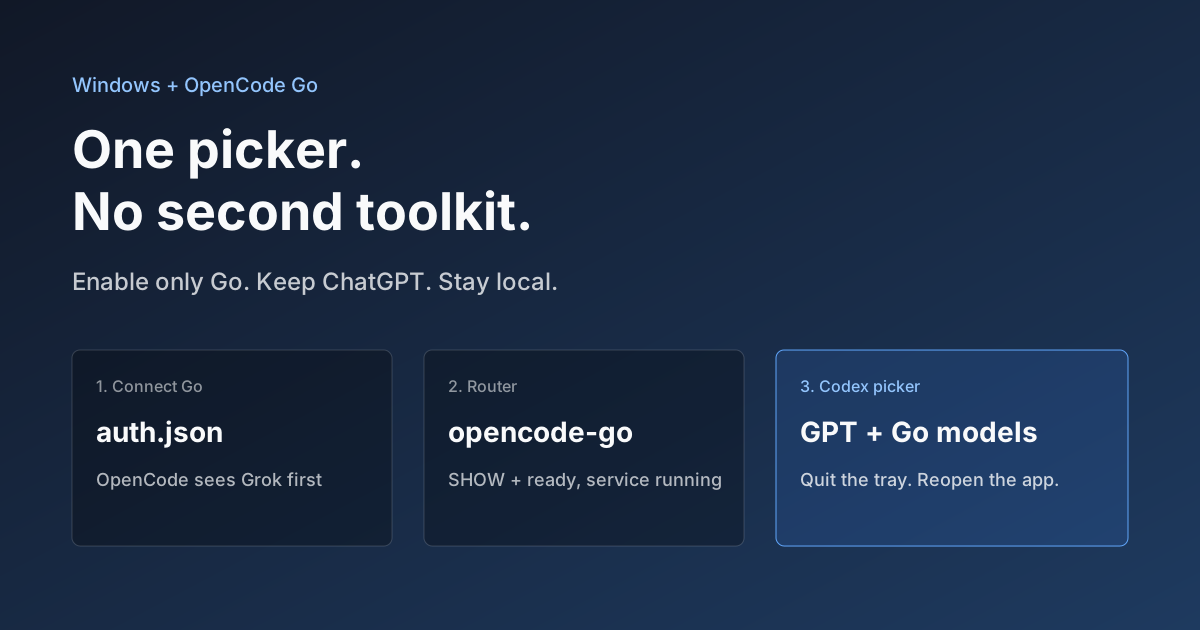
Hook OpenCode Go into Codex on Windows. Do Not Open a Second Toolkit.
A ChatGPT-signed Codex desktop app still shows mostly GPT in the picker. On Windows, enable only OpenCode Go and the Grok, GLM, Kimi, DeepSeek, and MiniMax models you already pay for appear in the same selector. Keys stay local. Native GPT stays put.