

fcitx5-vinput is a voice-input addon for Fcitx5. It records from the keyboard, runs local or cloud speech recognition, then optionally rewrites the transcript with an LLM before inserting text. The repo xifan2333/fcitx5-vinput is C++, GPL-3.0, created 2026-03-06. On 2026-09-20 GitHub listed 451 stars and 45 forks. 451 stars is a heat signal, not traffic. Docs live at xifan2333.github.io/fcitx5-vinput. Packages exist for Arch, Fedora COPR, Ubuntu PPA, Nix, Flatpak, and GitHub Releases (full and lite).
It is an input method plugin, not a coding agent. Compare Lark CLI if you wanted Feishu from a terminal, or a speech model page if you only needed weights. There is no macOS or Windows IME in the README.
Key Features
- Two triggers: tap the trigger key (default
Alt_R) to toggle recording, or hold for push-to-talk. - Local and cloud ASR: offline sherpa-onnx models, or cloud providers the README names: Doubao, Aliyun Bailian, ElevenLabs, and OpenAI-compatible endpoints. Switch at runtime from the command palette (
Shift_Rthen/asr). - LLM scenes: post-process for correction, formatting, or translation.
- Command mode: select text, hold the command key (default
Control_R), speak an instruction, release to apply. - GUI and CLI:
vinput-guifor setup,vinputfor full control. Full builds ship a local ONNX runtime. Lite builds are cloud-only.
Limitation: you need Fcitx5 on Linux, PipeWire, and a working microphone. Cloud ASR and LLM rewriting send audio or text to the provider you configured. Local ASR quality depends on the model you download in Resources → Models. This is not a general dictation app for macOS or Windows.
Use Cases
- Linux desktop users who already live in Fcitx5 and want talk-to-type.
- People who want offline ASR on the full package, or cloud-only on lite.
- Skip if your desktop is not Fcitx5, or if you cannot send audio to a cloud vendor and do not want a local model.
Pricing
| Piece | Price | Notes from first-party pages 2026-09-20 |
|---|---|---|
| Addon | $0 | GPL-3.0. Distro packages and GitHub Releases. About 451 stars. |
| Local ASR | Your disk and CPU/NPU | sherpa-onnx models downloaded in the GUI. |
| Cloud ASR / LLM | Provider bill | Doubao, Bailian, ElevenLabs, or an OpenAI-compatible key. |
Getting Started
- Install the package for your distro (Arch
fcitx5-vinput, Fedora COPR, Ubuntu PPA, Nix flake, or Flatpak). Lite if you do not want sherpa-onnx. systemctl --user enable --now vinput-daemon.servicethenfcitx5 -r- Open Vinput GUI → Resources → Models, download a model, tap
Alt_Rto record.
First-party start: README and the install docs.
Frequently Asked Questions
Full or lite?
Full includes the local sherpa-onnx runtime. Lite is cloud ASR plus LLM, with no local ONNX dependency.
Can I change the hotkeys?
Yes. Trigger, command, and palette keys are Fcitx5 settings. Defaults are Alt_R, Control_R, and Shift_R.
Does it work on Wayland?
The project is a Fcitx5 addon over PipeWire. Use a Fcitx5 build that already works on your compositor; the README does not claim a separate Wayland stack.
Alternatives
- Desktop dictation on macOS: not this addon. Stay on the platform IME.
- mlx-serve: local LLM server on Apple Silicon, not an IME.
- Cloud ASR APIs alone: use them without Fcitx5 if you only needed a file transcriber.
Tips
- Start local if the transcript must stay on the machine.
- Use command mode on already-typed text instead of re-dictating a paragraph.
- Keep the daemon enabled, or the trigger key will do nothing after a reboot.
Conclusion
fcitx5-vinput is the Linux Fcitx5 path for voice input with optional LLM cleanup. Install the distro package if you already use Fcitx5. Pick full for offline ASR, lite for cloud-only.
Sources
Comments
No comments yet. Be the first to comment!
Related Tools


Related Insights
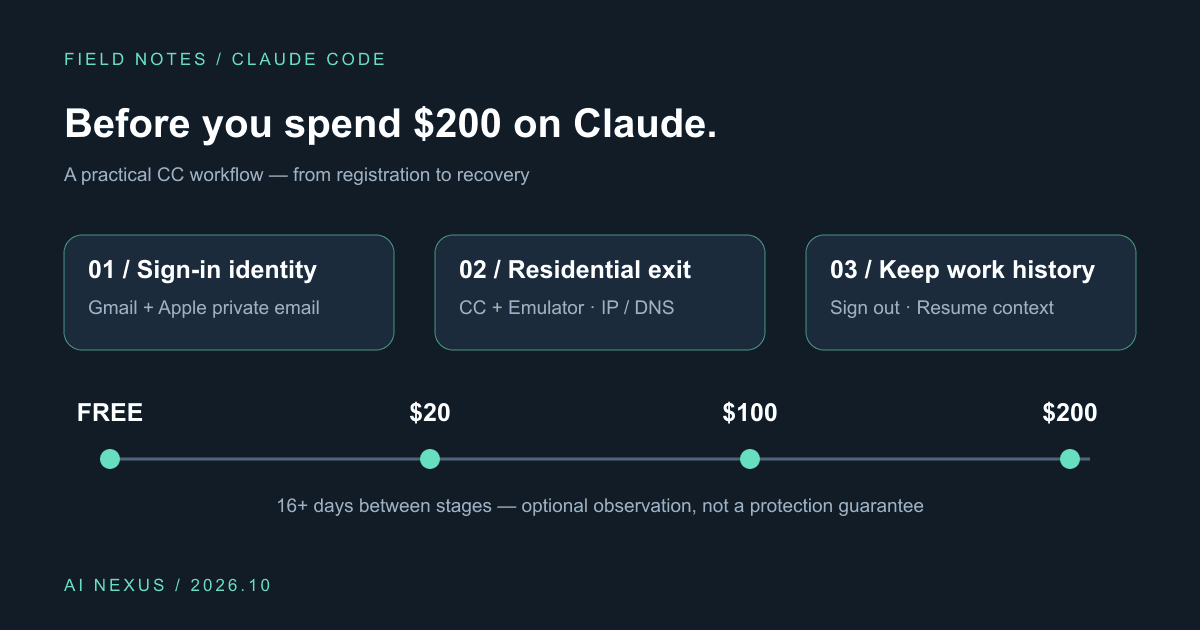
Claude Code account precautions: before you spend $200, do these six things
Gmail plus Apple private sign-in, Cliproxy residential routing for CC and emulators, IP/DNS checks, gradual upgrades, and history-preserving sign-out. Includes a profile and script.
Complete Guide to Claude Skills - 10 Essential Skills Explained
Deep dive into Claude Skills extension mechanism, detailed introduction to ten core skills and Obsidian integration to help you build an efficient AI workflow

Claudesidian: Transform Obsidian into an AI-Powered Second Brain
Discover Claudesidian, an open-source project that perfectly integrates Obsidian with Claude Code. Built-in PARA method, custom commands, and automated workflows for a complete idea-to-implementation solution.