

HuggingFace Jobs
Manage and orchestrate ML training jobs, deployments, and compute resources on HuggingFace infrastructure.
Key Features
- Job scheduling
- Resource management
- Training orchestration
- Job monitoring
- Cost optimization
Use Cases
ML training orchestration, batch processing, model deployment
Comments
No comments yet. Be the first to comment!
Related Tools

HuggingFace Model Trainer
github.com/huggingface/skills
Comprehensive training tools for fine-tuning and training AI models with best practices and optimization strategies.

HuggingFace Datasets
github.com/huggingface/skills
Manage, load, and process datasets from HuggingFace Hub for machine learning training and evaluation.

HuggingFace CLI
github.com/huggingface/skills
Command-line tools for HuggingFace Hub interactions, model management, and dataset operations.
Related Insights

Grok Bot and Hermes Bot: one person finally gets a think tank and a secretariat
Grok Bot now ships with Cursor Pro+. Hermes Bot runs on a VPS. They are not smarter chat boxes. The think tank advises, the secretariat executes, and you still make the call.
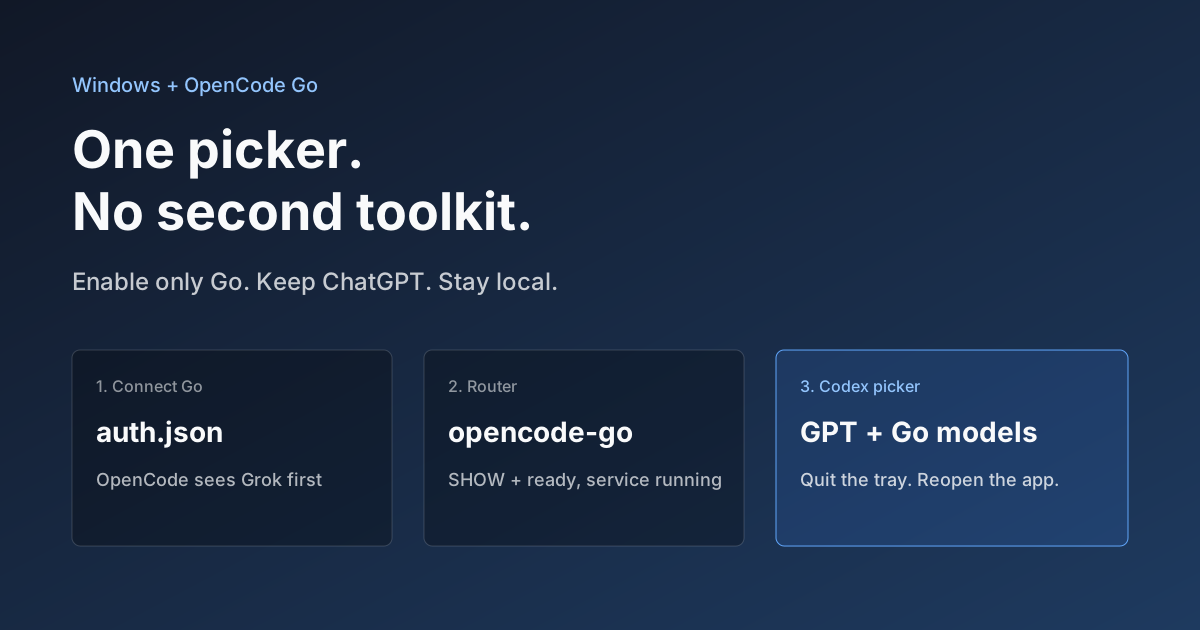
Hook OpenCode Go into Codex on Windows. Do Not Open a Second Toolkit.
A ChatGPT-signed Codex desktop app still shows mostly GPT in the picker. On Windows, enable only OpenCode Go and the Grok, GLM, Kimi, DeepSeek, and MiniMax models you already pay for appear in the same selector. Keys stay local. Native GPT stays put.

What Locks Codex Is the Picker, Not the Models
You already pay for OpenCode Go, Grok, and Z.ai, but the Codex picker still shows mostly GPT. The community project codex-router does not teach another install ritual. It puts subscriptions you already bought back into the selector, keeps keys on the machine, and leaves native GPT alone.