

Makepad Deployment
Package Makepad applications for all supported platforms: desktop, mobile, and web.
Quick Navigation
| Platform | Tool | Output |
|---|---|---|
| Desktop | cargo-packager | .deb, .nsis, .dmg |
| Android | cargo-makepad | .apk |
| iOS | cargo-makepad | .app, .ipa |
| Web | cargo-makepad | Wasm + HTML/JS |
Desktop Packaging
Install Tools
# Install cargo-packager
cargo install cargo-packager --locked

# Install robius-packaging-commands (v0.2.0)
cargo install --version 0.2.0 --locked \
--git https://github.com/project-robius/robius-packaging-commands.git \
robius-packaging-commands
Configure Cargo.toml
[package.metadata.packager]
product_name = "YourAppName"
identifier = "com.yourcompany.yourapp"
authors = ["Your Name or Team"]
description = "A brief description of your Makepad application"
icons = ["./assets/icon.png"]
out_dir = "./dist"

# Pre-packaging command
before-packaging-command = """
robius-packaging-commands before-packaging \
--force-makepad \
--binary-name your-app \
--path-to-binary ./target/release/your-app
"""

# Resources to include
resources = [
{ src = "./dist/resources/makepad_widgets", target = "makepad_widgets" },
{ src = "./dist/resources/makepad_fonts_emoji", target = "makepad_fonts_emoji" },
{ src = "./dist/resources/your_app_resource", target = "your_app_resource" },
]
Linux (Debian/Ubuntu)
# Install dependencies
sudo apt-get update
sudo apt-get install libssl-dev libsqlite3-dev pkg-config \
libxcursor-dev libx11-dev libasound2-dev

# Build package
cargo packager --release
Output: .deb file in ./dist/
Windows
# Install NSIS (Windows installer builder)
# Download from https://nsis.sourceforge.io/

# Build package
cargo packager --release --formats nsis
Output: .exe installer in ./dist/
macOS
# Build package (requires macOS)
cargo packager --release --formats dmg

# For code signing (optional)
# Set up Apple Developer account and certificates
Output: .dmg file in ./dist/
Android
# Install Android toolchain
cargo-makepad android install-toolchain

# Build APK
cargo-makepad android run --release

# Output APK location
# target/makepad-android-build/release/your-app.apk
iOS
# Install iOS toolchain (requires macOS)
cargo-makepad ios install-toolchain

# Build for simulator
cargo-makepad ios run --release

# Build for device (requires Apple Developer account)
cargo-makepad ios build --release --device
Web (Wasm)
# Build for web
cargo-makepad wasm build --release

# Output location
# target/makepad-wasm-build/your-app.wasm
# target/makepad-wasm-build/index.html
Platform-Specific Configuration
Android Manifest
<!-- AndroidManifest.xml -->
<manifest>
<application android:label="YourApp">
<activity android:name=".MainActivity">
<!-- Configuration -->
</activity>
</application>
</manifest>
iOS Info.plist
<!-- Info.plist -->
<dict>
<key>CFBundleName</key>
<string>YourApp</string>
<key>CFBundleIdentifier</key>
<string>com.yourcompany.yourapp</string>
</dict>
Resources
Related: Makepad Components Gallery and Makepad Core Concepts. Hub: skills.
Comments
No comments yet. Be the first to comment!
Related Tools

Related Insights

Anthropic Subagent: The Multi-Agent Architecture Revolution
Deep dive into Anthropic multi-agent architecture design. Learn how Subagents break through context window limitations, achieve 90% performance improvements, and real-world applications in Claude Code.
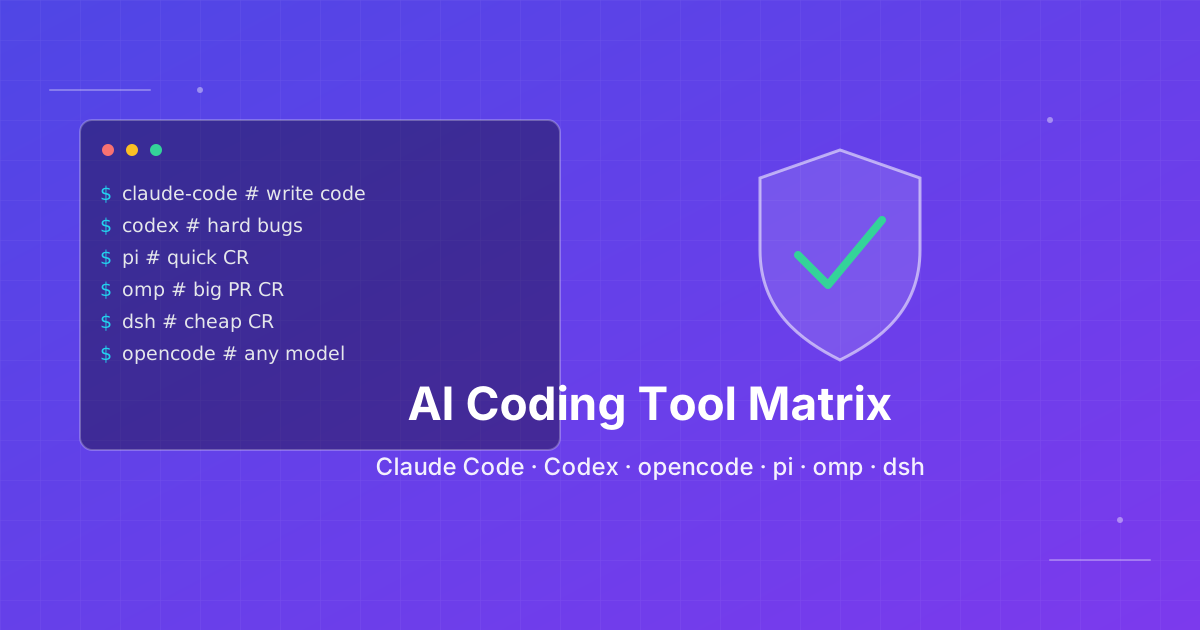
How to pick an AI coding CLI for your repo
Match Claude Code, Codex CLI, OpenCode, Pi, omp, DeepSeek Harness, and Grok Build to the work you actually run. Docs rechecked 2026-10-06.

Skills + Hooks + Plugins: How Anthropic Redefined AI Coding Tool Extensibility
An in-depth analysis of Claude Code's trinity architecture of Skills, Hooks, and Plugins. Explore why this design is more advanced than GitHub Copilot and Cursor, and how it redefines AI coding tool extensibility through open standards.