

Makepad 参考
调试、代码质量和高级布局模式的参考资料。
快速导航
| 主题 | 描述 |
|---|---|
| 故障排除 | 常见错误和修复 |
| 代码质量 | Makepad 感知的重构 |
| 自适应布局 | 桌面/移动响应式设计 |
常见问题快速参考
| 错误 | 快速修复 |
|---|---|
no matching field: font | 使用 text_style: <THEME_FONT_*>{} |
颜色解析错误(以 e 结尾) | 更改最后一位数字(如 #14141e → #14141f) |
set_text 缺少参数 | 添加 cx 作为第一个参数 |
| UI 未更新 | 更改后调用 redraw(cx) |
| 找不到组件 | 检查 ID 拼写,使用 ids!() 表示路径 |
常见构建错误
错误:"no matching field: font"
// ❌ 错误
<Label> { font: "Bold" }

// ✅ 正确
<Label> { text_style: <THEME_FONT_BOLD>{} }
错误:颜色解析失败
// ❌ 错误 - 以 'e' 结尾
draw_bg: { color: #14141e }

// ✅ 正确 - 更改最后一位数字
draw_bg: { color: #14141f }
错误:组件未重绘
// ❌ 错误 - 更改不可见
self.label.set_text(&mut cx, "新文本");

// ✅ 正确 - 触发重绘
self.label.set_text(&mut cx, "新文本");
self.redraw(cx);
代码质量指南
组件扩展模式
// 好:为可重用操作创建扩展 trait
pub trait LabelExt {
fn set_text_and_color(&mut self, cx: &mut Cx, text: &str, color: Vec4);
}

impl LabelExt for Label {
fn set_text_and_color(&mut self, cx: &mut Cx, text: &str, color: Vec4) {
self.label(id!(text)).set_text(cx, text);
self.draw_text.color = color;
self.redraw(cx);
}
}
避免重复模式
// ❌ 不好:重复代码
match action {
Action1 => { self.widget1.redraw(cx); }
Action2 => { self.widget2.redraw(cx); }
Action3 => { self.widget3.redraw(cx); }
}

// ✅ 好:提取通用逻辑
fn redraw_widget(&mut self, cx: &mut Cx, widget_id: WidgetId) {
self.widget(widget_id).redraw(cx);
}
自适应布局模式
响应式尺寸
live_design! {
<View> {
// 桌面:固定宽度,移动:填充
width: { desktop: 800, mobile: Fill }
height: Fit

flow: { desktop: Right, mobile: Down }
}
}
基于断点的布局
impl Widget for MyView {
fn draw(&mut self, cx: &mut Cx2d) {
let width = cx.turtle().rect().size.x;

if width > 800.0 {
// 桌面布局
} else {
// 移动布局
}
}
}
平台特定样式
live_design! {
<Button> {
// 平台特定属性
padding: {
desktop: {left: 20, right: 20, top: 10, bottom: 10}
mobile: {left: 15, right: 15, top: 8, bottom: 8}
}

draw_text: {
text_style: {
font_size: { desktop: 14.0, mobile: 16.0 }
}
}
}
}
调试技巧
启用行信息
# 运行时显示行信息以获得更好的错误消息
MAKEPAD=lines cargo +nightly run
日志记录
// 添加日志以进行调试
log!("值: {:?}", my_value);
log!("状态: {} / {}", self.counter, self.is_loading);
log!("事件: {:?}", event);
组件检查器
// 打印组件树
fn debug_widget_tree(&self, cx: &Cx, depth: usize) {
let indent = "  ".repeat(depth);
log!("{}组件: {:?}", indent, self.widget_uid());

for child in self.children() {
child.debug_widget_tree(cx, depth + 1);
}
}
性能提示
- 对大型列表使用 PortalList - 虚拟滚动提高性能
- 避免不必要的重绘 - 仅在状态更改时调用
redraw(cx) - 缓存繁重的计算 - 将结果存储在组件状态中
- 使用 GPU 着色器 - 将视觉效果卸载到 GPU
资源
- Makepad 仓库
- Robrix - 生产参考
- Moly - 生产参考
相关:Makepad Components Gallery、Makepad Core Concepts,分类见 skills。
评论
还没有评论。成为第一个评论的人!
相关工具

相关洞察

Anthropic Subagent:多智能体时代的架构革命
深入解析 Anthropic 的多智能体架构设计。了解如何通过 Subagent 突破上下文窗口限制,实现性能提升 90%,以及多智能体系统在 Claude Code 中的实际应用。
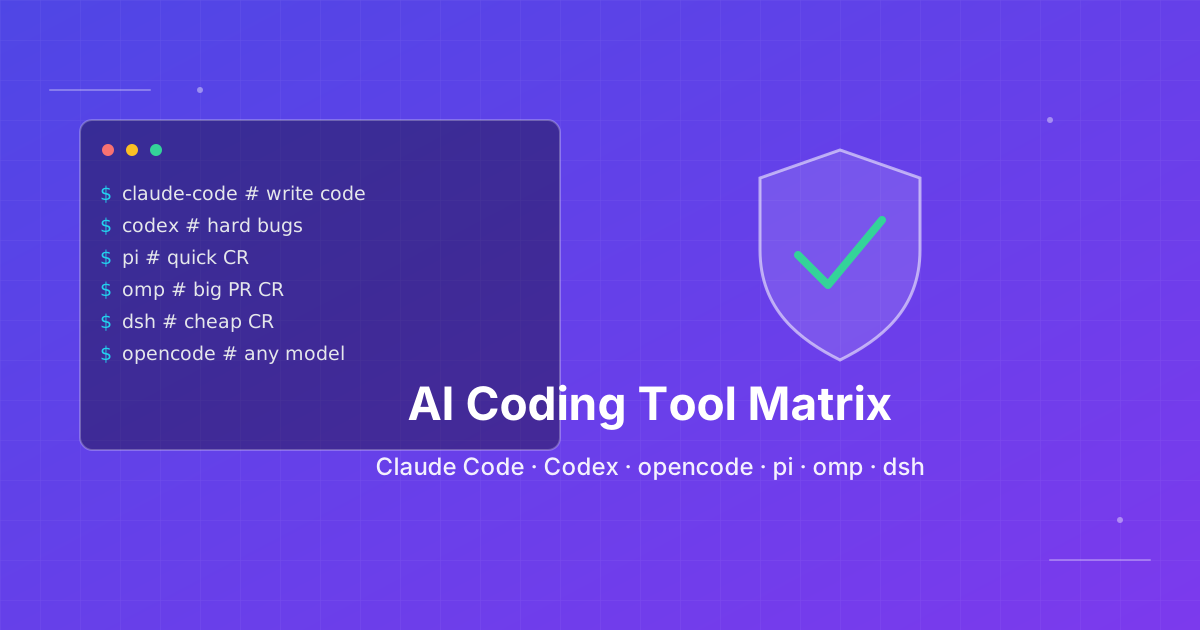
按仓库任务选 AI 编程 CLI
按你真正要跑的工作,在 Claude Code、Codex CLI、OpenCode、Pi、omp、DeepSeek Harness 与 Grok Build 之间选择。2026-10-06 对照官方文档复核。

Skills + Hooks + Plugins:Anthropic 如何重新定义 AI 编程工具的扩展性
深入解析 Claude Code 的 Skills、Hooks 和 Plugins 三位一体架构,探讨为什么这种设计比 GitHub Copilot 和 Cursor 更先进,以及它如何通过开放标准重新定义 AI 编程工具的扩展性。