Claude Skills is an extensibility system built into Claude Code that allows developers to create custom AI workflows and automate tasks through simple markdown-based skill definitions. Skills function as specialized "modes" or "personas" that Claude can adopt to perform specific tasks according to predefined instructions.
Rather than a one-size-fits-all AI assistant, Claude Skills enables developers to define exactly how AI should help with their specific workflows, transforming Claude Code from a smart assistant into a programmable AI platform with full control over behavior and data.
Key Features
1. Markdown-Based Skill Definition
Skills are defined in simple .md files with YAML frontmatter, making them easy to create, edit, and version control. No coding required - just write instructions in natural language describing what Claude should do.
2. Project or Global Scope
Skills can be stored locally in .claude/skills/ for project-specific workflows, or globally in ~/.config/claude-code/skills/ for reuse across all projects. Share skills with your team via git or use them privately.
3. Full Agent Capabilities
Skills have access to all Claude Code tools including Read, Write, Edit, Bash, Grep, Glob, LSP, and more. Create complex multi-step workflows that interact with files, execute commands, search code, and make intelligent decisions.
4. Slash Command Invocation
Invoke skills instantly using slash commands like /pr-generator, /commit, or /thinking-partner. Skills appear in the available commands list automatically when discovered.
5. Built-in Skills Ecosystem
Includes practical built-in skills like pr-generator for pull requests, prompt-rewriter for enhancing prompts, and git workflow automation through plugin skills for commits, pushes, and branch management.
6. Marketplace and Sharing
Browse and share skills through the community-driven Agent Skills Marketplace at agent-skills.md. Discover skills created by other developers or publish your own for the community.
Use Cases
Who Should Use Claude Skills?
- Developers: Automate git workflows, code reviews, testing, and deployment pipelines
- Content Creators: Convert formats, generate articles, process media with custom workflows
- Knowledge Workers: Organize notes, process inbox, research topics, and generate reports
- DevOps Teams: Standardize deployment procedures, incident response, and documentation
- Data Scientists: Automate data cleaning, analysis pipelines, and report generation
Problems It Solves
- Repetitive Workflows: Eliminate manual repetition by encoding complex multi-step processes into reusable skills
- Inconsistent Execution: Ensure tasks are always performed the same way with standardized workflows
- Context Switching: Stay in your terminal and IDE without switching to web interfaces or documentation
- Knowledge Preservation: Capture expert workflows as skills that can be shared and improved over time
- Privacy Concerns: Process sensitive documents locally without uploading to cloud services
Getting Started
Quick Start Guide
- Create Skills Directory: Navigate to your project and create
.claude/skills/my-skill/ - Define Skill: Create
SKILL.mdwith frontmatter (name, description) and detailed instructions - Test Skill: Invoke using
/my-skillin Claude Code CLI - Iterate: Refine instructions based on results until behavior is perfect
- Share: Commit skills to git or publish to marketplace for team/community use
Skill Definition Example
---
name: Code Reviewer
description: Review code for bugs, security issues, and best practices
---
You are an expert code reviewer. When invoked:
1. Read all changed files in the current branch
2. Analyze for:
- Security vulnerabilities (SQL injection, XSS, etc.)
- Performance issues
- Code style violations
- Missing tests
3. Generate a detailed review report
4. Suggest specific improvements with code examples
Built-in Skills Available
- pr-generator - Generate comprehensive pull requests with summaries and test plans
- prompt-rewriter - Transform basic prompts into detailed, effective instructions
- commit (plugin) - Create well-formatted git commits with conventional commit messages
- commit-push-pr (plugin) - Complete git workflow from commit to PR in one command
Integration with Claude Code
Claude Skills seamlessly integrates with the Claude Code ecosystem:
- LSP Integration: Access code intelligence for navigation, references, and symbols
- MCP Servers: Extend skills with external services through Model Context Protocol
- TodoWrite: Manage task lists and track multi-step workflow progress
- Bash Execution: Run commands, install packages, build, test, and deploy
- File Operations: Read, write, edit files across your entire project
- Search Capabilities: Use Grep and Glob to find files and code patterns
Notable Integrations
Obsidian Skills Package
Official skills maintained by Obsidian CEO Stephane Ango teach Claude about:
- Obsidian-flavored Markdown syntax
- Wikilinks and backlinks
- Canvas files and relationships
- Daily notes and templates
GitHub: https://github.com/kepano/obsidian-skills
Claudesidian Vault Template
Complete Obsidian vault optimized for Claude Code with:
- Pre-configured skills for knowledge management
- PARA method folder structure
- Automated note processing workflows
- 1300+ stars on GitHub
GitHub: https://github.com/heyitsnoah/claudesidian
Advantages & Unique Selling Points
Compared to Competitors:
- Full Customization: Unlike GitHub Copilot or Cursor, you define exact AI behavior with complete control
- Local-First Privacy: All data stays on your machine - perfect for sensitive documents and client work
- Reusable Workflows: Create once, use forever - skills become institutional knowledge
- No Vendor Lock-in: Skills are markdown files you can version, backup, and migrate anywhere
- Community Ecosystem: Share and discover skills through marketplace, not limited to vendor offerings
What Makes It Stand Out:
- Programmable AI platform vs generic assistant
- Markdown-based simplicity vs complex configuration
- Full file system and command access
- Privacy-first architecture
- Version-controllable workflows
- Active community and ecosystem growth
Frequently Asked Questions
Can I create skills without coding experience?
Yes! Skills are written in plain markdown with natural language instructions. If you can write a clear set of steps, you can create a skill.
Do skills work with local AI models?
Yes, Claude Code supports local models like GLM 4.7, so your skills can run entirely offline with complete data privacy.
Can skills access the internet?
Not directly, but skills can integrate with MCP servers to fetch data from APIs, databases, and web services securely.
How do I share skills with my team?
Simply commit the .claude/skills/ directory to your project's git repository. Team members will automatically have access when they pull.
Are there security considerations?
Skills have full access to your file system and can execute commands, so only use skills from trusted sources. Review skill code before running.
Alternatives
If Claude Skills isn't the right fit, consider:
- GitHub Copilot: Best for inline code suggestions but limited workflow automation
- Cursor AI: Good for AI-assisted editing but less customizable workflows
- ChatGPT Custom Instructions: Simpler but cloud-only and no file system access
- Shell Scripts: More control but no AI intelligence or context understanding
Tips & Best Practices
- Start Simple: Begin with single-task skills and gradually combine them into complex workflows
- Use Phases: Break complex skills into numbered phases (Research → Analysis → Output)
- Include Examples: Provide example outputs in skill definitions to guide Claude's behavior
- Version Control: Track skills in git to maintain history and enable collaboration
- Test Thoroughly: Run skills multiple times with different inputs to ensure consistency
- Document Well: Clear descriptions help team members understand when to use each skill
Conclusion
Claude Skills represents a paradigm shift in AI-assisted development - from passive assistance to active workflow automation. By encoding expert knowledge into reusable skills, teams can standardize processes, preserve institutional knowledge, and dramatically accelerate their development workflows while maintaining complete control over their data and AI behavior.
Whether you're automating git operations, processing knowledge bases, or building custom development pipelines, Claude Skills provides the flexibility and power to make AI work exactly the way you need it to.
Comments
No comments yet. Be the first to comment!
Related Tools
Claude Hooks
claude.ai/code
Event-driven script execution system in Claude Code that automatically runs shell commands in response to specific events, enabling workflow automation, quality gates, and custom integrations.
Claude Plugins
claude.ai/code
Package and distribution system for Claude Code that bundles Skills, Hooks, MCP servers, and custom commands into installable modules, enabling team-wide workflow standardization and ecosystem growth.
TRAE
www.trae.ai
AI-powered IDE that transforms coding workflow, collaborating with you to ship faster with intelligent code generation and Builder mode
Related Insights
Complete Guide to Claude Skills - 10 Essential Skills Explained
Deep dive into Claude Skills extension mechanism, detailed introduction to ten core skills and Obsidian integration to help you build an efficient AI workflow
Skills + Hooks + Plugins: How Anthropic Redefined AI Coding Tool Extensibility
An in-depth analysis of Claude Code's trinity architecture of Skills, Hooks, and Plugins. Explore why this design is more advanced than GitHub Copilot and Cursor, and how it redefines AI coding tool extensibility through open standards.
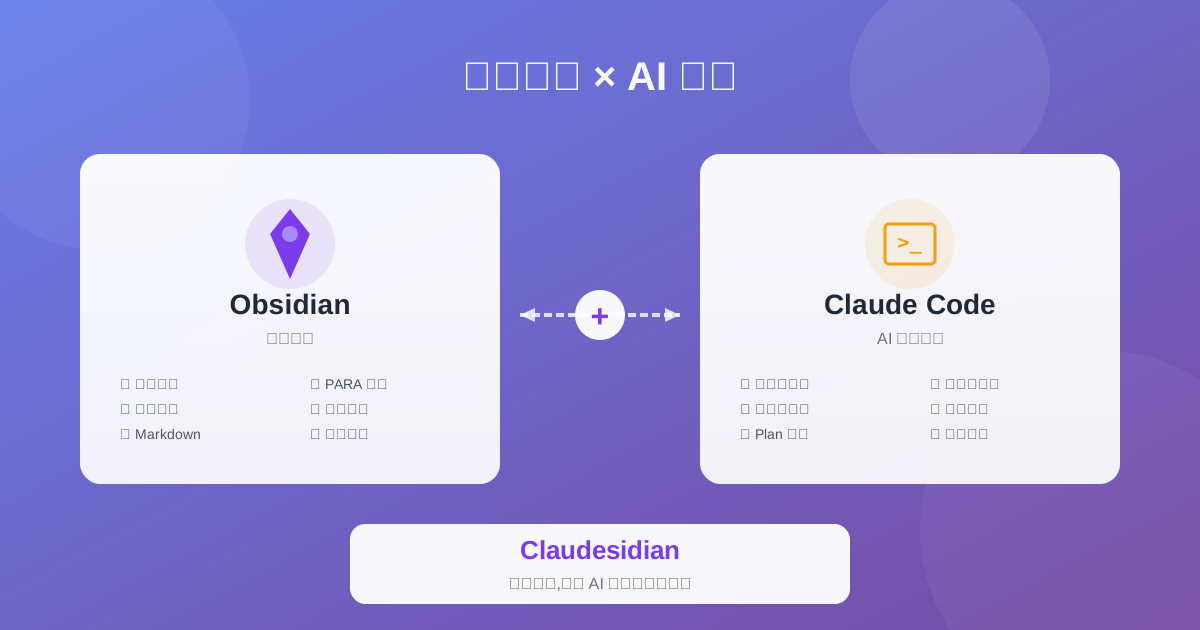
Claudesidian: Transform Obsidian into an AI-Powered Second Brain
Discover Claudesidian, an open-source project that perfectly integrates Obsidian with Claude Code. Built-in PARA method, custom commands, and automated workflows for a complete idea-to-implementation solution.