

Gemini CLI
Gemini CLI is Google's open-source terminal agent. The product site is still geminicli.com. This page used to freeze Gemini 2.5 Pro and a 1M-developer claim. The README on the public page talks about Gemini 3 in the CLI. Confirm the in-app model picker.
Consumer seats on gemini.google/subscriptions are Google AI Pro $19.99 / month and Google AI Ultra $249.99 / month. Those are Google AI plan prices, not a separate CLI SKU.
Compare Claude Code, Codex CLI, and Kiro.
Key Features
- ReAct terminal agent: Files, shell, and tools in one loop.
- MCP: First-party and community servers.
- Auth: Google account and/or API key, per the README.
- Not Gemini 2.5-only: Do not treat 2.5 Pro as the 2026 default.
Use Cases
- Google-account developers who want a CLI instead of Antigravity preview.
- Teams already on Gemini subscriptions who can reuse Pro / Ultra.
- People comparing open-source CLIs (this repo vs OpenCode).
Limitation: we did not re-verify a 1M-developer marketing number. Context window depends on the model you actually selected.
Pricing
| Plan | Price | Notes |
|---|---|---|
| CLI binary | $0 | Apache-2.0. npm i -g @google/gemini-cli. |
| Google AI Pro | $19.99 / month | From gemini.google/subscriptions on 2026-08-17. |
| Google AI Ultra | $249.99 / month | Same page. |
| API usage | Metered | If you auth with a Cloud / AI Studio key instead of a consumer plan. |
Getting Started
npm install -g @google/gemini-cli- Run
geminiand complete the login the CLI prints. - Point it at one repo before you add MCP servers.
- Confirm whether you are on Pro, Ultra, or a raw API key.
Frequently Asked Questions
Is the package @google/gemini-cli?
Yes, on the 2026-08-17 README.
Still Gemini 2.5 Pro?
Do not assume that. The repo now mentions Gemini 3. Check the session model.
Is Ultra required?
No. The CLI installs free. Ultra is a consumer plan.
Alternatives
- Claude Code: Anthropic CLI.
- Codex CLI: OpenAI CLI.
- Kiro: AWS IDE + CLI at $20 Pro.
Tips
- Quote 89k stars from the API date, not "1 million developers".
- Keep Pro $19.99 and Ultra $249.99 on the Google subscriptions page.
- Confirm the npm name if an old tutorial says something else.
Conclusion
Gemini CLI is still Google's open terminal agent, now on @google/gemini-cli with ~90k stars and consumer Pro / Ultra seats behind it. Start at geminicli.com or the repo, then compare Claude Code.
Comments
No comments yet. Be the first to comment!
Related Tools


Related Insights

Skills + Hooks + Plugins: How Anthropic Redefined AI Coding Tool Extensibility
An in-depth analysis of Claude Code's trinity architecture of Skills, Hooks, and Plugins. Explore why this design is more advanced than GitHub Copilot and Cursor, and how it redefines AI coding tool extensibility through open standards.
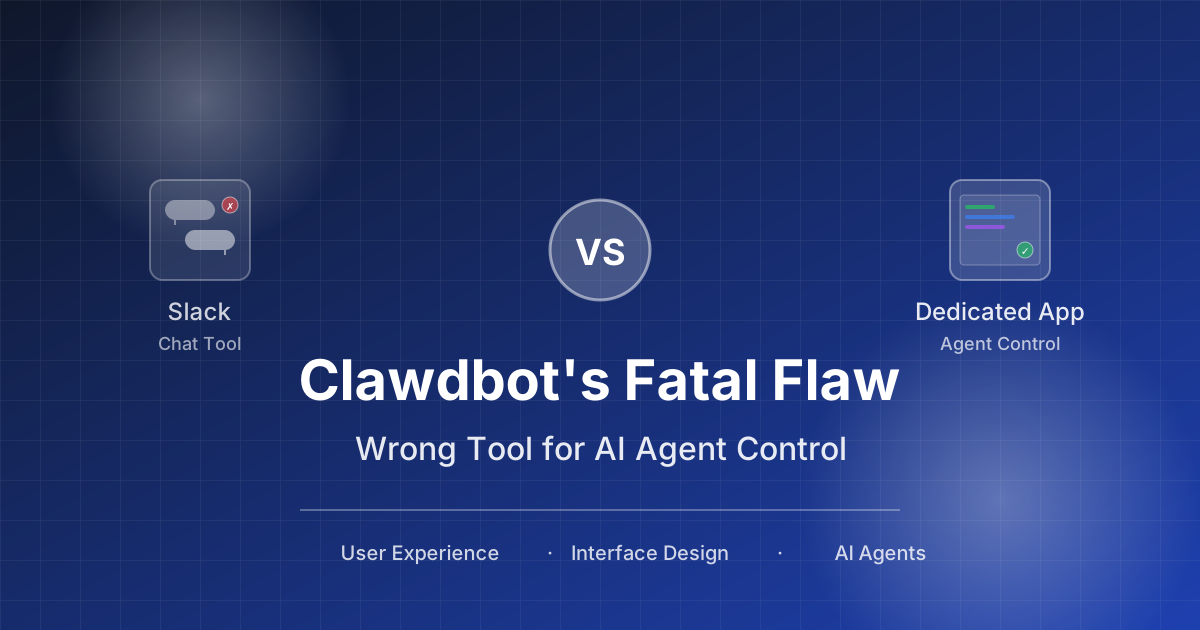
Stop Cramming AI Assistants into Chat Boxes: Clawdbot Picked the Wrong Battlefield
Clawdbot is convenient, but putting it inside Slack or Discord was the wrong design choice from day one. Chat tools are not for operating tasks, and AI isn't for chatting.
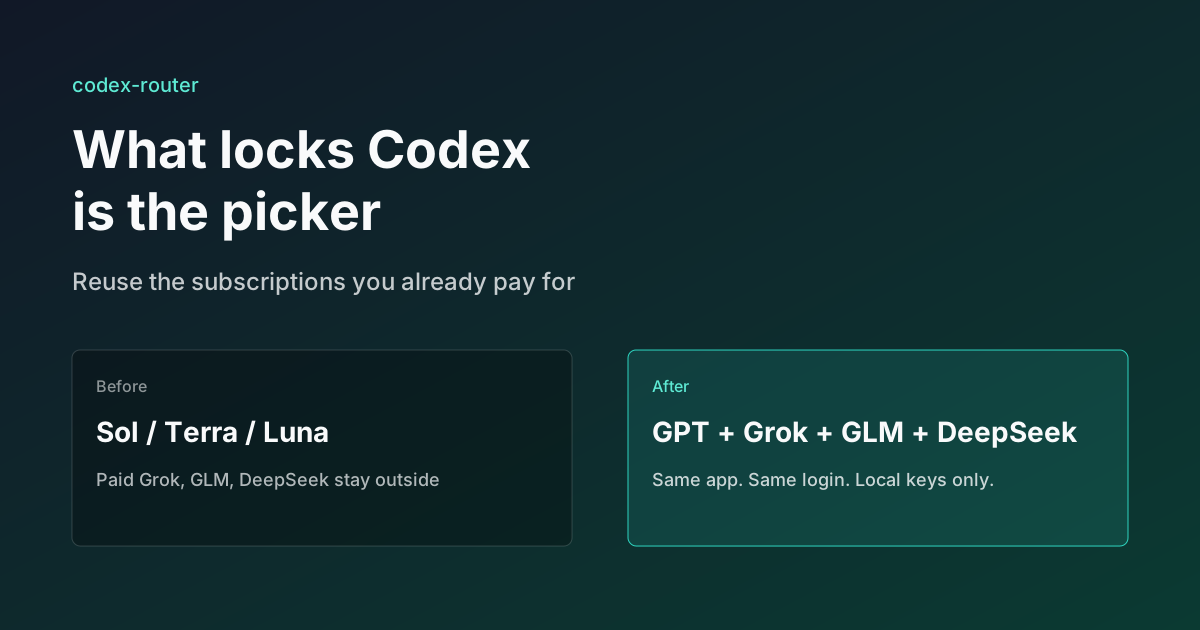
What Locks Codex Is the Picker, Not the Models
You already pay for OpenCode Go, Grok, and Z.ai, but the Codex picker still shows mostly GPT. The community project codex-router does not teach another install ritual. It puts subscriptions you already bought back into the selector, keeps keys on the machine, and leaves native GPT alone.