

OpenCode
OpenCode is an MIT-licensed coding agent for the terminal, IDE, and desktop. The GitHub repo is now anomalyco/opencode (formerly under sst). On 2026-08-17 the API listed about 198,202 stars; the homepage claims 195k stars, 950 contributors, 13,000+ commits, and 16M monthly developers. Official copy says it does not store your code or context. You can use included free models, connect Claude / GPT / Gemini / 75+ providers via Models.dev, or log in with GitHub Copilot or ChatGPT Plus/Pro.
Key Features
- Three surfaces: Terminal UI, desktop beta (macOS, Windows, Linux, with tabs), and IDE extension.
- Any model: Homepage lists 75+ providers including local models, plus Copilot and ChatGPT logins.
- LSP, multi-session, share links: Loads language servers, runs parallel agents on one project, and can share a session link.
- Zen: A curated, benchmarked model set for coding agents so you do not shop raw providers.
- Privacy-first claim: "OpenCode does not store any of your code or context data." Confirm that against the current privacy page before a regulated rollout.
Use Cases
- Terminal-native teams that want an open agent instead of Claude Code or Codex CLI.
- Bring-your-own-key shops that already pay Copilot or ChatGPT and want one TUI.
- Desktop beta when you want tabs on Mac/Windows/Linux without leaving the OpenCode project.
Pricing
The agent itself is open source (MIT). Homepage FAQ asks "How much does OpenCode cost?" and advertises free included models. Provider usage (Claude, GPT, Gemini, Copilot, ChatGPT) is billed by those vendors. Zen is a paid/curated model access layer; read opencode.ai for the current Zen offer.
Getting Started
- Install with
curl -fsSL https://opencode.ai/install | bash(npm, bun, brew, paru are also listed). - Open a repo and run OpenCode. Add provider keys or sign in with Copilot / ChatGPT.
- Read the docs intro for configure, LSP, MCP, and permissions.
- Try one session share link internally before you treat it as a debug default.
Frequently Asked Questions
Is it still the sst repo?
The live GitHub canonical is anomalyco/opencode. sst redirects there.
Do I need another AI subscription?
Not strictly. Free included models exist. Copilot and ChatGPT logins are optional.
Terminal only?
No. Docs and homepage list desktop and IDE as well.
Alternatives
- Claude Code: Anthropic's official multi-surface agent.
- Codex CLI: OpenAI's ChatGPT-billed terminal agent.
- Continue: Open IDE agent after the Cursor acquisition.
Tips
- Pin the GitHub org (
anomalyco) in internal docs so install scripts do not hit a stale sst path. - Keep secrets in provider config, not in shared session links.
- Confirm star and MAU claims. The API star count and the homepage marketing number already differ by a few thousand.
Comments
No comments yet. Be the first to comment!
Related Tools


Related Insights
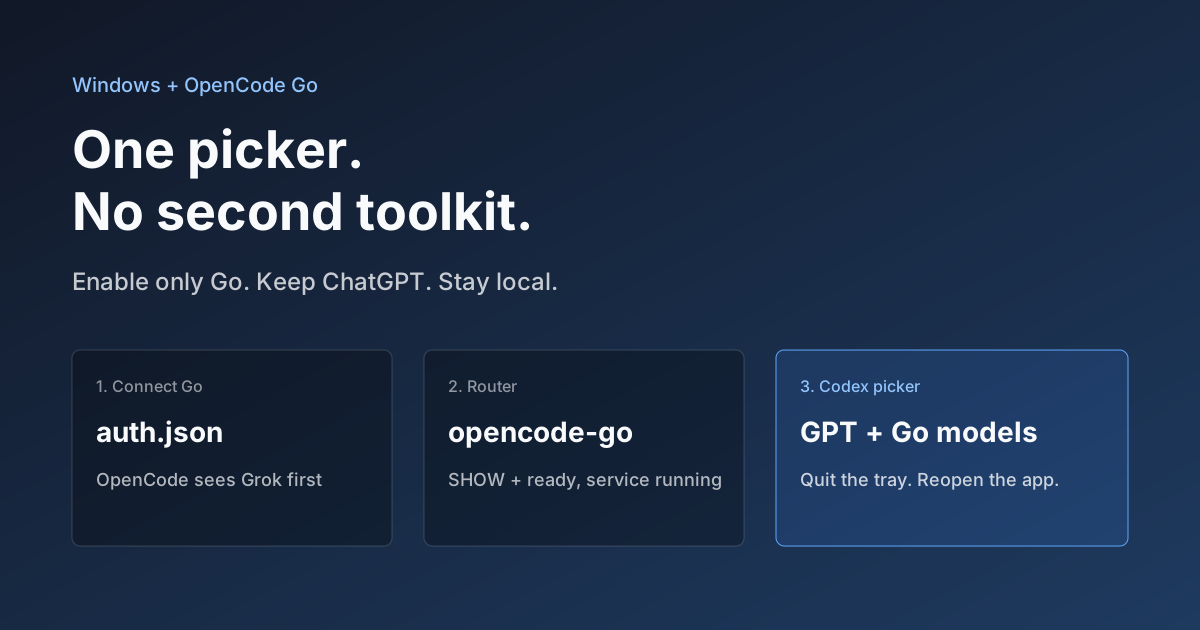
OpenCode Go in Codex on Windows: Setup, Troubleshooting, and Rollback
Connect OpenCode Go to Codex through the community codex-router project. Check prerequisites, authentication, real tool calls, and rollback.
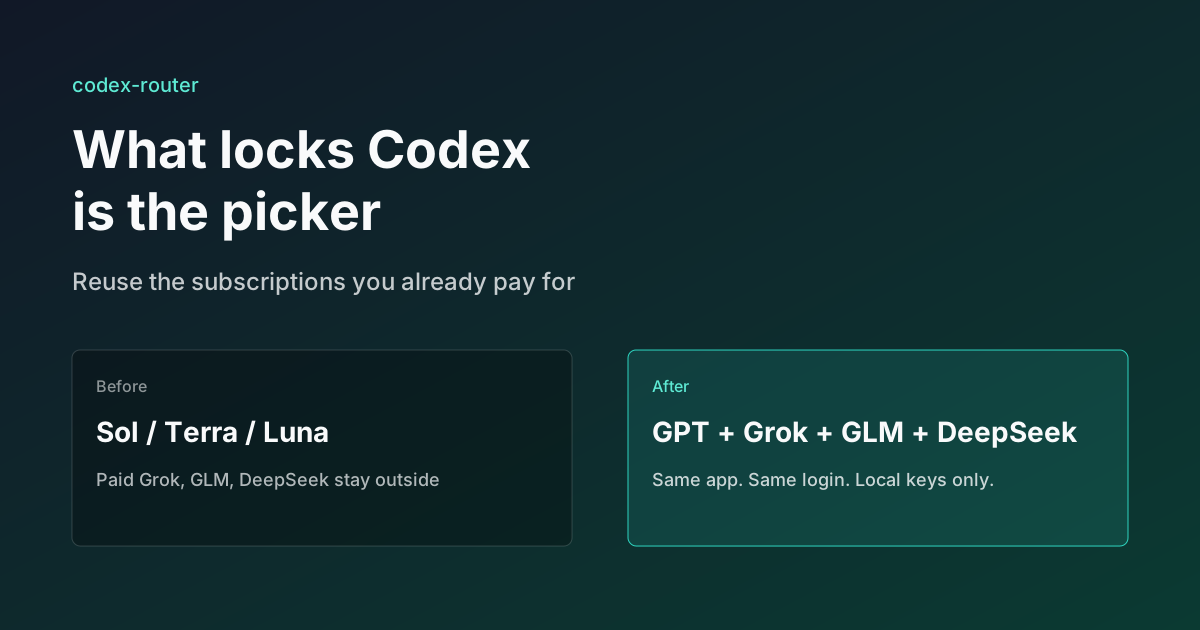
What Locks Codex Is the Picker, Not the Models
You already pay for OpenCode Go, Grok, and Z.ai, but the Codex picker still shows mostly GPT. The community project codex-router does not teach another install ritual. It puts subscriptions you already bought back into the selector, keeps keys on the machine, and leaves native GPT alone.

Skills + Hooks + Plugins: How Anthropic Redefined AI Coding Tool Extensibility
An in-depth analysis of Claude Code's trinity architecture of Skills, Hooks, and Plugins. Explore why this design is more advanced than GitHub Copilot and Cursor, and how it redefines AI coding tool extensibility through open standards.