

Quotio
Quotio is a native macOS menu-bar command center for AI coding accounts. It connects OAuth/API accounts, tracks quotas, and one-click-configures CLIs. The homepage does not sell a dollar seat.
Compare CC Switch if you wanted a cross-platform provider switcher, Hapi if you wanted remote control of official CLIs, and Claude Code if you wanted the wrapped agent itself.
Key Features
- Free MIT menu-bar app: Download a
.dmgfrom GitHub Releases. Unsigned-app note on the site:xattr -cr /Applications/Quotio.appif macOS blocks first launch. - Providers vs monitor-only IDEs: Homepage lists Gemini, Claude, OpenAI Codex, Qwen Code, Vertex, iFlow, Antigravity, Kiro, and GitHub Copilot OAuth as providers. Cursor and Trae are called out as quota monitor only, not proxy providers.
- CLI one-click: Compatible agents listed are Claude Code, Codex CLI, Gemini CLI, Amp CLI, OpenCode, and Factory Droid.
- Local proxy, not a cloud SKU: Features include standalone quota mode, real-time dashboard, failover (Round Robin / Fill First), local API keys, Sparkle updates, English and Vietnamese.
Use Cases
- People on macOS 15+ who juggle Claude / Gemini / Codex quotas from the menu bar.
- People comparing Quotio vs CC Switch: one is a Swift menu bar, the other is a Rust/Tauri desktop switcher.
- People who thought Quotio was a paid SaaS.
Limitation: We did not re-audit every OAuth flow or failover strategy. Quality of the wrapped CLI is still that CLI's quality.
Pricing
quotio.dev and GitHub on 2026-08-17.
| Piece | Price | Notes from those pages |
|---|---|---|
| Quotio app | $0 | MIT. 4,718 stars. macOS 15.0+. |
| Wrapped CLIs / providers | Their own seats | Claude, Gemini, Codex, and the others listed. |
If a leftover blog still sells Quotio as an unpriced cloud command center, treat this table as the source.
Getting Started
- Download the latest
.dmgfrom GitHub Releases. - If Gatekeeper blocks it, run the
xattrcommand from the homepage. - Connect one OAuth account before you turn on the local proxy.
- Confirm CC Switch if you needed Windows or Linux.
Frequently Asked Questions
Is Quotio a paid product?
The app is MIT.
Does it replace Claude Code?
No. It configures and tracks the official CLIs.
Can Cursor be a proxy provider?
The homepage says Cursor and Trae are monitor-only.
Alternatives
- CC Switch: MIT desktop switcher, 127,783 stars, Windows/macOS/Linux.
- Hapi: Local remote-control shell around official CLIs.
- Claude Code: The Anthropic CLI Quotio can configure.
Tips
- Quote MIT and 4,718 stars from the GitHub check.
- Quote macOS 15.0+, not a cross-platform SaaS.
- Confirm the monitor-only IDE list before you treat Cursor as a provider.
Conclusion
Quotio is a free MIT macOS menu-bar quota switcher with 4,718 stars, not a paid command-center SaaS. Start at quotio.dev, then decide whether CC Switch already covers the desktop you need.
Comments
No comments yet. Be the first to comment!
Related Tools


Related Insights

Skills + Hooks + Plugins: How Anthropic Redefined AI Coding Tool Extensibility
An in-depth analysis of Claude Code's trinity architecture of Skills, Hooks, and Plugins. Explore why this design is more advanced than GitHub Copilot and Cursor, and how it redefines AI coding tool extensibility through open standards.
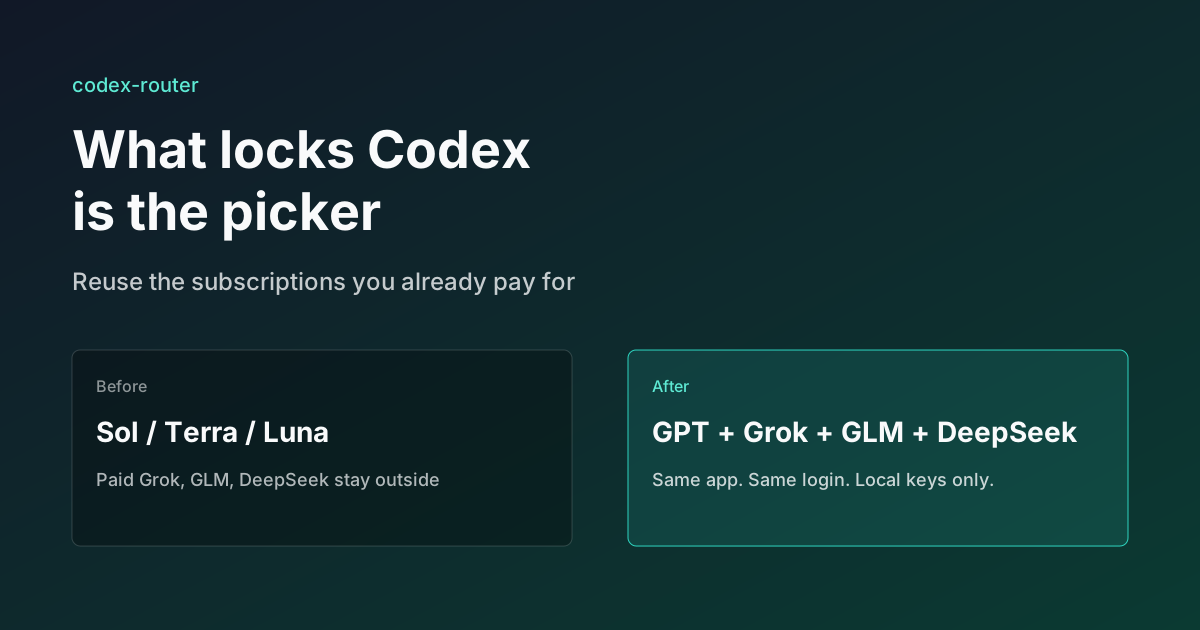
What Locks Codex Is the Picker, Not the Models
You already pay for OpenCode Go, Grok, and Z.ai, but the Codex picker still shows mostly GPT. The community project codex-router does not teach another install ritual. It puts subscriptions you already bought back into the selector, keeps keys on the machine, and leaves native GPT alone.
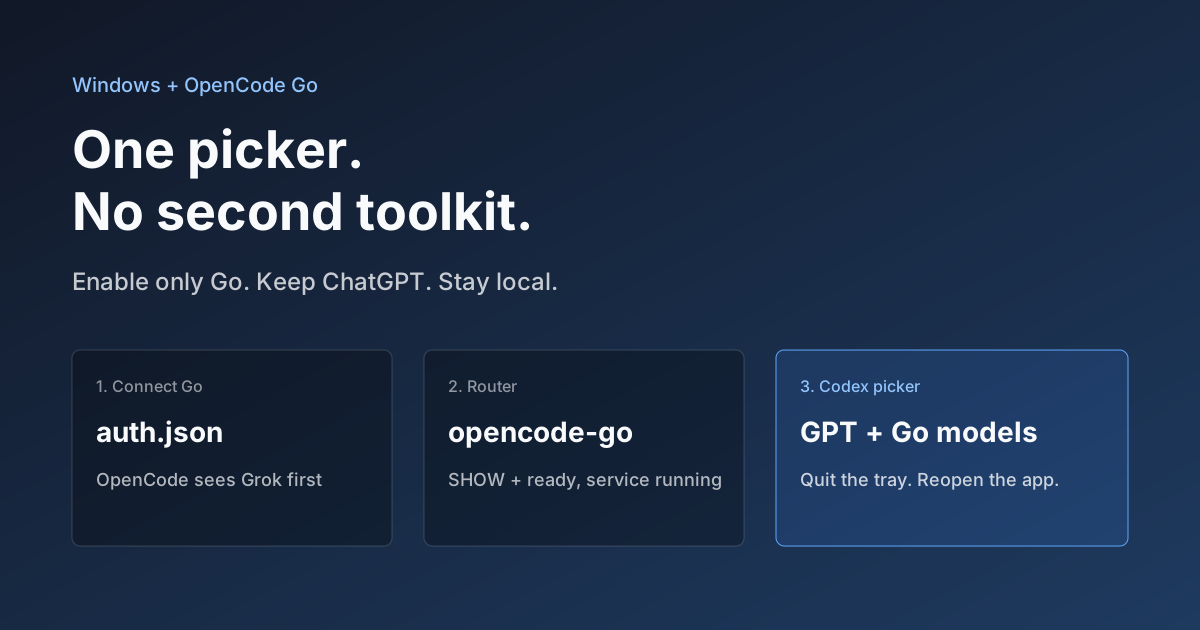
Hook OpenCode Go into Codex on Windows. Do Not Open a Second Toolkit.
A ChatGPT-signed Codex desktop app still shows mostly GPT in the picker. On Windows, enable only OpenCode Go and the Grok, GLM, Kimi, DeepSeek, and MiniMax models you already pay for appear in the same selector. Keys stay local. Native GPT stays put.