

Reweb
Reweb is now an AI UI design tool that generates, edits, and exports interfaces. Free is 1 project with limited AI and unlimited code exports. Pro adds unlimited projects and 50x higher AI limits. Team adds collaboration, higher AI limits, priority support, and centralized billing.
Compare Lovable if you wanted an app generator with public credit seats, v0 if you wanted Vercel's UI generator, and Cursor if you wanted a full IDE instead of a design canvas.
Key Features
- Generate, then export: Homepage says generate, edit, and explore designs with AI, then export to code or Figma. That is the live product pitch, not a silent Next.js-only builder.
- Free is capped: One project, limited AI, unlimited code exports. Confirm what "limited AI" means in-app.
- Yearly toggle claims 3 months free. Confirm the live toggle before you treat $20 as a forever law.
- Credits exist: FAQ asks what happens when AI credits run out.
Use Cases
- People who will stay on Free for one project and unlimited code export.
- People who will pay Pro $20 for unlimited projects and higher AI limits.
- People who still have an unpriced Next.js-builder bookmark.
Limitation: We did not re-verify Shadcn / App Router export quality from the 2024 tutorial video. Treat that video as a walkthrough, not a 2026 stack census.
Pricing
reweb.so/pricing on 2026-08-17. Monthly first.
| Plan | Price | Notes from that page |
|---|---|---|
| Free | $0 | 1 project. Limited AI. Unlimited code exports. |
| Pro | $20 / month (was $25) | Unlimited projects. 50x higher AI limits. Extra credits for purchase. |
| Team | $30 / user / month (was $35) | Everything in Pro plus collaboration, higher AI limits, priority support, centralized billing. |
If a leftover blog still says Reweb has no public seat, treat this table as the source.
Getting Started
- Open reweb.so/pricing and start on Free only long enough to see the one-project cap.
- Export to code or Figma before you buy Pro.
- Confirm v0 if you wanted Vercel's generator instead.
- Do not paste an unpriced Next.js IDE story into a deck.
Frequently Asked Questions
Is there a free version?
Yes. One project, limited AI, unlimited code exports.
Is it still just a Next.js visual builder?
The live homepage is an AI UI design tool with code or Figma export.
Can I cancel anytime?
The FAQ says you can change or cancel. Confirm the live answer.
Alternatives
- Lovable: App generator with public credit seats.
- v0: Vercel UI generator. Free $5 credits / Plus $30.
- Cursor: Full AI IDE, not a design canvas.
Tips
- Quote Free / Pro $20 / Team $30 from the live page.
- Call out early-bird strikethroughs.
- Confirm yearly before you treat $20 as the only row.
Conclusion
Reweb is a priced AI UI design tool with Free, Pro $20, and Team $30/user, not an unpriced Next.js builder. Start at reweb.so/pricing, then decide whether v0 already covers the generator you need.
Comments
No comments yet. Be the first to comment!
Related Tools


Related Insights

Skills + Hooks + Plugins: How Anthropic Redefined AI Coding Tool Extensibility
An in-depth analysis of Claude Code's trinity architecture of Skills, Hooks, and Plugins. Explore why this design is more advanced than GitHub Copilot and Cursor, and how it redefines AI coding tool extensibility through open standards.
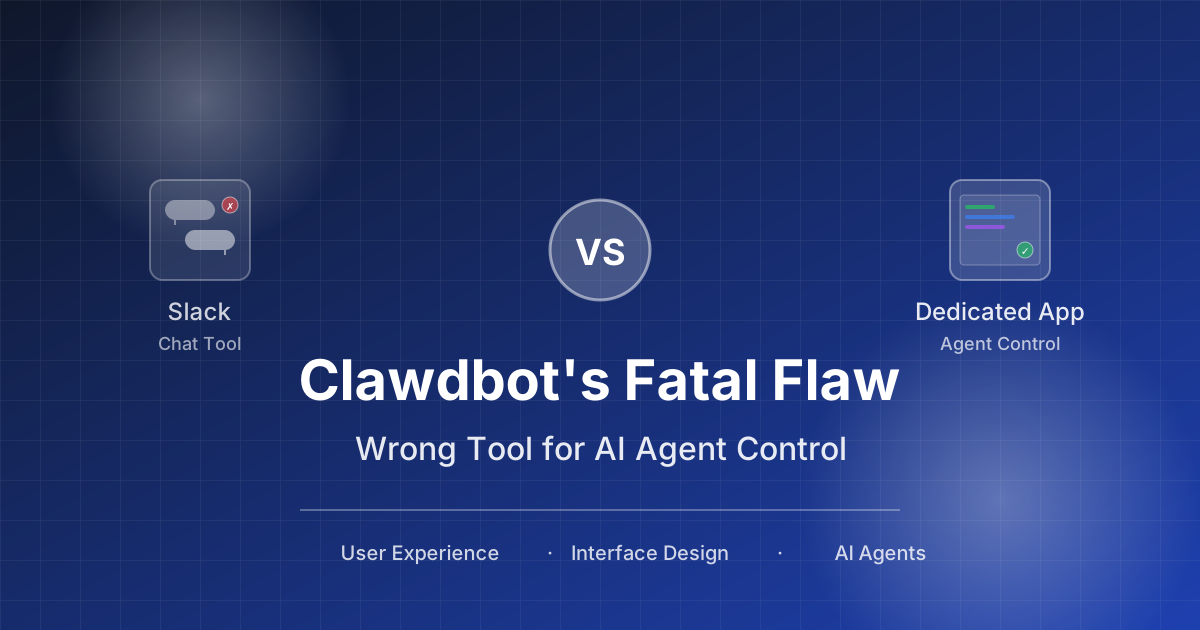
Stop Cramming AI Assistants into Chat Boxes: Clawdbot Picked the Wrong Battlefield
Clawdbot is convenient, but putting it inside Slack or Discord was the wrong design choice from day one. Chat tools are not for operating tasks, and AI isn't for chatting.
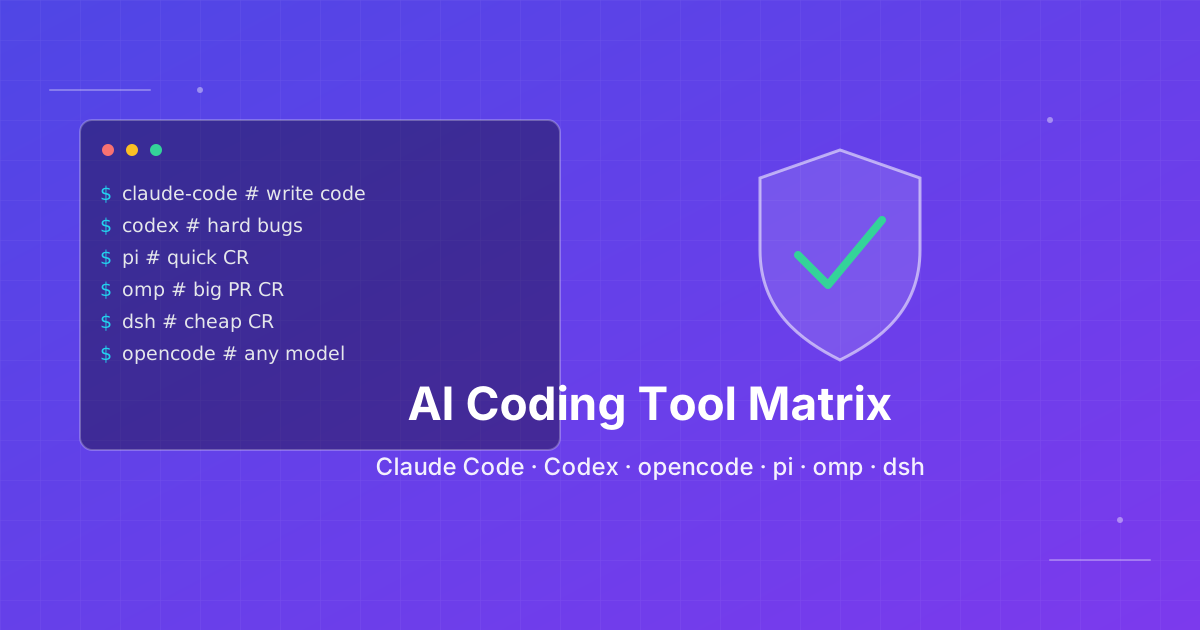
Seven AI Coding CLIs, Six Months: No Matter How Strong the Model, Work Needs Supervision
Claude Code, Codex, opencode, pi, omp and DeepSeek Harness all have personalities. After six months of deep use I run a division of labor: pi for the fastest cheapest reviews, omp for complex PRs, DeepSeek Harness on V4 Flash for high-frequency low-cost review, and Claude Code, Qoder and Cursor for writing. No matter how strong the model, work needs supervision — ideally from an independent third party.