

Mistral Shieldstral 1.0
Shieldstral 1.0 is Mistral AI's compact moderation model for text and image safety classification. Mistral's documentation describes it as a "compact multimodal moderation model for text and image safety classification" under the Apache 2.0 license. The Hugging Face card says it is built on Ministral-3-3B-Base-2512 with a native Pixtral vision encoder, handles text, images and text plus image, and supports 12 languages. The card and its accompanying paper (arXiv:2607.25857) describe a 3B model, although the card's metadata lists about 4B parameters.
Status
Live, with open weights on Hugging Face. Mistral's docs list it as version v1.0.
How it works
Moderation is framed as a yes/no question. A fixed system prompt asks whether the document meets the requirements of a query and instruction, and you write your policy in natural language at inference time, so no retraining is needed. The model outputs a single yes or no token in one forward pass, which gives a continuous score that you can threshold (0.5 in Mistral's benchmarks). The card advises one policy per query and using <Instruct> to set context and strictness.
Key Features
- Policy-adaptive: change the policy by editing the prompt, not the model.
- Multimodal: text, images and mixed inputs.
- Small: it fits in 16 GB of VRAM in BF16 and runs on a single GPU, aimed at lightweight, real-time moderation on edge or low-resource devices.
- Context: trained on sequences up to 32K tokens. It theoretically supports 256K, but the authors recommend staying within the training range.
- Vendor-reported results: according to Mistral's card, it is best in several rows, including HarmBench prompts (99.4 F1), VLGuard (97.7) and UnsafeBench (81.8), but not everywhere. For example, GPT-OSS-Safeguard-20B leads on several refusal-detection and response rows.
- License: Apache 2.0.
Use Cases
- Real-time input and output filtering for chatbots and agents with custom policies.
- Image and text moderation in one model on modest hardware.
- Fine-tuning a safety classifier; the card says Axolotl is supported.
Limitations per the card: uneven reliability across languages and domains, residual label noise, and reduced reliability on adversarial or obfuscated input (such as encoded or transliterated text) and very long documents.
Pricing
The weights are free under Apache 2.0, so cost is your own compute. This page does not quote Mistral API prices because they were not verified from Mistral's pricing page on the date checked.
Getting Started
- Serve it with vLLM (version 0.26.0 or later and mistral_common 1.11.5 or later) using
--max-model-len 32768, and read the yes/nologprobs. - Alternatives listed on the card include llama.cpp (GGUF, with a separate mmproj file for images), SGLang (needs a specific fix) and Transformers (
Mistral3ForConditionalGeneration). - Write one policy per query and calibrate the threshold on your own labeled data.
Frequently Asked Questions
What is Shieldstral 1.0?
A compact, policy-adaptive multimodal safety classifier from Mistral AI for text and image moderation.
Is it open source?
The weights are published under the Apache 2.0 license.
How big is it?
The card describes a 3B model built on Ministral 3 3B; its metadata lists about 4B parameters. It fits in 16 GB of VRAM in BF16.
Can I define my own safety categories?
Yes. You write the policy in natural language at inference time, using one policy per query.
Alternatives
- Llama Guard 3: Meta's open safety classifier.
- omni-moderation-latest: OpenAI's hosted, free moderation endpoint with fixed categories.
- Mistral Small: a general Mistral model that can be prompted for moderation.
Conclusion
Shieldstral 1.0 is a small, open, policy-adaptive moderation model for text and images. Read the model card for limits and benchmark detail, then validate it on your own policies before relying on it.
Sources
- Websitehttps://docs.mistral.ai/models
- Social Mediahttps://x.com/MistralAI
Comments
No comments yet. Be the first to comment!
Related Tools

Related Insights
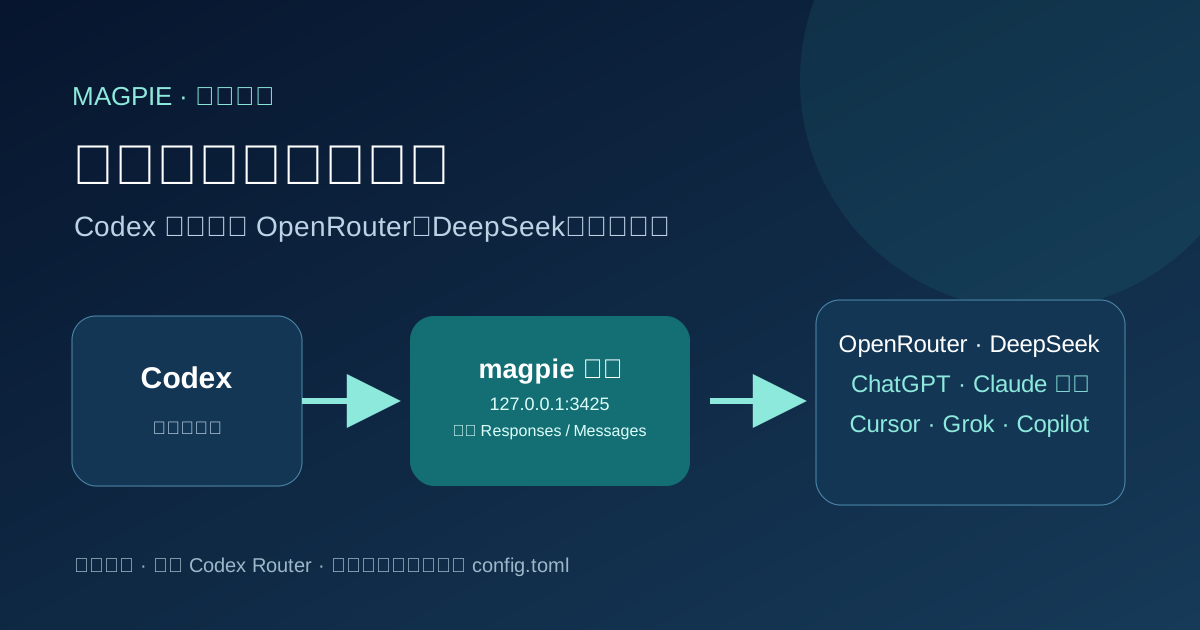
Point Codex at any model with magpie
Install magpie, add a local or signed-in provider, then switch Codex to that model. Rechecked against official magpie docs on 2026-10-06.
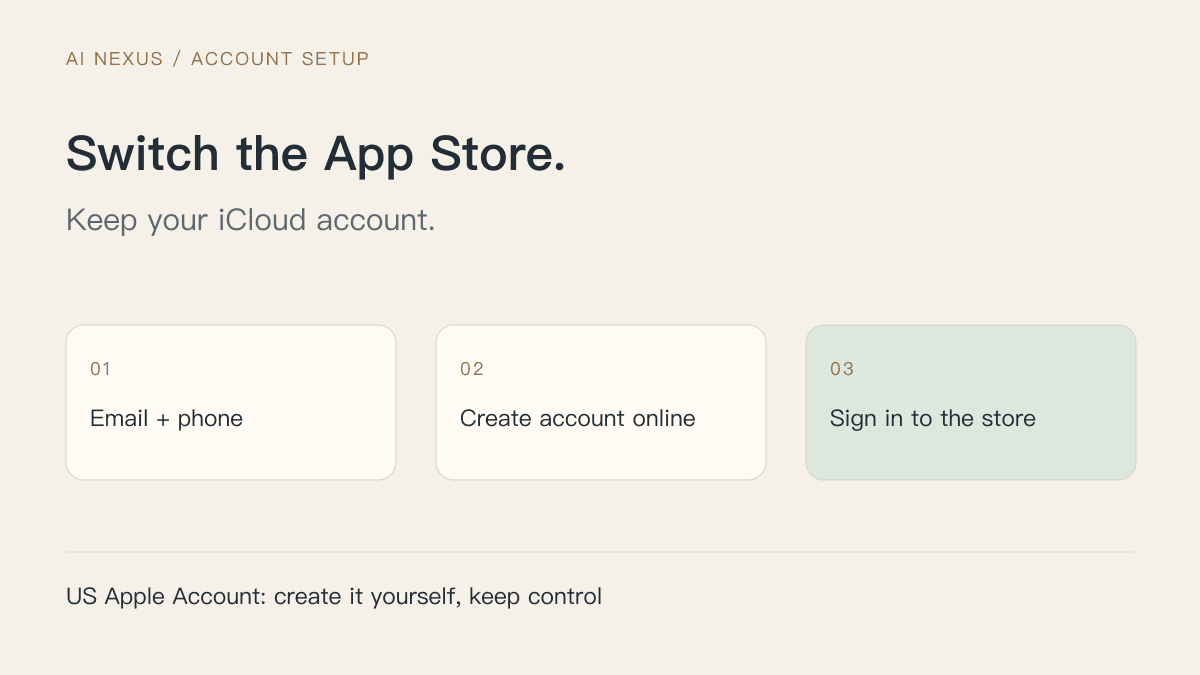
Create a US Apple Account: switch the App Store, keep iCloud signed in
Register with your own email and phone, complete store setup, and redeem a US gift card purchased with Alipay. Diagrams explain iCloud, purchase accounts and private Apple sign-in.