

Cicada
Cicada is an Apache-2.0 desktop app for Apple-silicon Macs running macOS 26 or later. Its first public release, v1.0.0, was published on November 3, 2026. It turns audio playing on the Mac into live bilingual subtitles and records a meeting as a bilingual transcript, notes, and audio file. It is designed for calls, livestreams, and other system audio, so it does not need to join a call as a bot or require other participants to install software.
What it does
Speech recognition and language detection use Apple's on-device speech APIs. Cicada can show a compact subtitle bar or a notes window, and can save transcripts, notes, and recordings locally before exporting Markdown, Word, or SRT. The project documents optional experimental speaker identification, plus summaries, topics, conclusions, tasks, and terminology when a Ling API key is configured.
For two-way conversations, hold the right Option key to speak: Cicada translates the utterance and sends a chosen voice back into the call through the optional BlackHole 2ch virtual microphone. Without a Ling key it can use macOS voices and the documented translation fallback. Ling and Ming services add live notes, one-step voice translation, and optional voice cloning. Do not assume that this optional cloud path has the same privacy boundary as local transcription.
A practical workflow
Install the release only after checking its included checksum, then test it with a short non-sensitive meeting or a public stream. Grant system-audio access for captions, choose a subtitle layout, and verify names and technical terms before relying on generated notes. Export an SRT or Markdown record and compare a few conclusions and action items with the underlying bilingual lines. Enable the virtual microphone only when you need spoken interpretation, and test it in a disposable call first.
Data and limitations
The repository says captured audio, language detection, speech recognition, recordings, and local meeting files stay on the Mac. Recognized text can leave the device for translation, and configured Ling or Ming features have their own external data path. The app also needs macOS permissions, while virtual-microphone installation requires an administrator password. v1.0.0 is Apple-silicon-only, needs macOS 26 or later, and its ad-hoc-signed build is not yet notarized. Review the release checksum and the project permissions before using confidential calls.
- Meetily is an open-source local meeting assistant for macOS and Windows.
- Whisper v3 is an open speech-recognition model for building a custom pipeline.
- BaoCut focuses on transcript, subtitle, and video-editing workflows on Apple silicon.
Conclusion
Choose Cicada when a supported Mac needs live multilingual captions or an interpretable meeting record without inviting a bot into the call. Start with a low-risk session, verify the output against the source audio, and read the official repository before enabling cloud-backed notes or spoken interpretation.
Sources
- Websitehttps://cicada.indaloop.app
- Cicada source repository and documentationhttps://github.com/wquguru/cicada
- Cicada v1.0.0 first public releasehttps://github.com/wquguru/cicada/releases/tag/v1.0.0
Comments
No comments yet. Be the first to comment!
Related Tools


Related Insights
Complete Guide to Claude Skills - 10 Essential Skills Explained
Deep dive into Claude Skills extension mechanism, detailed introduction to ten core skills and Obsidian integration to help you build an efficient AI workflow
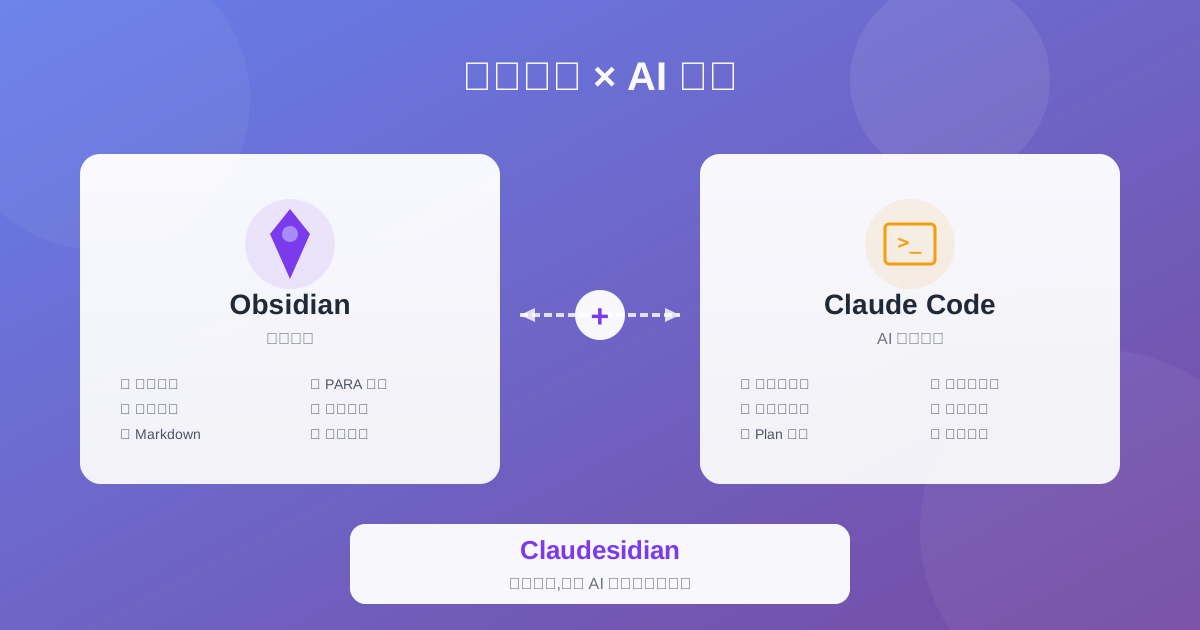
Claudesidian: Transform Obsidian into an AI-Powered Second Brain
Discover Claudesidian, an open-source project that perfectly integrates Obsidian with Claude Code. Built-in PARA method, custom commands, and automated workflows for a complete idea-to-implementation solution.
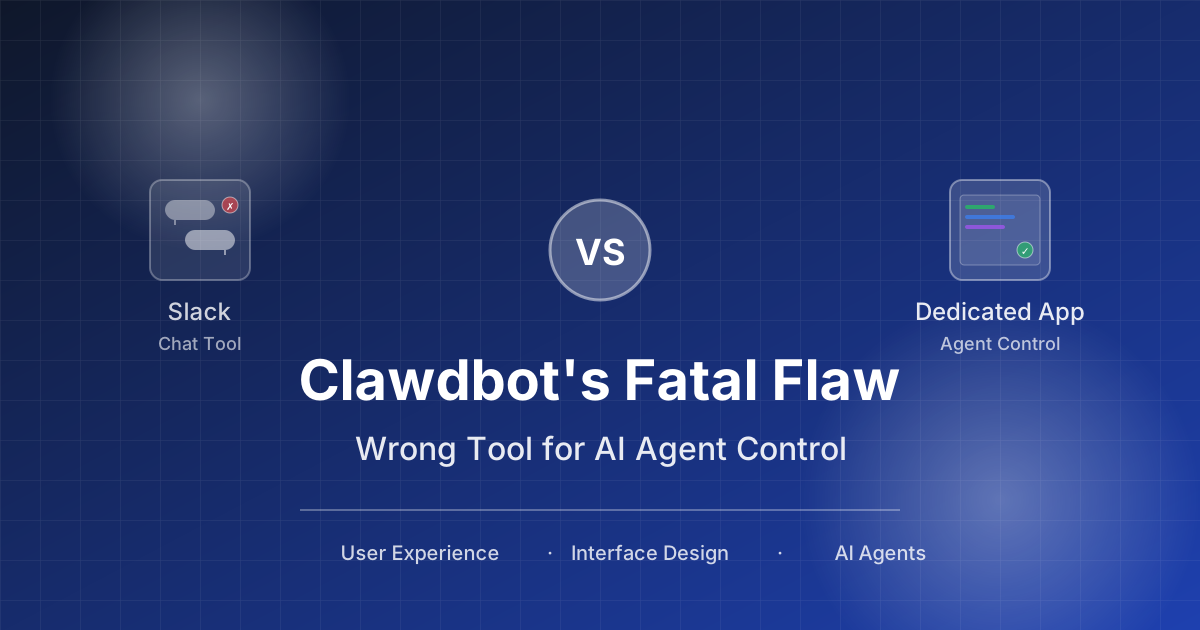
Stop Cramming AI Assistants into Chat Boxes: Clawdbot Picked the Wrong Battlefield
Clawdbot is convenient, but putting it inside Slack or Discord was the wrong design choice from day one. Chat tools are not for operating tasks, and AI isn't for chatting.