
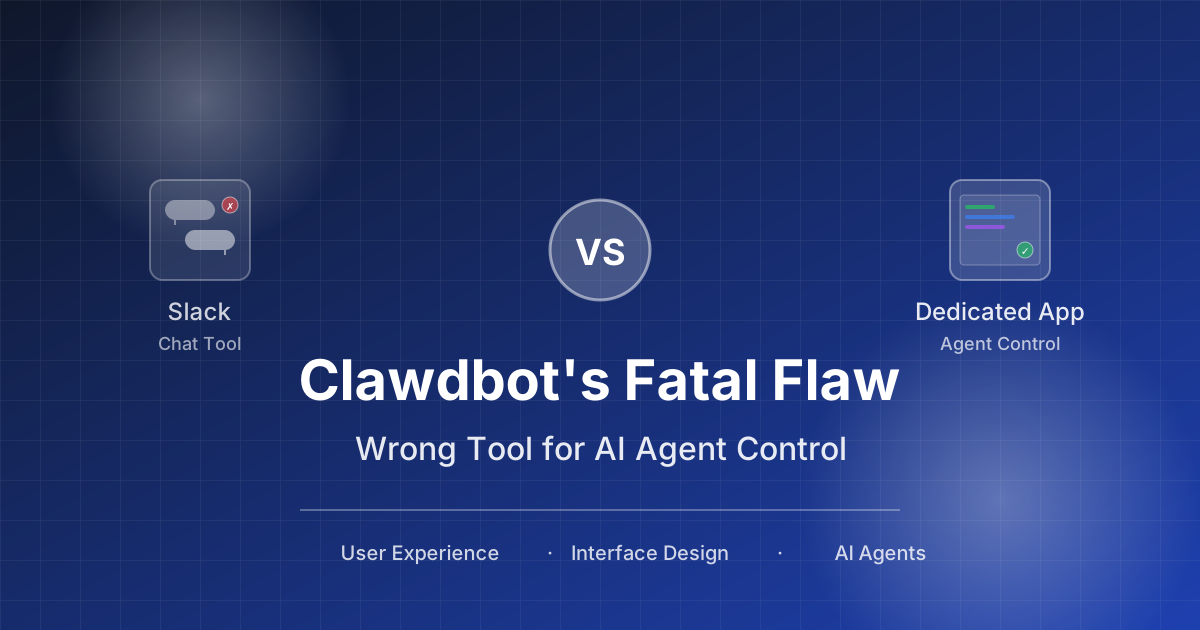
Stop Cramming AI Assistants into Chat Boxes: Clawdbot Picked the Wrong Battlefield
Clawdbot has been everywhere lately. People are showing how it sorts emails, summarizes meetings, runs scripts, even writes code. Its biggest selling point is that it lives inside Slack or Discord, like "@-ing a smart coworker."
It does feel smooth: no extra app to install, no new workflow to learn. Just send a message and it starts working.
But once you use it longer and ask for more complex work, the problems surface.
One-line takeaway: chat tools are not for operating tasks
Clawdbot's biggest issue is not capability. It's where it lives.
It lives in chat tools, and chat tools are designed for human communication, not task execution.
This isn't just a minor UX inconvenience. It's a fundamental design mismatch.
The structure of a chat window is inherently unfit for "doing work"
Let's break down what a chat interface really is:
- Messages are linear, scrolling in time order
- Everything is equal weight, with no state, no hierarchy, no task nodes
- Easy to interrupt, one coworker message breaks the task context
- No visual structure, you can't see what the Agent is doing, how far it got, or what went wrong
But operating an assistant to "do work" is a stateful, step-by-step, feedback-driven process. It needs a control panel, not a chat box.
One example makes it obvious
In Slack you say to Clawdbot:
"Help me optimize the auth module, then run the tests."
Clawdbot replies:
I'm analyzing the code structure...
Found 3 related files...
Editing auth.js...
Changes done, running tests...
Tests passed!
Sounds fine, but then:
- A coworker jumps in: "What are we eating for lunch?"
- You look back and can't find what Clawdbot changed
- You want to see "what changed in auth.js" and have to scroll through dozens of messages
- Some output is already pushed out of view
You can't track the task and can't review the changes.
Clawdbot did work, but you don't know what it did.
Put bluntly: chat tools are for talking
Slack, Discord, WeChat, DingTalk — these tools were built for communication. They are good at:
- Fast messaging
- Group interaction
- Alerts, notifications, collaboration
But asking them to handle task execution, status control, or process management is like using WeChat for accounting or QQ for coding. It works technically, but the experience is awful.
Clawdbot is smart, but the direction is wrong
Putting tools into chat is a classic "lower the barrier" move:
- Users don't need to install a new app
- Teammates see you use it, easy to spread
- MVP ships fast, low cost
All of that is true. But it sacrifices the core user experience.
Clawdbot is smart, but it was put on the wrong platform.
What's a better approach?
The real trend for AI tools is this: doing work isn't about "talking," it's about interfaces.
What you actually need is:
- A view that shows task status
- A structured panel that shows step-by-step execution details
- Controls for start, pause, stop, and edit
- Saved history for tracking and reuse
It's like writing code in an IDE or docs in Notion. Tools should be built for tasks, not embedded in chat.
Some right examples
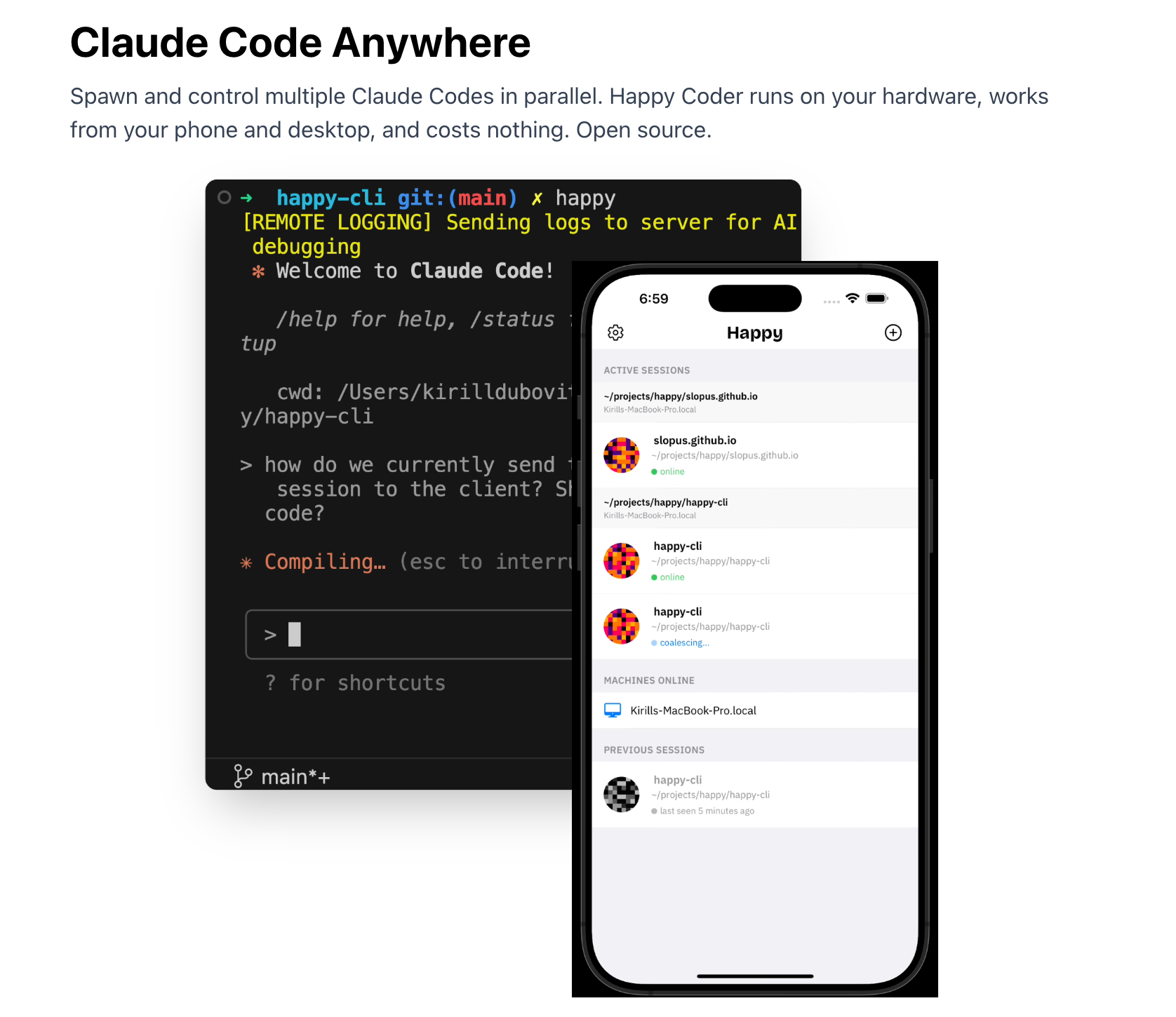
🧩 Happy + Claude Code
- Happy provides a control panel where you can see what Claude is doing
- The task process is shown in real time, with clear logs
- Not interrupted by any conversation stream
✏️ Cursor
- AI is embedded in the editor and shares your workspace
- Suggestions appear where you're already working
- No need to jump to a chat interface
These products have one thing in common:
They don't make you "talk to an assistant". They let you "work in an interface."
What can chat tools do? Good as entry, not the main battlefield
We're not saying chat and tools can't combine.
- Clawdbot can take simple commands in Slack
- Notifications belong in chat tools
- Quick start, reminders, status updates all work as "send a message"
But complex tasks must leave the chat window and enter a dedicated control space.
If you're a user, how should you choose?
You don't need to be technical. Ask yourself three questions:
- Can I clearly see what the tool did?
- When things go wrong, can I trace the cause?
- When tasks pile up, can I still manage them?
If chat tools can't answer these, pick a tool with a real interface.
Summary
- Clawdbot puts AI inside chat tools, which looks convenient but isn't efficient
- Chat windows are a poor container for task processes: info gets lost, interrupted, and hard to track
- Truly efficient tools need structured interfaces that show progress and let you control operations
- Chat tools are fine as an entry point, not a control platform
- If you want AI to really "do work" for you, choose products designed for task control from day one
If you're using Clawdbot or similar tools, I hope this helps clarify one thing: where a tool lives matters more than what it can do.
If you've had a similar experience, feel free to comment or share.
Comments
No comments yet. Be the first to comment!
Related Tools


Related Articles
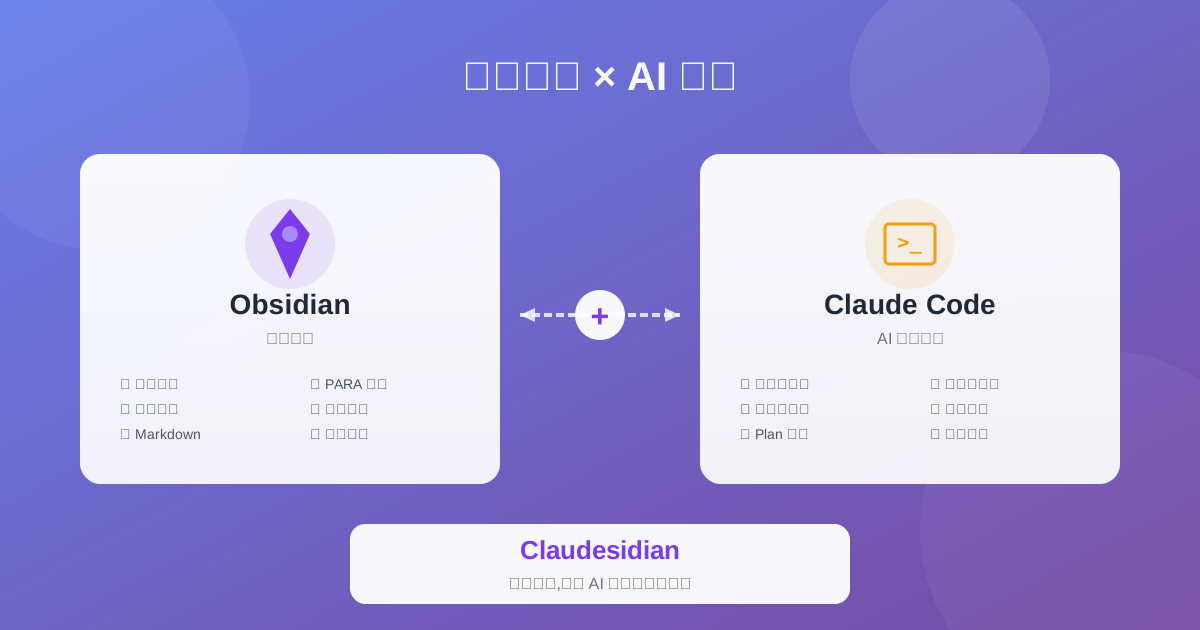
Claudesidian: Transform Obsidian into an AI-Powered Second Brain
Discover Claudesidian, an open-source project that perfectly integrates Obsidian with Claude Code. Built-in PARA method, custom commands, and automated workflows for a complete idea-to-implementation solution.
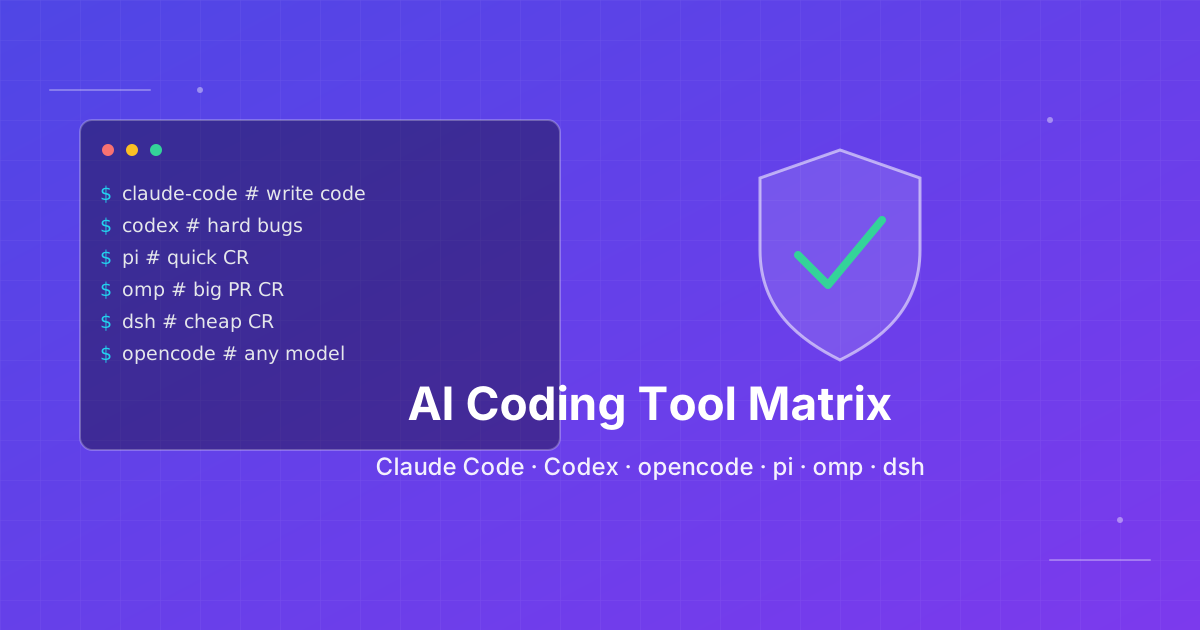
Seven AI Coding CLIs, Six Months: No Matter How Strong the Model, Work Needs Supervision
Claude Code, Codex, opencode, pi, omp and DeepSeek Harness all have personalities. After six months of deep use I run a division of labor: pi for the fastest cheapest reviews, omp for complex PRs, DeepSeek Harness on V4 Flash for high-frequency low-cost review, and Claude Code, Qoder and Cursor for writing. No matter how strong the model, work needs supervision — ideally from an independent third party.

Skills + Hooks + Plugins: How Anthropic Redefined AI Coding Tool Extensibility
An in-depth analysis of Claude Code's trinity architecture of Skills, Hooks, and Plugins. Explore why this design is more advanced than GitHub Copilot and Cursor, and how it redefines AI coding tool extensibility through open standards.
