

Bang Motion is an agent skill that makes coding agents build motion graphics instead of slide-like web pages. The deliverable is one index.html that autoplays and loops. The repo bangtutorial/bang-motion is HTML, created 2026-09-05, MIT. The README badge lists version 1.19.0. On 2026-09-19 GitHub listed 390 stars and 62 forks. 390 stars is a heat signal, not traffic.
It works with Claude Code, Codex, Gemini CLI, and Cursor. For Remotion product films see video-shotcraft. For a black-canvas explainer see anything2explainer. For board decks see consulting-pptx-skill.
Key Features
- One HTML file: double-click to play.
?debug=1adds a scrub bar. Optionalscripts/export-frames.mjs(Node, puppeteer, ffmpeg) writes MP4. - Menus, not one look: 10 style directions, 19 concepts, 9 render families. A required style brief derives palette and type from your brand. The README says the agent must not copy the starter's skin.
- Jobs it names: openers and promos (15-40 s), SaaS tours (20-60 s), kinetic type (10-30 s), bumpers (3-10 s), explainers (30-120 s, 16:9 or 9:16).
- Footage layers: your MP4s or generated clips, masked and timed with the rest of the scene.
- Optional After Effects: cartoon explainers through a Higgsfield MCP bridge when AE is open.
Limitation: watching the piece needs a browser and CDN-loaded GSAP plus fonts. Frame QA and MP4 export are optional Node jobs. Install only one copy. A plugin and a manual folder with the same skill name conflict, and the plugin wins.
Use Cases
- Launch spots and product tours that must move like video, not PowerPoint.
- Explainers that keep one subject on stage.
- Skip if you needed a 36-inch research poster or a consulting PDF. Use PPTX Posters or consulting-pptx-skill.
Pricing
| Piece | Price | Notes from first-party pages 2026-09-19 |
|---|---|---|
| Skill / plugin | $0 | MIT. Claude Code marketplace or a manual clone. About 390 stars. Version badge 1.19.0. |
| Watch | $0 | Browser plus CDN. |
| MP4 export | $0 tools | Your Node, puppeteer, and ffmpeg install. |
Getting Started
- In Claude Code:
/plugin marketplace add bangtutorial/bang-motionthen/plugin install bang-motion@bang-motion. - Or clone into
~/.claude/skills/bang-motion(or your Codex skills folder). - Ask for an opener, promo, or explainer, and attach a brand brief.
- Open
index.html. Add?debug=1before you export frames.
First-party start: the README.
Frequently Asked Questions
Is the output a video file?
The default is HTML that plays like video. MP4 is an optional frame export.
Can I pass a reference film?
Yes. The README says the agent may take rhythm and motion language, not palette, fonts, layout, or signature shots.
Do I need photos?
Only for photo styles. Otherwise pick type or illustration.
Alternatives
- video-shotcraft: Remotion cinematic product films.
- anything2explainer: Remotion explainer with TTS.
- consulting-pptx-skill: still board decks.
Tips
- Do not install the plugin and a second folder with the same name.
- Derive the look from the brand brief, not from the last project.
- Use
?debug=1before you spend an ffmpeg pass.
Conclusion
Bang Motion is an open motion-design skill for agents that otherwise emit slides. Install one copy, brief the brand, and ship HTML that moves. Use Remotion skills when you wanted a real video graph, and skip it for static posters.
Sources
Comments
No comments yet. Be the first to comment!
Related Tools


Related Insights
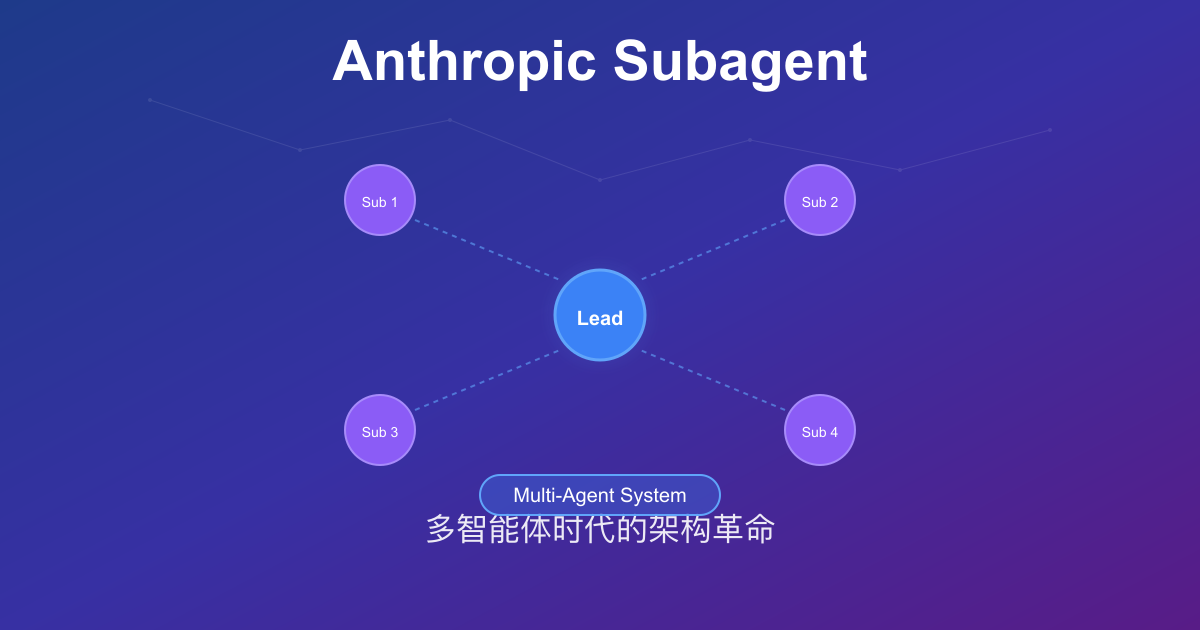
Anthropic Subagent: The Multi-Agent Architecture Revolution
Deep dive into Anthropic multi-agent architecture design. Learn how Subagents break through context window limitations, achieve 90% performance improvements, and real-world applications in Claude Code.

How to pick an AI coding CLI for your repo
Match Claude Code, Codex CLI, OpenCode, Pi, omp, DeepSeek Harness, and Grok Build to the work you actually run. Docs rechecked 2026-10-06.
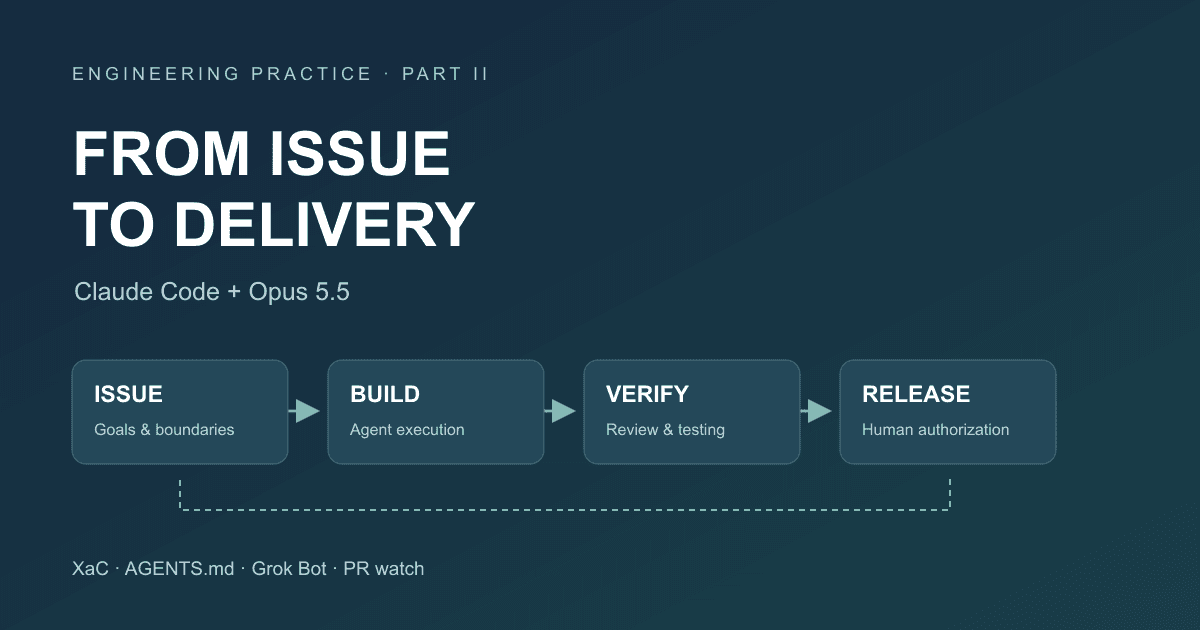
After Code Stopped Being Scarce (Part II): From AI Writing Code to AI Taking Part in Delivery
A year after leaving my previous employer, I document the delivery workflow for our financial business that we built around Claude Code and Opus 5.5: XaC, progressive rules, independent review and testing by Grok Bot, PR watch, and our actual delivery over the past three months.