

consulting-pptx-skill is a Claude Code skill for boardroom-quality slides. You load a written rulebook, assemble 16:9 HTML sections, run a checker, then print PDF from Chrome. The repo carnot-tech/consulting-pptx-skill is HTML plus Python, created 2026-09-02, MIT. On 2026-09-19 GitHub listed 466 stars and 40 forks. 466 stars is a heat signal, not traffic. A first-party note is on note.com.
It is not a PowerPoint theme pack. Output is HTML (one <section> per slide) and a Chrome PDF. A PPTX sample book exists for people who still need Office. Compare PPTX Posters if you wanted a research poster, or Agent Skills for a broader pack.
The README calls references/slide-rules.md about 110 items. SKILL.md says about 80. Open the file. Do not quote either number as audited.
Key Features
- Rule file first: titles carry the conclusion, one message per slide, no rounded corners, no stroke on filled boxes, one term per deck. The agent rereads the file every session because chat memory does not stick.
- 62 HTML parts: 27 basics (
freeform_parts_16x9.html) and 35 extras (freeform_parts_more_16x9.html).scripts/new_deck.py --parts b01,m05,...copies the ones you name. - Machine check:
scripts/check_deck.py(stdlib) fails leftover placeholders. Optionalscripts/check_layout.mjsneeds Playwright for overlap. - Fresh-eye review:
references/content-review-prompt.mdis for a second agent that does not know the method. - AI-smell list:
references/ai-smell-lexicon.md.
Limitation: the checker cannot see a crushed bar chart or a crying line break. You still print PDF and look. Graphs must be drawn, not dumped into a table. The catalog is a layout notebook, not a cage.
Use Cases
- Weekly proposals and board packs in Japanese or English consulting style.
- Teams that keep adding review comments into
slide-rules.md. - Skip if you needed a cinematic promo. Use Bang Motion or video-shotcraft.
Pricing
| Piece | Price | Notes from first-party pages 2026-09-19 |
|---|---|---|
| Skill | $0 | MIT. Clone into ~/.claude/skills/. About 466 stars. |
| Optional layout check | $0 | npm run setup installs Playwright and Chromium. |
| Optional PPTX lint | $0 | pip3 install python-pptx only if you inspect .pptx. |
Getting Started
git clone https://github.com/carnot-tech/consulting-pptx-skill.git ~/.claude/skills/consulting-pptx-skill- Read
references/slide-rules.mdbefore you ask for slides. python3 scripts/new_deck.py --parts b01,b02,m05 --title "Deck name" -o mydeck.html- Replace placeholders, then
python3 scripts/check_deck.py mydeck.htmlto FAIL 0. - Print PDF with headless Chrome as the README shows.
First-party start: the README and SKILL.md.
Frequently Asked Questions
Does it write a .pptx by default?
No. Default path is HTML to PDF. assets/SuperTemplate_62type.pptx is a sample book.
Must every slide match a catalog type?
No. SKILL.md says pick a type for the story, then drop it if it does not fit.
Why did check_deck warn about an empty title?
Cover, back cover, and chapter doors are allowed to warn. Body slides should not.
Alternatives
- PPTX Posters: research posters, not board decks.
- Bang Motion: motion HTML that plays like video.
- Claude Code: the usual host.
Tips
- Write the title column as a story before you pick parts.
- Add every review comment as one line in
slide-rules.md. - Run a second agent with the content-review prompt after FAIL 0.
Conclusion
consulting-pptx-skill is an open rulebook plus parts plus a checker, not a magic PPTX button. Clone it, read the rules, assemble HTML, and look at the PDF. Skip it when you wanted posters or motion spots.
Sources
Comments
No comments yet. Be the first to comment!
Related Tools


Related Insights
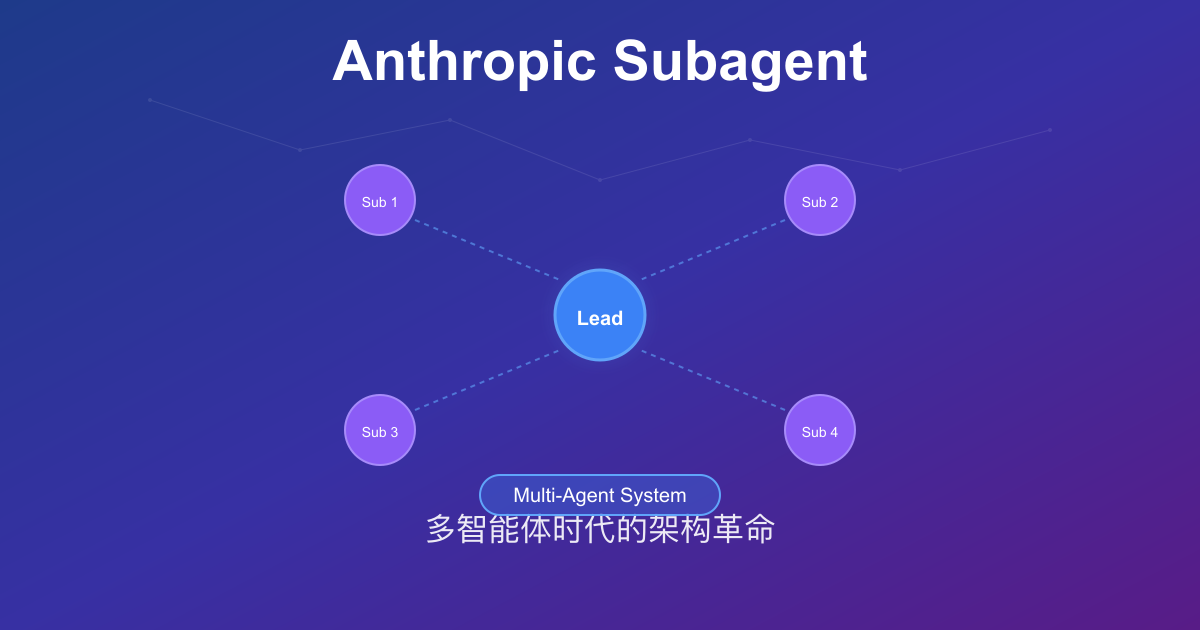
Anthropic Subagent: The Multi-Agent Architecture Revolution
Deep dive into Anthropic multi-agent architecture design. Learn how Subagents break through context window limitations, achieve 90% performance improvements, and real-world applications in Claude Code.

Skills + Hooks + Plugins: How Anthropic Redefined AI Coding Tool Extensibility
An in-depth analysis of Claude Code's trinity architecture of Skills, Hooks, and Plugins. Explore why this design is more advanced than GitHub Copilot and Cursor, and how it redefines AI coding tool extensibility through open standards.
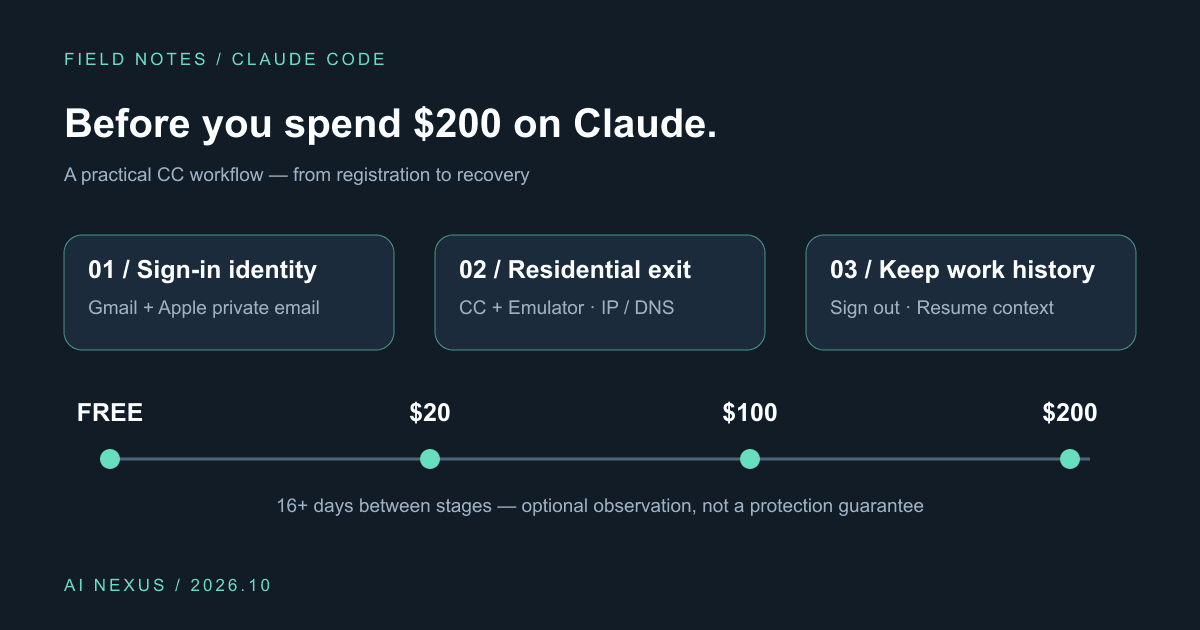
Claude Code account precautions: before you spend $200, do these six things
Gmail plus Apple private sign-in, Cliproxy residential routing for CC and emulators, IP/DNS checks, gradual upgrades, and history-preserving sign-out. Includes a profile and script.