

Makepad Evolution
Self-improving skill system for Makepad development that learns from your work.
Key Features
- Self-Evolution: Accumulate knowledge from discoveries
- Self-Correction: Automatically fix skill errors
- Self-Validation: Verify skill accuracy against reality
- Usage Feedback: Track pattern health and effectiveness
- Version Adaptation: Multi-branch support for different Makepad versions
- Personalization: Adapt to project-specific style
When to Evolve
Trigger skill evolution when any of these occur:
| Trigger | Target Skill | Priority |
|---|---|---|
| New widget pattern discovered | makepad-patterns | High |
| Shader technique learned | makepad-graphics | High |
| Compilation error solved | makepad-reference | High |
| Layout solution found | makepad-reference | Medium |
| Build/packaging issue resolved | makepad-deployment | Medium |
| New project structure insight | makepad-getting-started | Low |
| Core concept clarified | makepad-core | Low |
Evolution Process
1. Capture the Learning
When you discover something new:
User: "I found a better way to handle async state loading"
Assistant: "Let me capture this pattern for makepad-patterns skill."

[Document the pattern with:]
- Problem it solves
- Code example
- When to use it
- Trade-offs
2. Verify Against Reality
Check if the pattern works:
- Test in real project
- Verify it compiles
- Confirm it solves the problem
- Check performance impact
3. Integrate into Skill
Update the relevant skill file with:
- New pattern documentation
- Code examples
- Usage guidelines
- Related patterns
Self-Correction
When a skill contains incorrect information:
- Detect - Notice the error during development
- Verify - Confirm against official docs or working code
- Fix - Update the skill with correct information
- Annotate - Mark what was wrong and why
Usage Feedback
Track which patterns are most useful:
| Pattern | Usage Count | Success Rate | Last Used |
|---|---|---|---|
| Async Loading | 15 | 100% | 2026-01-10 |
| Modal Overlay | 8 | 87.5% | 2026-01-09 |
| Theme Switching | 3 | 100% | 2026-01-05 |
Version Adaptation
Support multiple Makepad versions:
// Makepad rik branch (current)
makepad-widgets = { git = "https://github.com/makepad/makepad", branch = "rik" }

// Makepad main branch (stable)
makepad-widgets = { git = "https://github.com/makepad/makepad", branch = "main" }
Skills can include version-specific notes:
[rik]- Available only in rik branch[main]- Available in stable main branch[v0.4+]- Available from version 0.4 onwards
Contribution Guidelines
When contributing new patterns:
- Test thoroughly - Works in real projects
- Document clearly - Problem, solution, trade-offs
- Provide examples - Complete, runnable code
- Cite sources - Link to reference implementations
- Follow structure - Match existing skill format
Quality Checklist
Before adding to skills:
- Pattern solves a real problem
- Code example compiles and runs
- Tested in production-like scenario
- Documented trade-offs and limitations
- Follows Makepad best practices
- Includes links to references
Evolution Metrics
Track skill improvement over time:
- Coverage: Percentage of Makepad features documented
- Accuracy: Percentage of patterns that work first try
- Usefulness: Patterns used in actual development
- Freshness: Time since last update
Resources
- Makepad Repository
- Robrix - Pattern source
- Moly - Pattern source
Related: Humanizer and Makepad Components Gallery. Hub: skills.
Comments
No comments yet. Be the first to comment!
Related Tools

Related Insights

Anthropic Subagent: The Multi-Agent Architecture Revolution
Deep dive into Anthropic multi-agent architecture design. Learn how Subagents break through context window limitations, achieve 90% performance improvements, and real-world applications in Claude Code.
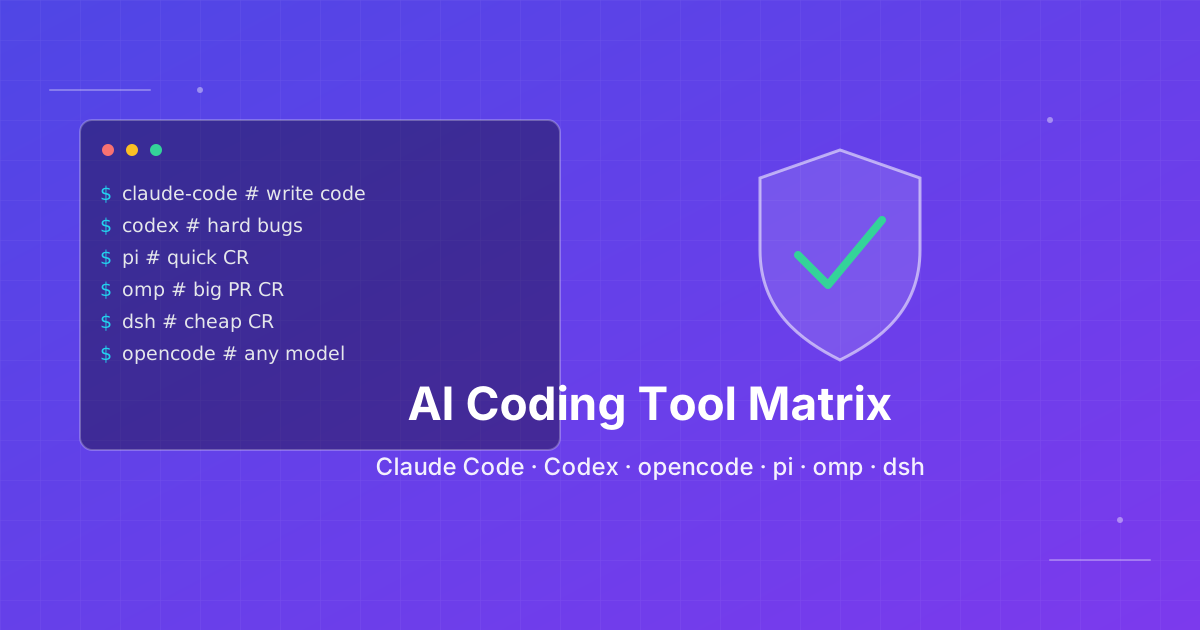
How to pick an AI coding CLI for your repo
Match Claude Code, Codex CLI, OpenCode, Pi, omp, DeepSeek Harness, and Grok Build to the work you actually run. Docs rechecked 2026-10-06.

Skills + Hooks + Plugins: How Anthropic Redefined AI Coding Tool Extensibility
An in-depth analysis of Claude Code's trinity architecture of Skills, Hooks, and Plugins. Explore why this design is more advanced than GitHub Copilot and Cursor, and how it redefines AI coding tool extensibility through open standards.