

Post to WeChat
Post to WeChat is the baoyu-post-to-wechat skill in JimLiu's open-source baoyu-skills repository. According to its SKILL.md (version 1.118.2 when checked), it posts content to a WeChat Official Account (微信公众号) through the WeChat API or Chrome browser automation. It is a third-party skill, not a Tencent product, and the repository is MIT-licensed.
Key Features
- Two content types: article posting (文章) from HTML, Markdown or plain text, and image-text posting (贴图, formerly 图文) with up to 9 images.
- Three publishing methods:
api(recommended, fast),browser(Chrome with a logged-in session) andremote-api, which tunnels the API calls through an SSH-reachable server whose IP is on WeChat's allowlist. - Markdown to WeChat HTML:
md-to-wechat.tsconverts Markdown, with themes (default, grace, simple, modern) and color presets. Ordinary external links become bottom citations by default; pass--no-citeto keep inline links. - Metadata handling: it validates title, summary, author and cover image, can auto-generate title and summary, and sets comment options on the draft.
- Multi-account support through an
EXTEND.mdpreferences file. - Draft workflow: the API method saves a draft to your Official Account, which you then review in the WeChat admin console.
Use Cases
- Publishing Markdown articles from a coding agent to a WeChat Official Account.
- Image-text posts built from a folder of images.
- Teams whose local IP is not on WeChat's allowlist but who have an allowlisted server.
Limitation: the API method needs your own Official Account credentials, and the API path requires a cover image for standard articles. Account policy, review and API quotas are Tencent's.
Pricing
The skill is free and MIT-licensed. WeChat Official Account terms and any costs are set by Tencent and are not covered here.
Getting Started
- Check that Bun is available (the skill uses
bun, ornpx -y bun) and Chrome is installed if you plan to use the browser method. - Run the pre-flight check:
scripts/check-permissions.ts. It verifies Chrome, the profile directory, Bun, accessibility permissions, clipboard, paste keystroke and API credentials. - For the API method, follow the guided setup to store credentials in
.baoyu-skills/.env, and do not commit that file. - Publish an article with
wechat-api.ts <file> --theme default, or an image-text post withwechat-browser.ts --markdown article.md --images ./images/.
Frequently Asked Questions
What does the skill do?
It posts articles and image-text content to a WeChat Official Account via the API or Chrome automation.
Do I need WeChat API credentials?
For the api and remote-api methods, yes. The browser method needs a logged-in Chrome session instead.
Why did my API call fail with errcode 40164?
Per the skill's troubleshooting table, the egress IP is not on WeChat's allowlist. Add it under the Official Account's IP allowlist settings.
Is it an official WeChat product?
No. It is a third-party skill in the baoyu-skills repository.
Alternatives
- Claude Skills: the mechanism skills like this one plug into.
- Claude Code: a host agent that can run the skill.
- NotebookLM Skill: another third-party agent skill.
Conclusion
Post to WeChat turns Markdown and images into WeChat Official Account drafts or posts from inside an agent session. Read the SKILL.md before setup, and keep credentials out of version control.
Sources
Comments
No comments yet. Be the first to comment!
Related Tools


Related Insights
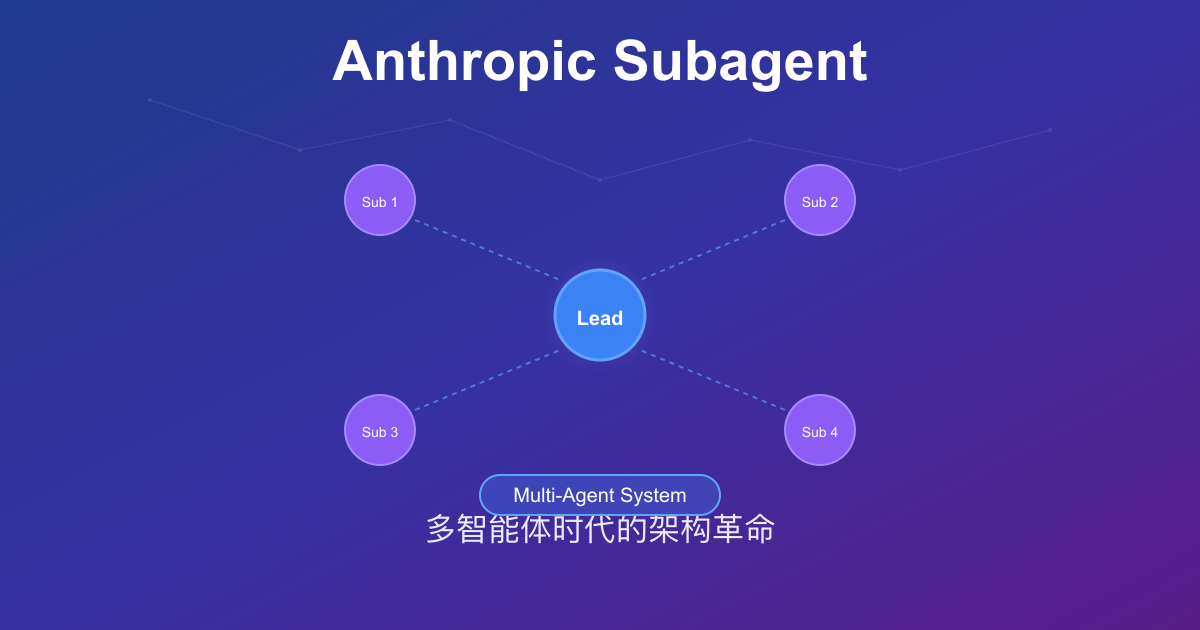
Anthropic Subagent: The Multi-Agent Architecture Revolution
Deep dive into Anthropic multi-agent architecture design. Learn how Subagents break through context window limitations, achieve 90% performance improvements, and real-world applications in Claude Code.

How to pick an AI coding CLI for your repo
Match Claude Code, Codex CLI, OpenCode, Pi, omp, DeepSeek Harness, and Grok Build to the work you actually run. Docs rechecked 2026-10-06.
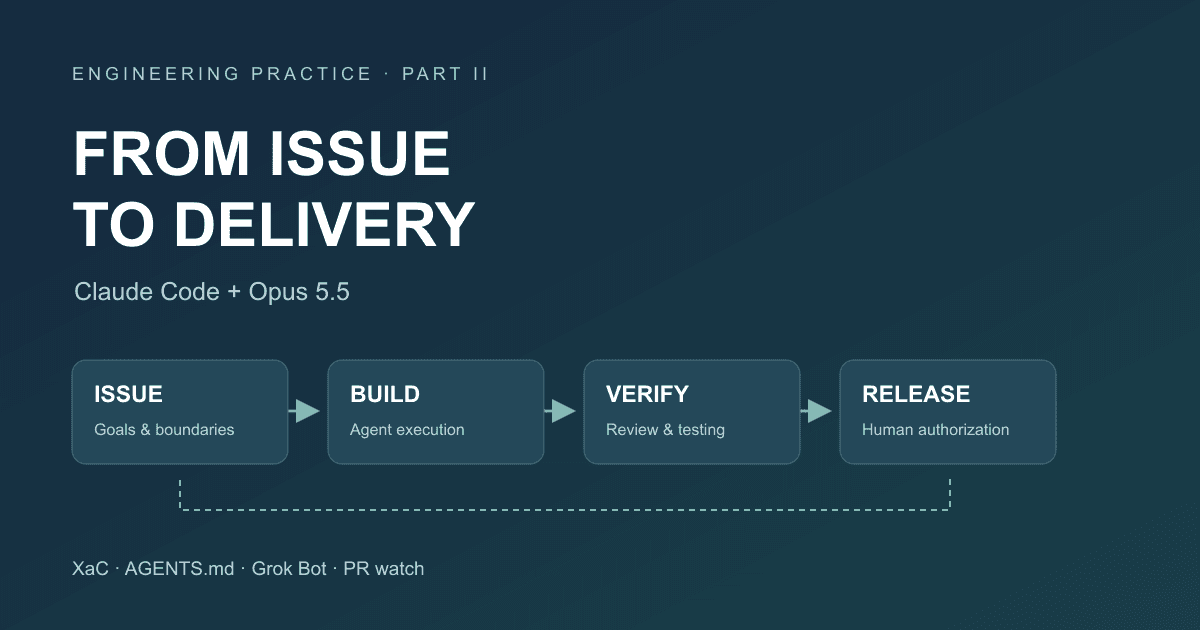
After Code Stopped Being Scarce (Part II): From AI Writing Code to AI Taking Part in Delivery
A year after leaving my previous employer, I document the delivery workflow for our financial business that we built around Claude Code and Opus 5.5: XaC, progressive rules, independent review and testing by Grok Bot, PR watch, and our actual delivery over the past three months.