

AX
AX is an open-source, declarative orchestrator from Google for running agentic workloads at cluster scale. The premise is that an agent is neither a chat session nor a microservice: it accumulates state, needs strict isolation, calls out to model APIs and tool servers, and can burn money in a loop if nobody is watching. AX answers that with YAML manifests and a CLI that is deliberately kubectl-shaped.
Everything is an ax.io/v1alpha1 resource applied with a single command, and the project states its goal as running billions of tasks per cluster. Sandboxed execution is delegated to Agent Substrate, a separate Apache-2.0 runtime.
Key Features
- Four primitives:
Taskis an isolated sandbox with CPU and memory limits that is cheap to create, suspend, and throw away.Workspacepre-wires the Git repos, MCP servers, and skill packages an agent needs before it starts.Gatewayexpresses network policy as an explicit allowlist of hosts and ports and injects credentials into outbound requests.Modelkeeps model choice, parameters, and secrets in one object, so rotating a key or pinning a new version is oneapply. - kubectl-shaped CLI:
ax apply,get,describe,watch,delete, plus agent-specific verbs.ax ssh task -- ls -la /workspacedrops into a running sandbox, andax suspend/ax resumecheckpoint an agent and pick it up where it left off. - Follows your kube context: AX resolves and tunnels to the control plane of whichever context is active, so
kubectx prod-cluster && ax get tasksworks without extra configuration. - Pluggable runners: the contract between the control plane and the task container is documented, so you can ship your own runner image instead of the default one.
- Declarative status:
ax get task <id>returns spec plus live phase and conditions as YAML, andax watchstreams transitions.
Use Cases
- Platform teams that need to run agent-authored code with hard isolation, spend limits, and an audit trail instead of on a developer laptop.
- Batch agent work: code migrations, test repair, data extraction, or evaluation runs where you want hundreds of independent sandboxes rather than one long session.
- Long-running agents that should be paused between steps;
suspend/resumestops resource consumption without losing the workspace. - Network-restricted environments where an agent must only reach an explicit allowlist of hosts and ports.
Pricing
AX itself is free and open source under Apache License 2.0. The costs you pay are your own Kubernetes cluster, container registry, and the model API calls the agents make; the Model manifest is where those credentials live. There is no hosted AX service on the project site as of 2026-09-25.
Quick Start
- Install the CLI:
go install github.com/google/ax/cmd/ax@latest. - Deploy the control plane with
make deploy AX_IMAGE_REPO=<your-registry>. You need a Kubernetes cluster,ko, and a registry the cluster can pull from; everything lands in theax-systemnamespace. - Apply a task and watch it run:
ax apply -f task.yaml
ax watch task test
ax ssh test -- ls -la /workspace
The repository ships ./demo.sh, which walks the full lifecycle: apply a workspace, wait for readiness, run commands over ax ssh, then suspend the task.
Limitations and Risks
- Pre-1.0 and explicitly unstable. The README warns that core concepts, protocols, and specifications are still being refined and that major breaking changes are likely before a stable release. The latest tagged release observed was v0.3.0 on 2026-09-20, and the repository had 38 open issues on 2026-09-25.
- Heavy for a single agent. You need a Kubernetes cluster,
ko, and a registry before the first task runs. - No hosted control plane. AX is infrastructure you operate, which means you own upgrades, the Redis dependency, and the security of the cluster it runs on.
- Documentation lives in the repository, so expect to read the concepts and manifests guides rather than a polished product manual.
FAQ
Is AX a model or an agent framework?
Neither. It is a scheduler and control plane for agentic workloads. You bring the agent, the model, and the tools; AX decides where they run and how they are isolated.
Which models can I use?
The Model resource is provider-shaped. The manifests in the repository default to Gemini models, and any provider reachable from the cluster can be configured with credentials pulled from a Kubernetes secret.
How is it different from LangGraph or CrewAI?
Those frameworks describe how one agent's logic flows. AX describes how many agents run: scheduling, isolation, network policy, and lifecycle. The two are complements, and an AX task can simply run a command that starts a LangGraph or CrewAI app.
Do I need Kubernetes experience?
Practically, yes. The CLI is designed so that kubectl users feel at home, and kubectx interoperability is a first-class feature.
Alternatives
- LangGraph: graph-based orchestration when the problem is agent logic rather than cluster scheduling.
- Google ADK: Google's agent development kit for building the agents AX would run.
- E2B and Daytona: hosted sandbox APIs if you want isolated execution without operating a control plane yourself.
- Strands Harness: a harness SDK for the agent loop that AX would schedule.
Conclusion
AX is the infrastructure answer to a problem most teams meet only after their first agent demo works: what happens when you need ten thousand of them, isolated, auditable, and affordable? Google's bet is that YAML plus Kubernetes habits beat a bespoke agent runtime. The project is young and openly unstable, so prototype with it now and re-evaluate for production as the specs settle.
Start with the AX documentation and the repository's concepts guide for the full primitive set.
Comments
No comments yet. Be the first to comment!
Related Tools


Related Insights
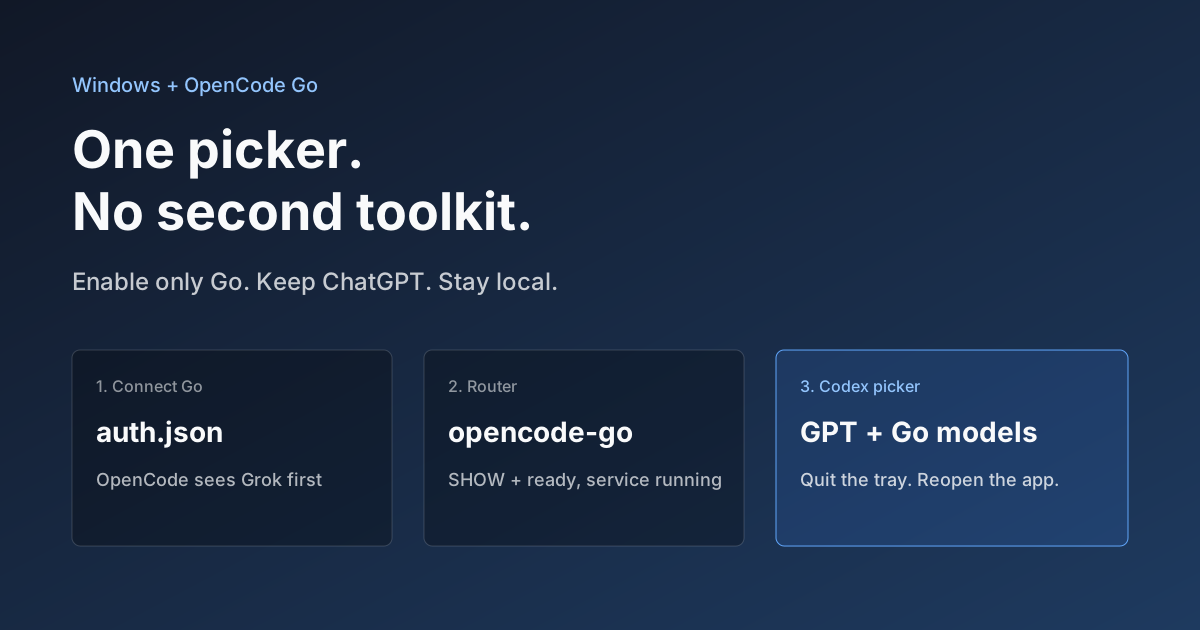
Hook OpenCode Go into Codex on Windows. Do Not Open a Second Toolkit.
A ChatGPT-signed Codex desktop app still shows mostly GPT in the picker. On Windows, enable only OpenCode Go and the Grok, GLM, Kimi, DeepSeek, and MiniMax models you already pay for appear in the same selector. Keys stay local. Native GPT stays put.

Anthropic Subagent: The Multi-Agent Architecture Revolution
Deep dive into Anthropic multi-agent architecture design. Learn how Subagents break through context window limitations, achieve 90% performance improvements, and real-world applications in Claude Code.

Stop Cramming AI Assistants into Chat Boxes: Clawdbot Picked the Wrong Battlefield
Clawdbot is convenient, but putting it inside Slack or Discord was the wrong design choice from day one. Chat tools are not for operating tasks, and AI isn't for chatting.