

Memdoor
Memdoor is an Apache-2.0 coding and automation agent delivered as a single CLI binary. It can run on the local machine or through SSH to a gateway on another machine, then continue the same run from a terminal, editor, script, CI job, schedule, or phone. Its useful distinction is durable work rather than a one-off chat: a job can contain check-gated steps, approval points, and a resume path after an interruption.
What it does
Memdoor documents a headless-first workflow. memdoor run can start an agent turn from a shell or CI, while memdoor resume reopens that recorded run. Project workflows live as YAML files in the repository. Independent steps may run in parallel; a step is only complete when its declared check passes, and an approval gate pauses before the next step. Built-in workflows cover pull-request triage and review, security review, test writing, failure explanation, issue triage, test repair, and release notes.
The runtime can use a configured provider, compatible endpoint, or a local model connection. The project says that files, sessions, and commands remain on the operator's machine, while model-visible material is sent to the selected provider. Its decision model is intended to limit irrelevant context before a chat-model call, but the project's benchmark claims are maintainer measurements and should be validated on the repository and workload that matter to you.
A practical workflow
Start in a disposable repository or branch. Install from the official instructions, connect a provider or a local runtime, then create a narrow workflow such as pr-review: require the test command to pass, place the final patch behind an approval gate, and retain the generated run record. In GitHub Actions, use the documented action only on pull_request, not pull_request_target, so untrusted fork code does not receive secrets. Resume a failed run locally and inspect the diff and checks before accepting an agent-written change.
Costs, limits, and alternatives
Memdoor itself is open source under Apache-2.0. Model inference, remote infrastructure, and any provider account remain the operator's responsibility. The documentation warns that free hosted models can train on submitted inputs; do not use that route for private code. A coding agent can read files, execute commands, and alter a working tree, so use least-privilege credentials, isolated test environments, and explicit review gates.
- Codex CLI is OpenAI's terminal coding agent for supported accounts and API workflows.
- Claude Code is Anthropic's terminal agent for repository work.
- CowAgent is a broader self-hosted personal-agent runtime with channels and memory.
Conclusion
Choose Memdoor when you want an agent workflow to be durable, inspectable, and runnable from CI or a scheduler, not only interactive in a terminal. Begin with one reversible task and a real check, then decide whether its gateway and provider model fit your security boundary. Read the official headless workflow guide before connecting a production repository.
Sources
- Websitehttps://memdoor.ai
- Memdoor official site and documentationhttps://memdoor.ai/docs/headless
- Memdoor source repositoryhttps://github.com/guregodevo/memdoor
Comments
No comments yet. Be the first to comment!
Related Tools


Related Insights

Point Codex at any model with magpie
Install magpie, add a local or signed-in provider, then switch Codex to that model. Rechecked against official magpie docs on 2026-10-06.

How to pick an AI coding CLI for your repo
Match Claude Code, Codex CLI, OpenCode, Pi, omp, DeepSeek Harness, and Grok Build to the work you actually run. Docs rechecked 2026-10-06.
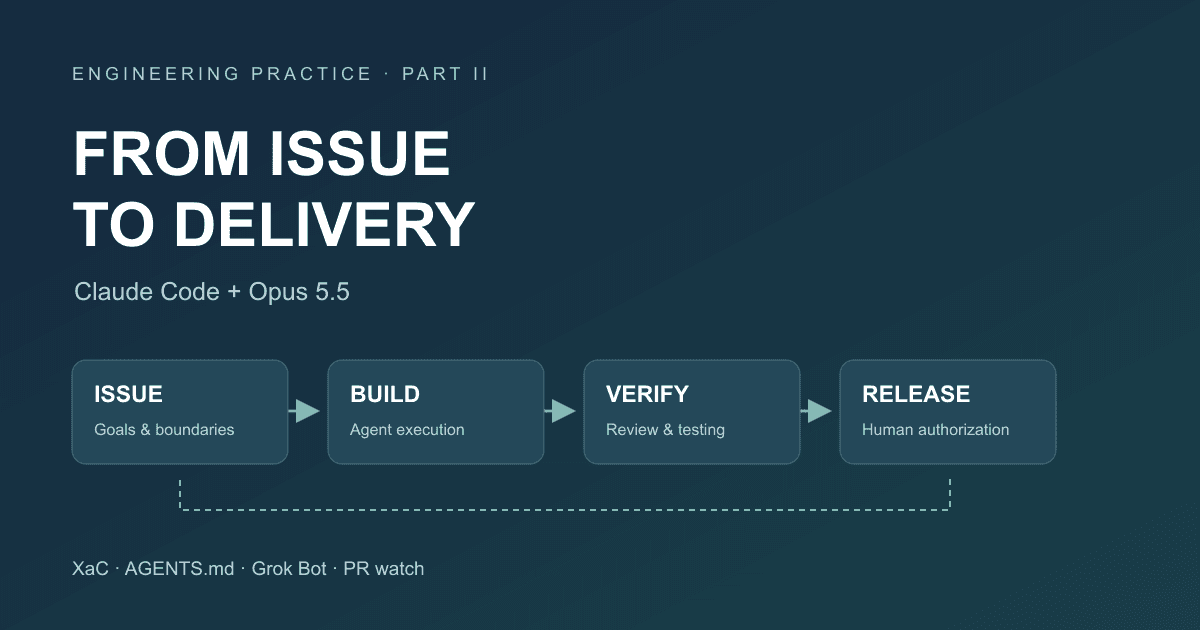
After Code Stopped Being Scarce (Part II): From AI Writing Code to AI Taking Part in Delivery
A year after leaving my previous employer, I document the delivery workflow for our financial business that we built around Claude Code and Opus 5.5: XaC, progressive rules, independent review and testing by Grok Bot, PR watch, and our actual delivery over the past three months.