

Codex CLI
Codex CLI is OpenAI's current terminal agent, not the 2021 Codex model page this entry used to point at. Official docs say it inspects your local repository, edits files, runs the tools already on the machine, and can run non-interactively as codex exec in scripts and CI. It sits next to the IDE extension, Codex cloud, and ChatGPT desktop. Usage is shared with ChatGPT Work and is included in ChatGPT Free, Go, Plus, Pro, Business, Edu, or Enterprise.
Key Features
- Local repo loop: Explore, plan, edit, and run project tools in one terminal session. You pick model, reasoning effort, permissions, and allowed commands.
- Install paths:
curl -fsSL https://chatgpt.com/codex/install.sh | shon macOS/Linux, a PowerShell installer on Windows,npm i -g @openai/codex, orbrew install --cask codex. - Skills, plugins, MCP, AGENTS.md: Package repeatable instructions, connect team tools, and keep project rules in the repo.
- Review without writing: Dedicated review against uncommitted changes, a commit, or a base branch. Codex reports findings and does not modify the tree.
- Automation:
codex execfor CI, GitHub Action, sandboxing, and optional cloud isolation. - MCP login and Bedrock paths: Version 0.161.0 adds
/mcp login <name>from an active terminal session; it also makes GPT-6.1 Sol the default in bundled and Amazon Bedrock catalogs and adds Bedrock multi-agent V2 support on compatible models.
Use Cases
- Daily terminal work when you already live in git and a shell.
- CI review that should not touch the working tree.
- ChatGPT-plan shops that want the same GPT-5.6 family in CLI, IDE, and cloud.
Pricing
Official Codex pricing (accessed 2026-08-17) is the ChatGPT plan stack. Individual cards include Free at $0, Go at $8/month, Plus at $20/month, and Pro from $100/month. Plus lists Codex on the web, CLI, IDE extension, and iOS, plus the GPT-5.6 family (Sol, Terra, Luna) and credit top-ups. ChatGPT Work usage and Codex share the same credits and limits. Confirm learn.chatgpt.com/docs/pricing before you publish a comparison.
Getting Started
- Install with the official script, npm, or Homebrew.
cdinto a repo, runcodex, and sign in with ChatGPT (or another documented auth method).- Ask it to explain the project, then make one focused change. Create git checkpoints before and after.
- Add
AGENTS.mdand only then wirecodex execinto CI.
Frequently Asked Questions
Is this the 2021 OpenAI Codex model?
No. The old model docs URL is stale. This product is the 2026 ChatGPT Codex CLI.
Does Free include Codex?
Yes, at a "quick coding tasks" level. Serious weekly use is what Plus ($20) is sold for.
How is it different from Claude Code?
Claude Code is Anthropic's multi-surface agent. Codex CLI is OpenAI's, billed on ChatGPT plans, with codex exec and GPT-5.6.
Alternatives
- Claude Code: Anthropic's CLI/IDE/desktop/web agent.
- ChatGPT Plus: The chat plan that Plus-tier Codex rides on.
- Cursor: If you want the agent inside an editor, not a terminal.
Tips
- Use
codex resumeto reopen a repo chat instead of starting from zero. - Pass
--imagewhen the bug is a screenshot. - Keep sandbox approvals tight in CI. Official security docs exist for a reason.
Comments
No comments yet. Be the first to comment!
Related Tools


Related Insights
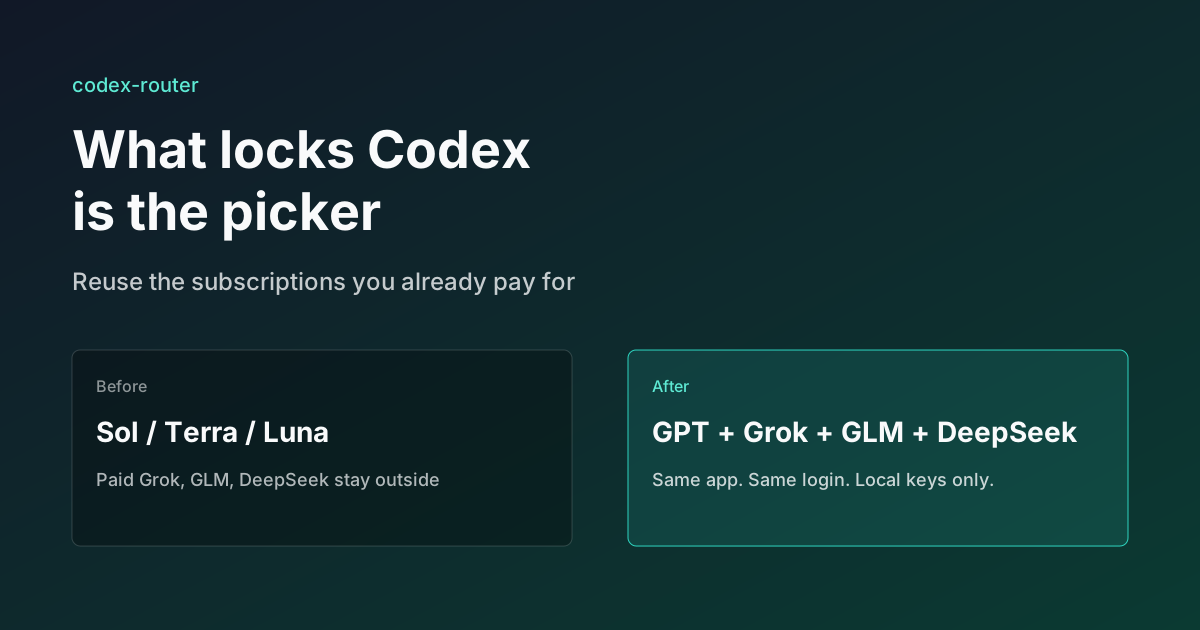
What Locks Codex Is the Picker, Not the Models
You already pay for OpenCode Go, Grok, and Z.ai, but the Codex picker still shows mostly GPT. The community project codex-router does not teach another install ritual. It puts subscriptions you already bought back into the selector, keeps keys on the machine, and leaves native GPT alone.
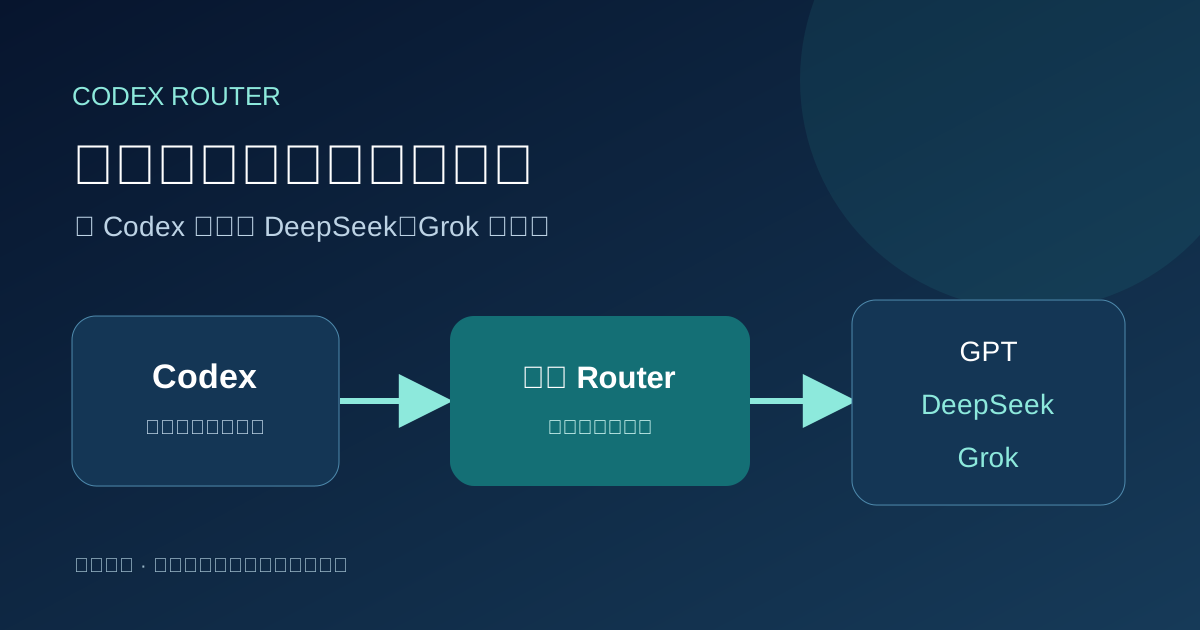
Running low on ChatGPT Codex quota? Switch to DeepSeek or Grok inside Codex
Codex Router lets you keep your Codex workspace while using DeepSeek, Grok, and other external models. A plain-English guide to routing, quotas, and network access.
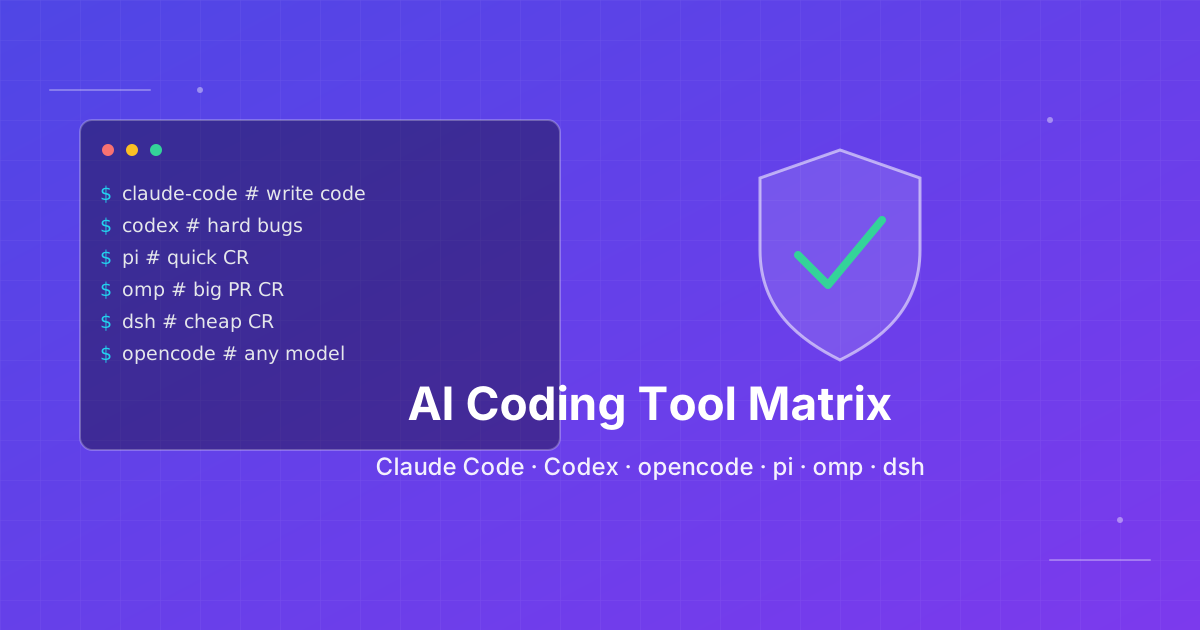
How to pick an AI coding CLI for your repo
Match Claude Code, Codex CLI, OpenCode, Pi, omp, DeepSeek Harness, and Grok Build to the work you actually run. Docs rechecked 2026-10-06.