

llama-modchip is an Apache-2.0 toolkit for people who want to serve selected sparse Mixture-of-Experts weights from their own CPU memory instead of assuming a large GPU. Its maintained source of truth is the Synchopate GitHub repository. The project's v2.4.0 release was published on 2026-11-04 and documents Linux, macOS, Windows, x86_64, ARM64, and hybrid CPU/GPU paths.
This is a specialized local-inference stack, not a general model catalog or hosted API. The project supplies kernel patches, GGUF transcoders, a modchip command-line interface, and prebuilt paths for several listed MoE checkpoints. Its documented target is operators willing to verify their own hardware, storage, model license, and output quality before using it for work.
What it does
- CPU-first MoE serving: The README documents runs for selected DeepSeek V4 Flash and NVIDIA Nemotron checkpoints using system RAM, with optional GPU offload on supported configurations.
- One operational CLI:
modchipexposes setup, chat, web, benchmark, evaluation, quantization, status, and stop commands. - Local endpoints and agent wiring: The project documents local chat and server workflows, including an option intended to connect a locally hosted model to Claude Code-style tooling.
- Hardware readiness checks: It includes a script to inspect CPU readiness before downloading a large model.
Who it is for
Use llama-modchip when local ownership, CPU-only experimentation, or a deliberate hybrid deployment matters more than turnkey compatibility. It is most relevant to systems developers who already understand GGUF files, model licensing, memory budgets, and local network exposure. For a broader local runner with a simpler supported-model experience, compare Ollama. For Apple Silicon-specific serving, compare mlx-serve.
Pricing and limits
The repository is Apache-2.0 and does not list a subscription price. That does not make a deployment free: model weights, electricity, storage, and the computer remain the operator's responsibility. The checkpoints have their own licenses and distribution terms. The project's throughput, memory, and quality figures are first-party benchmark claims, not independent performance certification.
Quick start
- Read the README and hardware notes, then run its readiness check on a non-production machine.
- Choose only a documented checkpoint and confirm its separate license and download size.
- Start with the project's local chat or benchmark command before exposing any server port.
- Compare output quality, latency, and memory use with your real prompts. Keep any coding-agent integration isolated from credentials and production repositories until reviewed.
FAQ
Does it make every large model run on a small PC?
No. Its documentation is specific to supported architectures and configurations. RAM capacity, CPU instruction support, disk space, and model format still determine whether a run is practical.
Are the reported performance numbers guaranteed?
No. They are project-reported measurements on named configurations. Treat them as a starting point for your own benchmark, not as a purchase or capacity promise.
Conclusion
llama-modchip is a focused option for practitioners who want to explore CPU-first and hybrid local MoE inference with an inspectable toolchain. Start from the official README, validate the model license and hardware fit, and benchmark before trusting it with important workloads.
Sources
Comments
No comments yet. Be the first to comment!
Related Tools


Related Insights

Skills + Hooks + Plugins: How Anthropic Redefined AI Coding Tool Extensibility
An in-depth analysis of Claude Code's trinity architecture of Skills, Hooks, and Plugins. Explore why this design is more advanced than GitHub Copilot and Cursor, and how it redefines AI coding tool extensibility through open standards.
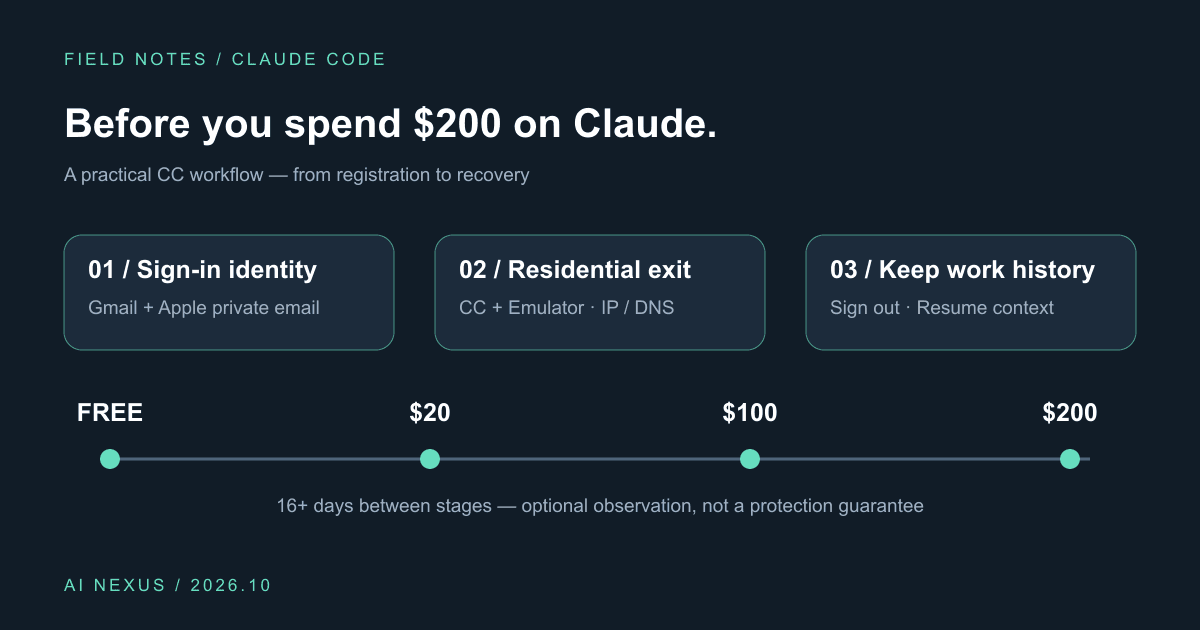
Claude Code account precautions: before you spend $200, do these six things
Gmail plus Apple private sign-in, Cliproxy residential routing for CC and emulators, IP/DNS checks, gradual upgrades, and history-preserving sign-out. Includes a profile and script.
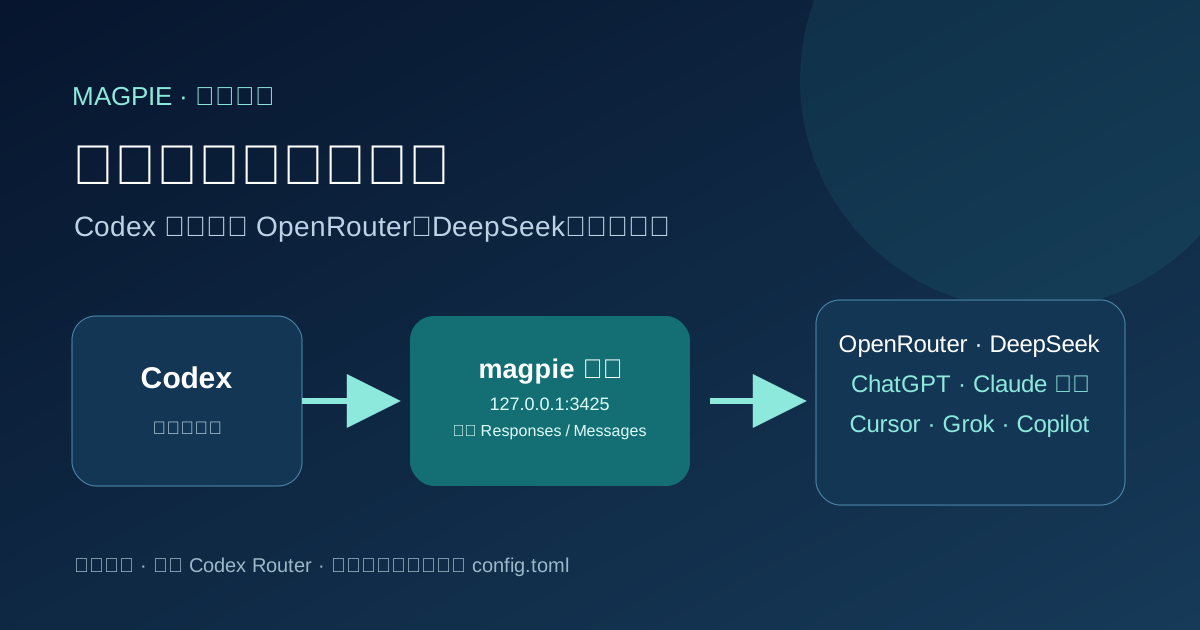
Point Codex at any model with magpie
Install magpie, add a local or signed-in provider, then switch Codex to that model. Rechecked against official magpie docs on 2026-10-06.