

Aider
Aider is an open-source terminal pair programmer. There is no Aider seat. You pay the model API you connect, or you run a local model. GitHub showed about 39.6k stars on that day. The old page said 48k stars and 6.8 million installs.
Compare Claude Code if you wanted Anthropic's own agent, and OpenHands if you wanted a larger hosted coding agent.
Key Features
- Terminal loop: Add files, ask for a change, review a diff, let git record it.
- BYOK / local: Works with cloud APIs and local models. Confirm the current
--modelnames in aider.chat; Claude 3.7 / o1 copy is stale. - Git-native: Auto-commit and
/undoare still the product. Treat that as the reason to pick Aider over a chat box. - Scriptable: CLI and Python entry points still exist for pipelines.
Use Cases
- People who live in a terminal and want reviewed diffs, not a second IDE.
- Teams that already have API keys and do not want another $20 seat.
- Users comparing Aider vs Claude Code on control, not on star counts.
Limitation: There is no first-party GUI. Model quality is the model's, not Aider's. We did not keep 48k stars or 6.8M installs.
Pricing
Aider itself is $0. On 2026-08-17 the first-party pages still say you bring an API key or a local model.
| Plan | Price | Notes from those pages |
|---|---|---|
| Aider | $0 | Apache-2.0. No seat. |
| Model API | Vendor meter | Anthropic, OpenAI, DeepSeek, or others you configure. |
| Local | Infra only | Ollama and other local backends. |
Getting Started
- Install from aider.chat or the GitHub repo.
- Set one API key or a local model before you add a whole repo.
/addonly the files you want edited, then read the diff.- Confirm Claude Code if you wanted a vendor-hosted agent instead.
Frequently Asked Questions
Does Aider charge $20?
No. Aider is free software. The bill is the model.
Is it still 48k stars?
Quote a live star count or omit it.
Same as Claude Code?
Both edit repos from a terminal. Claude Code is Anthropic's product. Aider is BYOK open source.
Alternatives
- Claude Code: Anthropic agent with its own subscription or API.
- OpenHands: Larger coding-agent project with Individual $20 / Team $30 cloud.
- Cursor: AI IDE if you do not want a terminal loop.
Tips
- Confirm
--modelnames. Launch-era Sonnet / o1 flags go stale. - Keep the file list small. Context is still your job.
Conclusion
Aider is still a free, git-native terminal pair programmer, not a 48k-star census page. Start at aider.chat, then decide whether Claude Code already covers the agent you need.
Comments
No comments yet. Be the first to comment!
Related Tools


Related Insights

Skills + Hooks + Plugins: How Anthropic Redefined AI Coding Tool Extensibility
An in-depth analysis of Claude Code's trinity architecture of Skills, Hooks, and Plugins. Explore why this design is more advanced than GitHub Copilot and Cursor, and how it redefines AI coding tool extensibility through open standards.

What Locks Codex Is the Picker, Not the Models
You already pay for OpenCode Go, Grok, and Z.ai, but the Codex picker still shows mostly GPT. The community project codex-router does not teach another install ritual. It puts subscriptions you already bought back into the selector, keeps keys on the machine, and leaves native GPT alone.
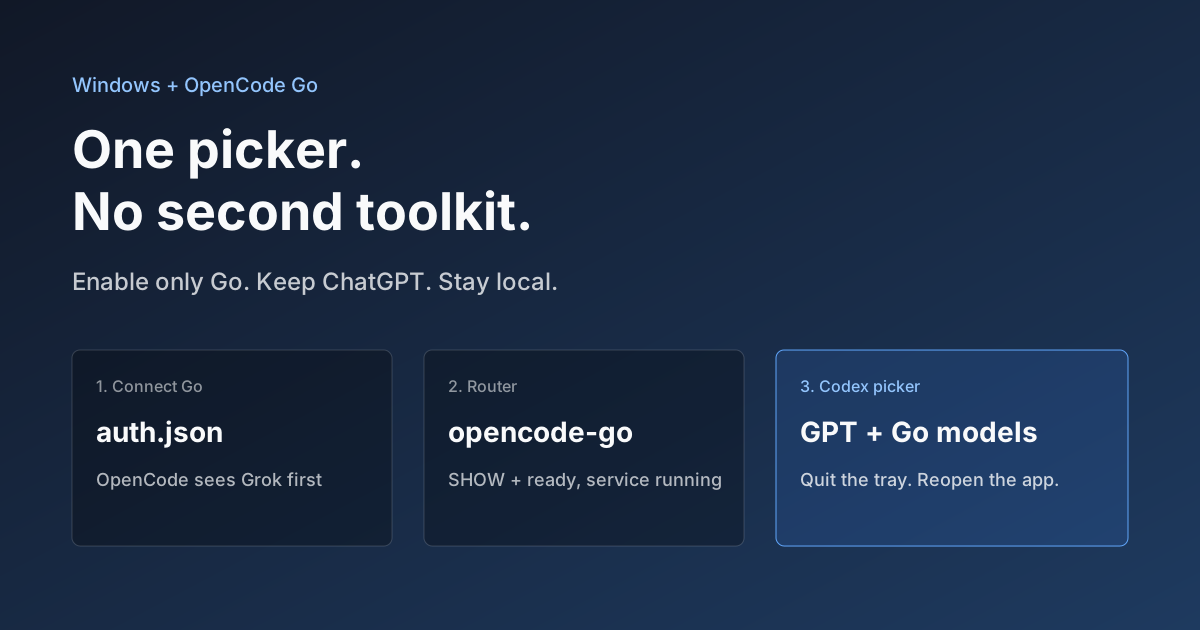
Hook OpenCode Go into Codex on Windows. Do Not Open a Second Toolkit.
A ChatGPT-signed Codex desktop app still shows mostly GPT in the picker. On Windows, enable only OpenCode Go and the Grok, GLM, Kimi, DeepSeek, and MiniMax models you already pay for appear in the same selector. Keys stay local. Native GPT stays put.