

What Locks Codex Is the Picker, Not the Models
The expensive part is rarely the model. It is being locked inside one vendor's picker.
Codex is already a strong daily driver: desktop app, tasks, Computer Use, native GPT. The friction is elsewhere. Open the model list and you mostly see Sol, Terra, and Luna. Meanwhile you may already be paying for OpenCode Go, an official Grok login, and a Z.ai GLM Coding Plan. Those subscriptions stop at the picker.
So people make the wasteful move: open another terminal, learn another harness, throw the same repo at a second agent. Codex is not the weak link. The product simply splits "models you can use here" from "models you already bought."
The community project codex-router closes that split.
What it actually solves
It is not another proxy tutorial. It changes the most expensive surface in Codex: the model selector.
After it is on, a new task looks like this:
| Source | What you actually get |
|---|---|
| Native GPT | Sol, Terra, Luna, with login and cloud tasks intact |
| OpenCode Go | Grok, GLM, Kimi, DeepSeek V4 Flash |
| Grok OAuth | The official grok login --oauth session, in the picker |
| Z.ai Coding | glm-5.3 / 5.2 / 5-turbo from the Coding Plan |
No new app. No lost ChatGPT login. No keys pasted into chat. The router turns subscriptions and OAuth sessions you already have into a catalog Codex understands. Native GPT still goes through OpenAI; external models go through a local proxy. They sit side by side instead of overwriting each other.
That is worth writing about because it hits the real cost structure of coding agents in 2026:
- Capability is abundant. The gate is still closed. You do not need another Grok or GLM. You need the models you already pay for to appear in the picker you already live in.
- Subscriptions are sunk cost. Switching tools is a new tax. Another CLI means buying the workflow, permissions, skills, and session history again.
- Credentials should not leave the machine. The router reads local Keychain, OpenCode
auth.json, and the official Grok session. It is not another cloud relay.
Why this beats raising a second agent
opencode is already a model-agnostic socket. Grok has its own CLI. If daily work already lives in Codex, a parallel agent stacks friction in the collaboration layer, not the model layer.
Review, long tasks, desktop automation, and team conventions are bound to this app. codex-router does not steal that workflow. It only makes the picker vendor-neutral. You still start tasks in Codex. You just pick the model by the job: native GPT for expensive work, Go / Grok / GLM for high-frequency, cheaper, or different-taste work.
That is also why it is not "buy another API key." People think they lack a new secret. What they lack is reuse of a payment relationship that already exists. OpenCode Go, Grok OAuth, and the Z.ai Coding Plan are channels you have already authorized once. The router translates those channels for Codex. It does not ask you to register a fourth vendor.
What it refuses to do
It is unofficial. It will not free you from a ChatGPT account, and it will not dump Gemini or other Zen models into the default Go preset. A provider without credentials shows setup needed and leaves the rest alone.
Uninstall is clean: codex-router codex uninstall. Back up ~/.codex/config.toml first. It changes a local openai_base_url and a merged model catalog, not your login state.
The one-line entry
The repo is duolahypercho/codex-router. If this machine has ChatGPT / Codex, Node 22, and any one of the three credentials, you can hook it up. The steps are not the story. The judgment is:
Do not open a second toolkit for models you already bought. Open the picker first.
On Windows, if you only want OpenCode Go, continue here: Hook OpenCode Go into Codex on Windows.
Related entries: Codex CLI, opencode, Grok 4.6, GLM-5.3, DeepSeek V4 Flash.
Comments
No comments yet. Be the first to comment!
Related Tools


Related Articles

Running low on ChatGPT Codex quota? Switch to DeepSeek or Grok inside Codex
Codex Router lets you keep your Codex workspace while using DeepSeek, Grok, and other external models. A plain-English guide to routing, quotas, and network access.

Codex on any model: magpie makes Codex Router unnecessary
magpie is a free, open-source menu bar app that runs a local gateway and puts OpenRouter, DeepSeek and your ChatGPT, Claude, Cursor, Grok and Copilot subscriptions right into Codex's own model picker, with one click and no Codex Router.
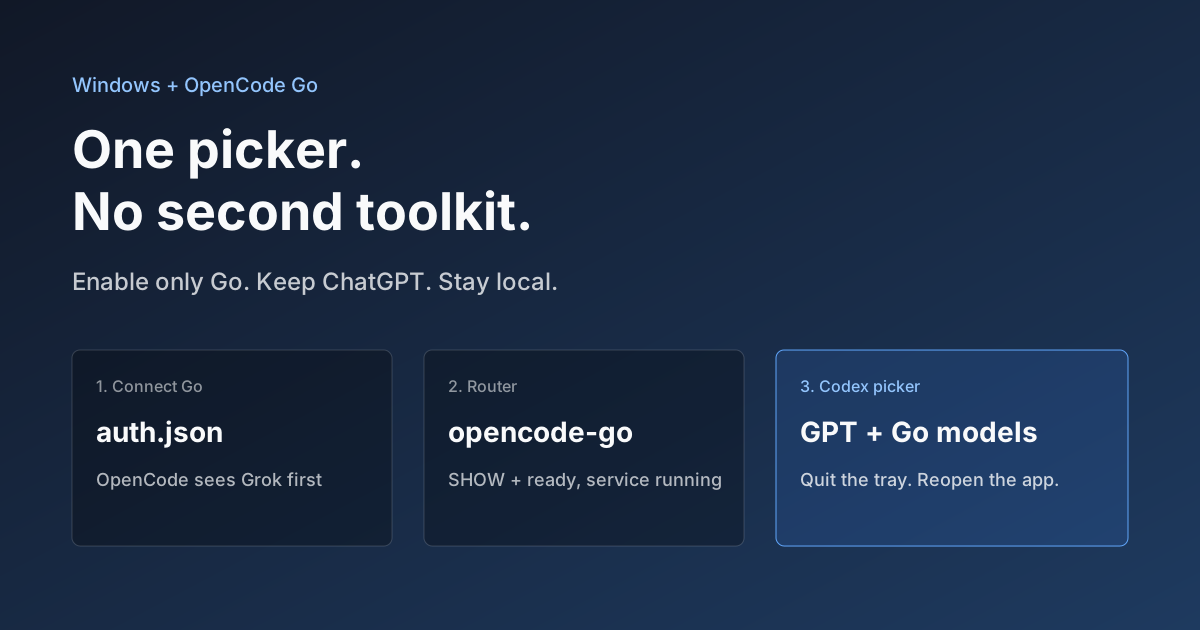
OpenCode Go in Codex on Windows: Setup, Troubleshooting, and Rollback
Connect OpenCode Go to Codex through the community codex-router project. Check prerequisites, authentication, real tool calls, and rollback.
