

BrowserSkill is Tencent's open-source bridge between an AI agent and the browser you are already signed into. Most agent browser tools hand the model a blank, cookie-less instance and ask it to log in from scratch. BrowserSkill takes the opposite route: the agent borrows one of your real tabs, does the work in a separate visible Agent Window, and gives the tab back when the task is finished. The first-party repository was created on 2026-06-22 and is published under MIT. On 2026-09-21 GitHub listed 6,060 stars and 432 forks, and the advertised CLI release line was cli-v0.3.0, dated 2026-09-17. Treat stars as a heat signal here, not traffic.
The design goal is "use your browser without interrupting your work." A browser task runs in its own Agent Window, so you can keep scrolling, writing, and clicking in the same profile while the agent works nearby. Nothing about your logins, extensions, or saved state has to be recreated in a test environment.
Key Features
- Real login state, reused: the agent works against the sessions you already have, so there is no throwaway test account and no second credential store.
- Explicit borrow, explicit return: touching a tab you already have open is a request. It must be borrowed and handed back, and the rest of the browser is left alone.
- Harness-agnostic: any agent that can call a shell can drive the
bskCLI. The README names Cursor, Claude Code, Codex, OpenClaw, CodeBuddy, WorkBuddy, Pi, Hermes Agent, and DeepSeek Harness. - Human in the loop by design: when a task hits a CAPTCHA, a login wall, a confirmation dialog, or another human-only step, the agent can request help and resume afterwards.
- Full-page capture: quick actions and
bsk screenshot --session <id> --full-page --out page.pngproduce long screenshots for review.
Use Cases
- Signed-in workflows: dashboards, admin consoles, and SaaS tools where a fresh agent session has nowhere to log in.
- Research and QA on your own accounts: ask the agent to read a page, compare plans, or reproduce a bug in the same state you see.
- Long automation runs: because the CLI runs as a local daemon with an extension, tasks can span more than one command without re-establishing the browser.
Limitation: this is a local-runtime tool. It needs the bsk CLI, a running daemon, and the browser extension installed, and Chrome or Edge are the supported browsers. Firefox is described as planned rather than shipped. It also does not remove the need for permission: borrowing and help requests are governed by extension settings you control.
Pricing
| Plan | Price | Notes |
|---|---|---|
| BrowserSkill | $0 | MIT source, free CLI installers, free extension listings. |
| Hosted service | Not offered | Everything runs on your machine or your own server. |
There is no paid tier published as of 2026-09-21.
Getting Started
curl -fsSL https://raw.githubusercontent.com/Tencent/BrowserSkill/main/install.sh | sh
export PATH="${BSK_INSTALL_DIR:-$HOME/.local/bin}:$PATH"
bsk --version
bsk install-skill          # pick your harness, then press Enter
bsk doctor                 # confirm no failing checks
Then start a fresh agent session and ask it to open a page and summarize it. First-party entry points are the README, AGENT_INSTALL.md, and docs/sandboxed-agents.md for sandboxed harnesses.
Frequently Asked Questions
Does it take over my browser?
No. Tasks run in a separate Agent Window, and a tab you already have open is only touched after an explicit borrow request.
Which browsers work?
Chrome and Microsoft Edge are supported directly. Other Chromium-based browsers are expected to work when they accept unpacked extensions.
Can I run the agent on a remote server?
Yes. The project documents pairing an agent on a server with a browser on your local machine through its authentication service.
Alternatives
- browser-use: a Python library that drives a browser programmatically rather than borrowing your signed-in tab.
- agent-browser: an isolated-browser automation CLI for agent workflows that do not need your session.
- Hermes Agent: one of the harnesses BrowserSkill installs into, useful to read first if that is your agent.
Tips
- Run
bsk doctorbefore trusting a run. It separates "the CLI works" from "the skill is discoverable", and doctor can pass with no skill installed. - Keep confirmation on for borrowing until you have watched a few runs, then relax it in the extension popup rather than through the deprecated
--unattendedflag. - Set
BSK_AUTO_START=0with a sharedBSK_HOMEwhen your harness reaps background processes, so the daemon survives between commands.
Conclusion
BrowserSkill answers a narrow, real question: how does an agent act on a site you are already signed into without a second login and without hijacking your screen. If your agent work keeps stalling at an authentication wall, it is worth installing alongside browser-use and picking per task.
Sources
Comments
No comments yet. Be the first to comment!
Related Tools


Related Insights
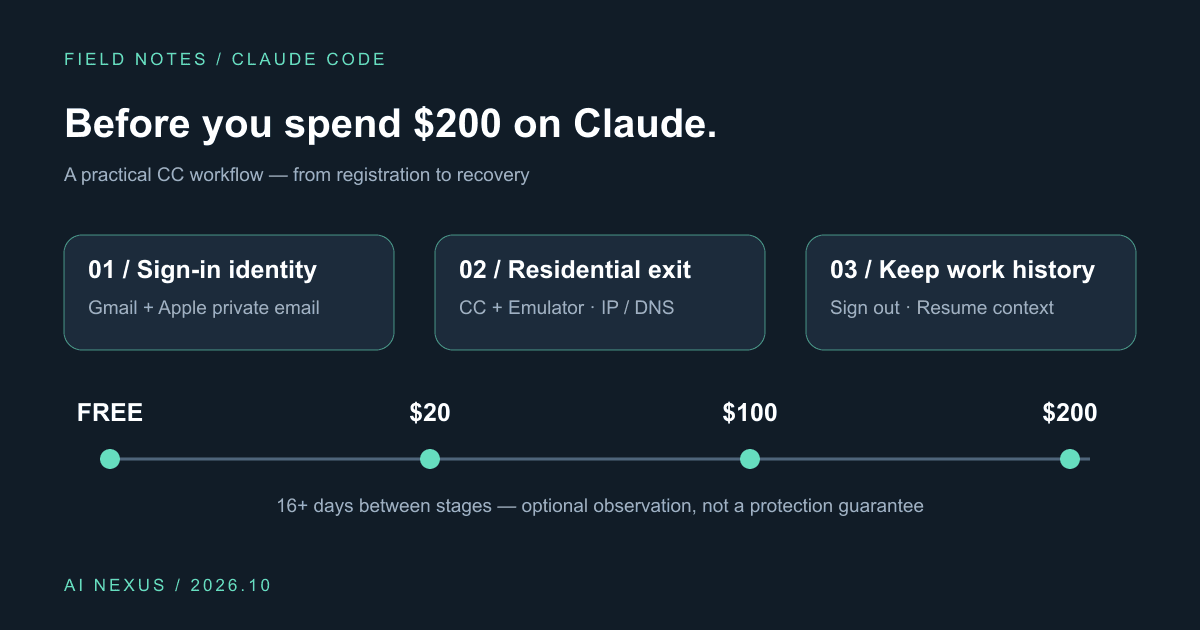
Claude Code account precautions: before you spend $200, do these six things
Gmail plus Apple private sign-in, Cliproxy residential routing for CC and emulators, IP/DNS checks, gradual upgrades, and history-preserving sign-out. Includes a profile and script.

What Locks Codex Is the Picker, Not the Models
You already pay for OpenCode Go, Grok, and Z.ai, but the Codex picker still shows mostly GPT. The community project codex-router does not teach another install ritual. It puts subscriptions you already bought back into the selector, keeps keys on the machine, and leaves native GPT alone.

Running low on ChatGPT Codex quota? Switch to DeepSeek or Grok inside Codex
Codex Router lets you keep your Codex workspace while using DeepSeek, Grok, and other external models. A plain-English guide to routing, quotas, and network access.