

WebsiteBench is an open-source benchmark for a difficult browser-agent workflow: starting with a production website that an agent may inspect in a browser, rebuild a full-stack version that matches its behaviour and appearance. It is an evaluation set, not a hosted browsing API or a site generator. That distinction matters: use it when you need a repeatable way to compare an agent, model, prompt, or browser environment on website reconstruction.
The project page and README describe 70 websites with 46,916 hidden test cases. A task checks both behavior and visual checkpoints. WebsiteBench reports a task reward as the share of cases that pass; the README says visual checkpoints need normalized SSIM of 0.99. It is released under Apache-2.0, while its reference-site content remains subject to the original owners' rights and is provided for non-commercial research evaluation.
What WebsiteBench measures
- Browser-led reverse engineering: an agent explores a running reference site, then creates a separate implementation rather than receiving a design file or source repository.
- Full-stack tasks: the benchmark is intended to expose gaps in layout, interactions, and application behavior that a screenshot-only reconstruction can miss.
- Hidden functional and visual checks: the public README says individual tasks have 302 to 2,016 hidden cases, reducing the chance that a solution merely targets a visible example.
- Harbor integration: tasks are published through Harbor Hub and can be run with Harbor, including an example configuration for a Codex agent.
- Downloadable task package: the official
websitebenchPyPI package can download a task set, which makes local or CI evaluation possible.
A practical workflow
Start with one medium task, not all 70. Install Docker and Harbor, then install the package with pip install websitebench and download the chosen task. Run the same agent and model configuration twice to establish variance. Inspect the verifier output and distinguish visual misses from broken functionality before changing a prompt or tool policy. Only after that baseline is useful should you schedule the full dataset in a controlled runner.
The repository's example uses harbor run --dataset websitebench/WebsiteBench@v1 --agent codex --model '<model>'. It also lists allowed environment hosts needed for package and dependency setup. Treat that as a starting point, not a safe default for a production credential: use a restricted evaluation environment, a separate API key, spend limits, and reviewable logs.
Who should use it
WebsiteBench suits teams evaluating coding agents that browse a reference application before implementing it, researchers testing web-agent behavior, and platform engineers who need a regression suite for an agent harness. It is less suitable when you only need browser automation. For that, browser-use or Playwright are execution layers rather than an evaluation dataset. If the target is an interactive sandbox for agent runs, compare E2B.
Limits and safe use
The benchmark's third-party reference content is explicitly non-commercial research material, so do not reuse a reference site's assets, text, or implementation as a product deliverable. Passing a hidden test suite is also not proof that an agent is safe with real user accounts, payments, or private data. Keep test browsers isolated, block unnecessary network access, and check generated dependency changes before deployment.
FAQ
Is WebsiteBench a website cloning product?
No. It is a benchmark and task dataset for evaluating whether agents can reconstruct sites after browser exploration.
Is it free to use?
The code, task definitions, and verifier are Apache-2.0. Running it still requires your own compute and, for model-backed agents, the provider usage that you choose.
What should I do first?
Read the official project page, run one task in an isolated environment, and save the verifier output alongside the exact model and harness version. WebsiteBench is most useful when it turns an anecdotal demo into a reproducible comparison.
Sources
- Websitehttps://website-bench.com/
- WebsiteBench GitHub repository and READMEhttps://github.com/TIGER-AI-Lab/WebsiteBench
- WebsiteBench task datasethttps://huggingface.co/datasets/TIGER-Lab/WebsiteBench
Comments
No comments yet. Be the first to comment!
Related Tools


Related Insights
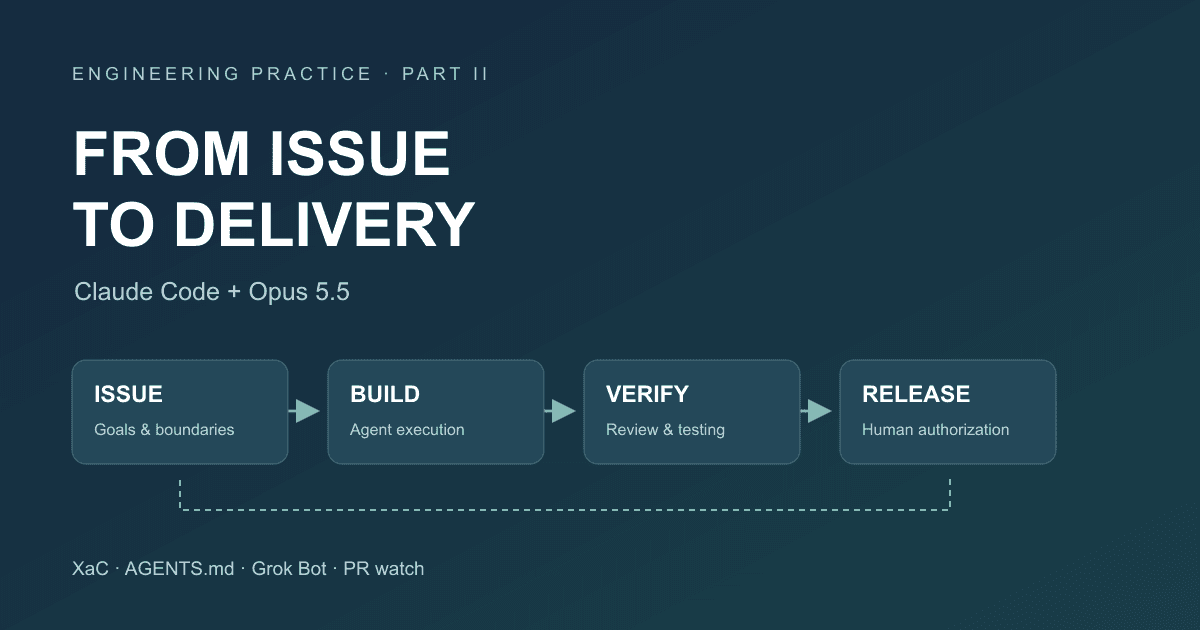
After Code Stopped Being Scarce (Part II): From AI Writing Code to AI Taking Part in Delivery
A year after leaving my previous employer, I document the delivery workflow for our financial business that we built around Claude Code and Opus 5.5: XaC, progressive rules, independent review and testing by Grok Bot, PR watch, and our actual delivery over the past three months.
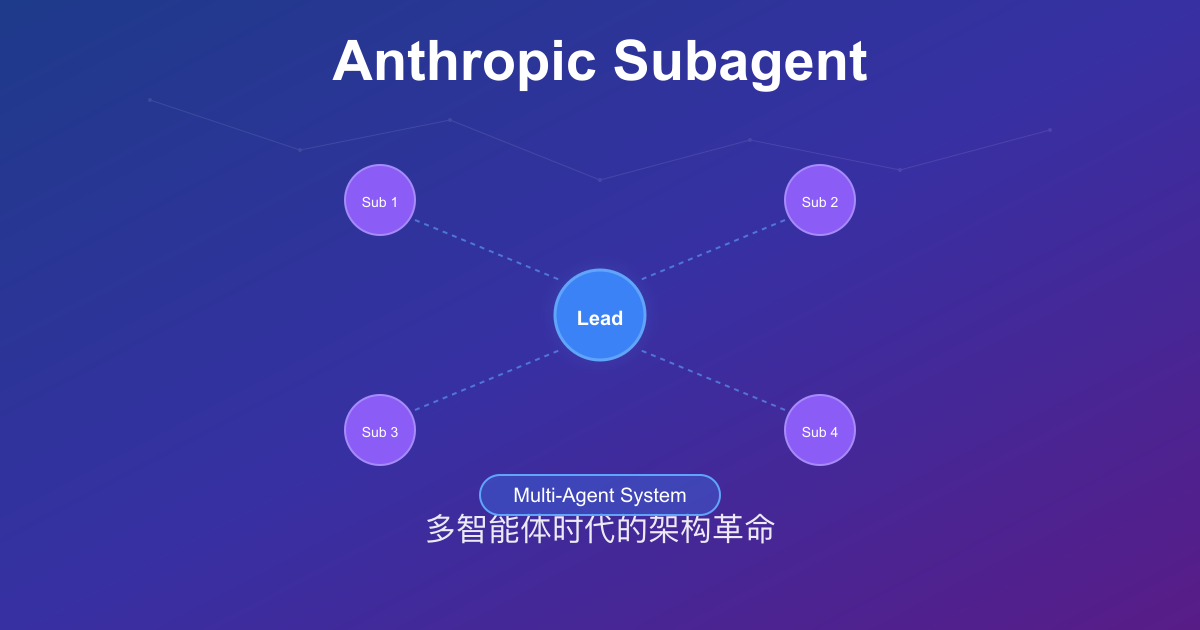
Anthropic Subagent: The Multi-Agent Architecture Revolution
Deep dive into Anthropic multi-agent architecture design. Learn how Subagents break through context window limitations, achieve 90% performance improvements, and real-world applications in Claude Code.

Stop Cramming AI Assistants into Chat Boxes: Clawdbot Picked the Wrong Battlefield
Clawdbot is convenient, but putting it inside Slack or Discord was the wrong design choice from day one. Chat tools are not for operating tasks, and AI isn't for chatting.