

Qwen-Image-2.1 is the September 2026 release in Alibaba's Qwen-Image line, and it collapses generation and editing into one model. Instead of picking between a text-to-image generator and a separate editor, you load a single pipeline: describe an image and get one, or hand it a source image and describe the change. The first-party repository was created on 2026-09-14 and the weights were announced on 2026-09-20; GitHub listed 435 stars and 20 forks on 2026-09-21. It is a distinct release from the older Qwen-Image model, and the licensing is different, which matters more than the version number (see below).
Model Specifications
- 7B parameters in the visual generation component, built from 32 single-stream DiT layers.
- Unified generation and editing in one model, so the same weights handle text-to-image and instruction-based edits.
- Native transparency: it can generate regular or RGBA images from text, edit transparent layers, and extract subjects out of ordinary photographs.
- Up to 10 reference images for editing, with local edits specified through circles, painted annotations, or separate masks.
- Identity preservation for people and products when you edit rather than regenerate.
- Efficiency work: mixed-granularity attention and prefix KV cache reuse cut the cost of long-context generation and editing.
The team frames the release around four axes: a compact architecture, native transparency with unified creation and editing, versatile multi-reference editing, and better textures, typography, and portrait lighting. For a point of comparison on the language side, see Qwen3.8-Flash-Next, the same lab's open-weight text architecture preview.
Use Cases
- Product and design work: generate a subject once, then move it onto new backgrounds while keeping identity intact.
- Asset pipelines that need transparency: produce RGBA cutouts directly instead of generating on a background and matting afterwards.
- Local or self-hosted image work: the weights run through Diffusers, ComfyUI, vLLM-Omni, SGLang, and LightX2V, so you are not locked to a hosted endpoint.
Availability and Day-0 Support
Weights are published on Hugging Face and ModelScope. Several runtimes shipped support the same day the model was announced:
| Runtime | Support |
|---|---|
| Diffusers | QwenImage21Pipeline, merged the same day |
| ComfyUI | Native support with example text-to-image and edit workflows |
| vLLM-Omni | Step-wise execution, prefix KV caching, CUDA Graph decode, FP8 quantization, TP/Ulysses |
| SGLang | Prefix caching, Cache-DiT, CUDA graphs, parallelism, component offload |
| LightX2V | Day-0 acceleration scripts |
Licensing
This is the part to read before planning a product. Qwen-Image-2.1 ships under the Qwen Research License Agreement dated 2026-09-20, which grants use, modification, and distribution for non-commercial purposes only. Commercial use requires a separate license from the lab. That is a real difference from the Apache-2.0 Qwen-Image release, so treat the version bump as a licensing change, not a routine update.
Getting Started
pip install torch>=2.4.0
pip install transformers>=5.17
pip install git+https://github.com/huggingface/diffusers
pip install accelerate pillow
import torch
from diffusers import QwenImage21Pipeline

pipe = QwenImage21Pipeline.from_pretrained(
    "Qwen/Qwen-Image-2.1", torch_dtype=torch.bfloat16
).to("cuda")

image = pipe(
    prompt="A neon shop sign that reads \"QWEN IMAGE 2.1\", rainy night, reflections on wet pavement",
    num_inference_steps=40,
    generator=torch.Generator("cuda").manual_seed(42),
).images[0]
image.save("t2i_example.png")
Pass an image= argument to the same pipeline for editing, including multiple reference images.
Frequently Asked Questions
Can it edit and generate with the same weights?
Yes. The release is explicitly a unified model, so generation and editing share one pipeline rather than two checkpoints.
Does it produce transparent images?
Yes. Native RGBA output is one of the headline features, alongside subject extraction from photographs.
Can I use it commercially?
Not under the default license. The Qwen Research License Agreement is limited to non-commercial use, and commercial deployment needs a separate agreement.
Alternatives
- Nano Banana: a hosted alternative for fast image generation and editing without local weights.
- GPT Image 2: a closed model to compare on text rendering and instruction-following edits.
- FLUX 1 dev: a widely used open image model with a different licence and ecosystem.
Tips
- Start with the ComfyUI workflows if you want to see the editing modes before writing pipeline code.
- Use masks or painted annotations for local edits rather than re-prompting the whole image, since identity preservation is the point.
- Check the license against your use case first. For a research or evaluation workflow the terms are generous; for a shipped product they are not.
Conclusion
Qwen-Image-2.1 is a capable, comparatively small image model whose real story is unification: one set of weights for generation, transparency, and multi-reference editing, with day-0 support across the popular runtimes. It is worth trying for local image work, provided the Qwen Research License suits what you are building.
Sources
- Websitehttps://qwen.ai/
- Social Mediahttps://x.com/Alibaba_Qwen
Comments
No comments yet. Be the first to comment!
Related Tools


Related Insights
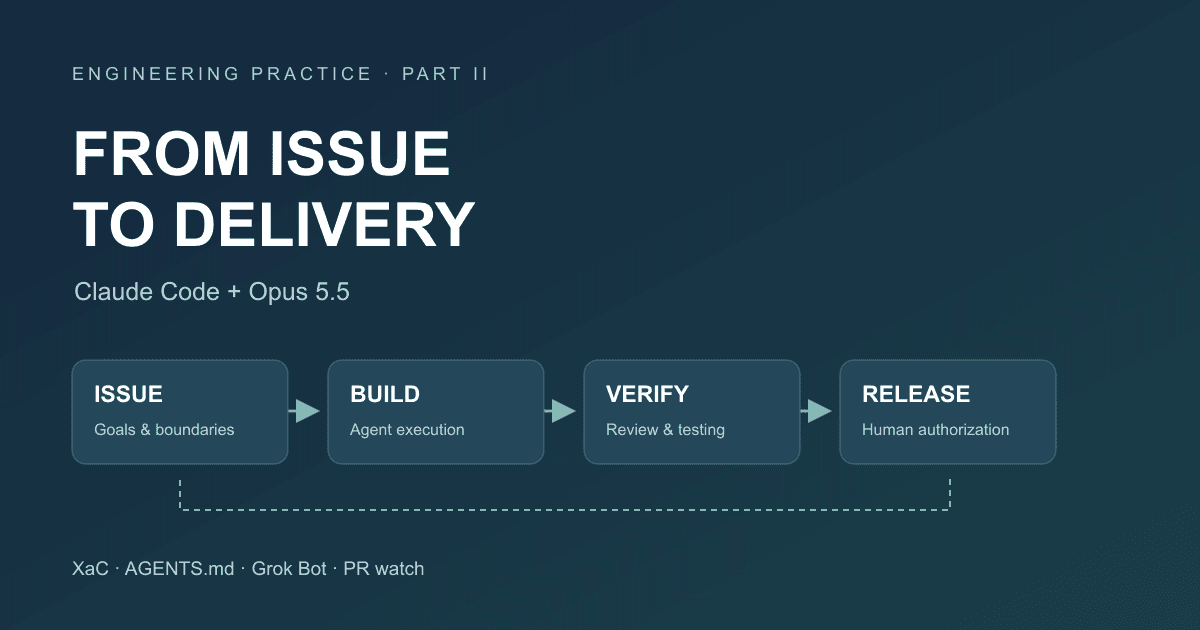
After Code Stopped Being Scarce (Part II): From AI Writing Code to AI Taking Part in Delivery
A year after leaving my previous employer, I document the delivery workflow for our financial business that we built around Claude Code and Opus 5.5: XaC, progressive rules, independent review and testing by Grok Bot, PR watch, and our actual delivery over the past three months.
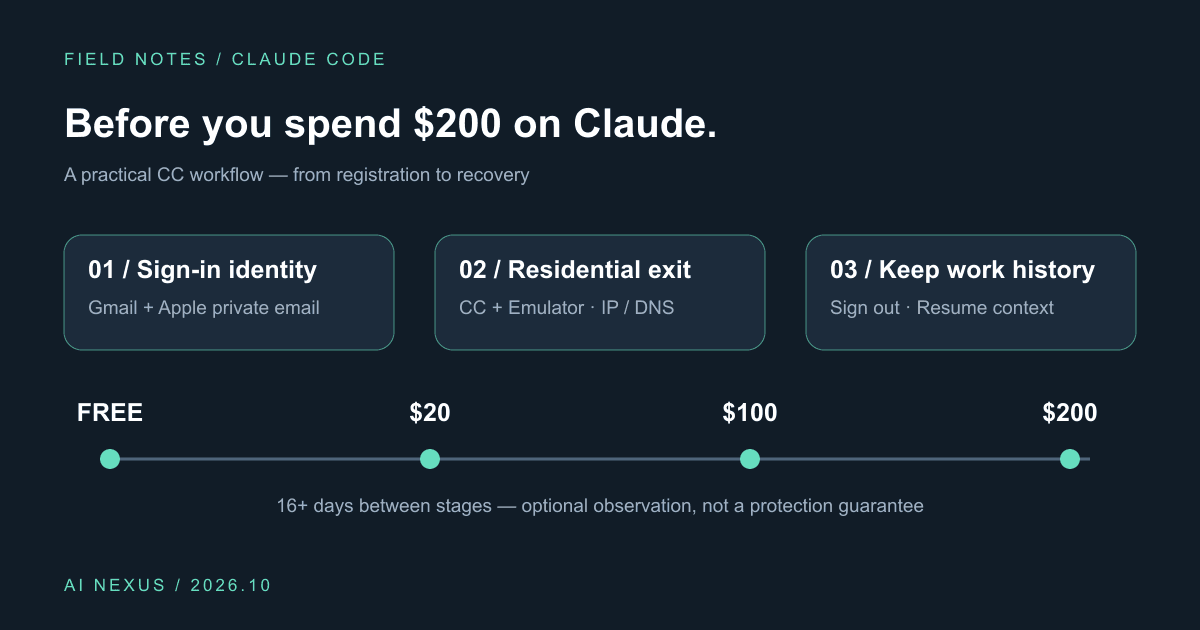
Claude Code account precautions: before you spend $200, do these six things
Gmail plus Apple private sign-in, Cliproxy residential routing for CC and emulators, IP/DNS checks, gradual upgrades, and history-preserving sign-out. Includes a profile and script.
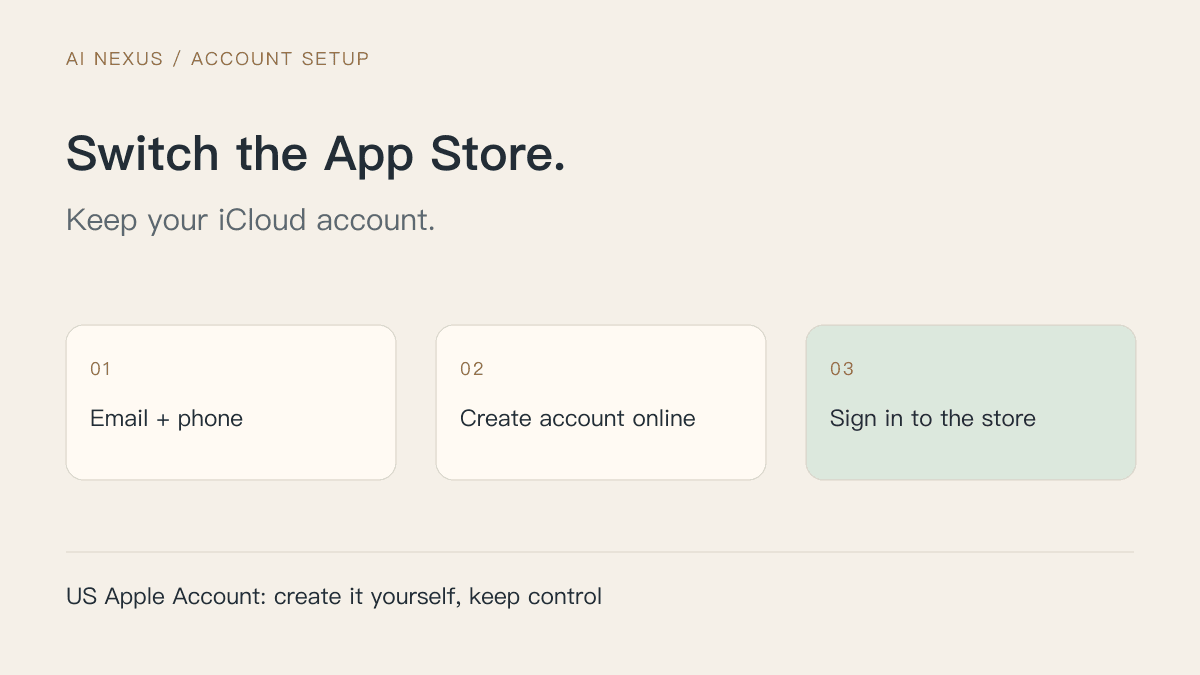
Create a US Apple Account: switch the App Store, keep iCloud signed in
Register with your own email and phone, complete store setup, and redeem a US gift card purchased with Alipay. Diagrams explain iCloud, purchase accounts and private Apple sign-in.