

ai-design-check is an open-source UI checker and companion agent skill for teams building interfaces with coding agents. It is aimed at a specific failure mode of AI-assisted implementation: a screen can be functional while still accumulating inconsistent spacing, weak accessibility affordances, awkward responsive behavior, and generic visual conventions. The project checks source code and, for supported commands, a rendered page. It is not a design generator or a substitute for product judgment.
What it checks
- Static project checks: the CLI reads web projects and supported mobile UI code for rules covering type, spacing, controls, copy, motion, localization, and component consistency.
- Rendered-page checks:
scanopens a reachable page in Chrome to inspect computed layout, contrast, overflow, loading failures, and visible UI patterns that source inspection cannot confirm. - Mechanical repairs:
--fix --dry-runpreviews changes with one clear answer, such as moving spacing to an existing scale. The repository deliberately leaves subjective product and copy decisions for review. - Agent workflow: the bundled skill can guide an agent through a measured redesign, preserve content, and compare before and after results instead of declaring success from a code diff alone.
A practical workflow
Install or run it with npx @enmera/ai-design-check in a clean checkout. Start with the report, then run --fix --dry-run and inspect each proposed change before removing the dry-run flag. For a rendered application, scan a non-sensitive staging route first. If the report identifies subjective findings, add the project's visual system and product constraints before asking an agent to redesign a screen. Re-run the checker and your normal accessibility, visual, and product tests after every change.
Where it fits
Use ai-design-check when coding agents produce a working React, Vue, Svelte, HTML, SwiftUI, Jetpack Compose, Flutter, or React Native interface but the team needs repeatable UI guardrails. It complements UI Skills, which is a broader set of interface instructions, and WebsiteBench, which evaluates whether an agent can rebuild a website. ai-design-check is the tighter tool for inspecting one project's UI quality.
Limits and safety
The rule set encodes its maintainers' design choices; passing it does not prove an interface is appropriate for a specific audience, accessible in every context, or free of regressions. Rendered scanning opens a page in Chrome, so do not point it at production pages containing private user data unless the required authentication and data handling have been deliberately reviewed. The project says it can accept cookies or headers for protected pages; keep those out of shell history and CI logs.
Pricing and getting started
The repository is MIT licensed and the checker does not require an API key for its static checks. Running an agent-driven redesign can still use the model, browser, CI, and compute you choose. Read the official README, run the checker on one representative screen, keep a screenshot and report as a baseline, then decide which findings belong in your team's review gate.
FAQ
Is it an autonomous design tool?
No. It reports measurable issues and provides an optional skill for an agent-assisted repair workflow. Product decisions remain with the team.
Can it replace manual review?
No. Treat it as a regression guardrail. Review responsive layouts, content hierarchy, brand fit, and real assistive-technology behavior separately.
Conclusion
ai-design-check is useful when an AI coding workflow needs more than a screenshot and a vague request to make the page look better. Begin with a small, reviewable report and adopt only the checks that match the product's own visual and accessibility standards.
Sources
- Websitehttps://github.com/enmerasoftware/ai-design-check
- ai-design-check releaseshttps://github.com/enmerasoftware/ai-design-check/releases
- ai-design-check on npmhttps://www.npmjs.com/package/@enmera/ai-design-check
Comments
No comments yet. Be the first to comment!
Related Tools


Related Insights

Skills + Hooks + Plugins: How Anthropic Redefined AI Coding Tool Extensibility
An in-depth analysis of Claude Code's trinity architecture of Skills, Hooks, and Plugins. Explore why this design is more advanced than GitHub Copilot and Cursor, and how it redefines AI coding tool extensibility through open standards.
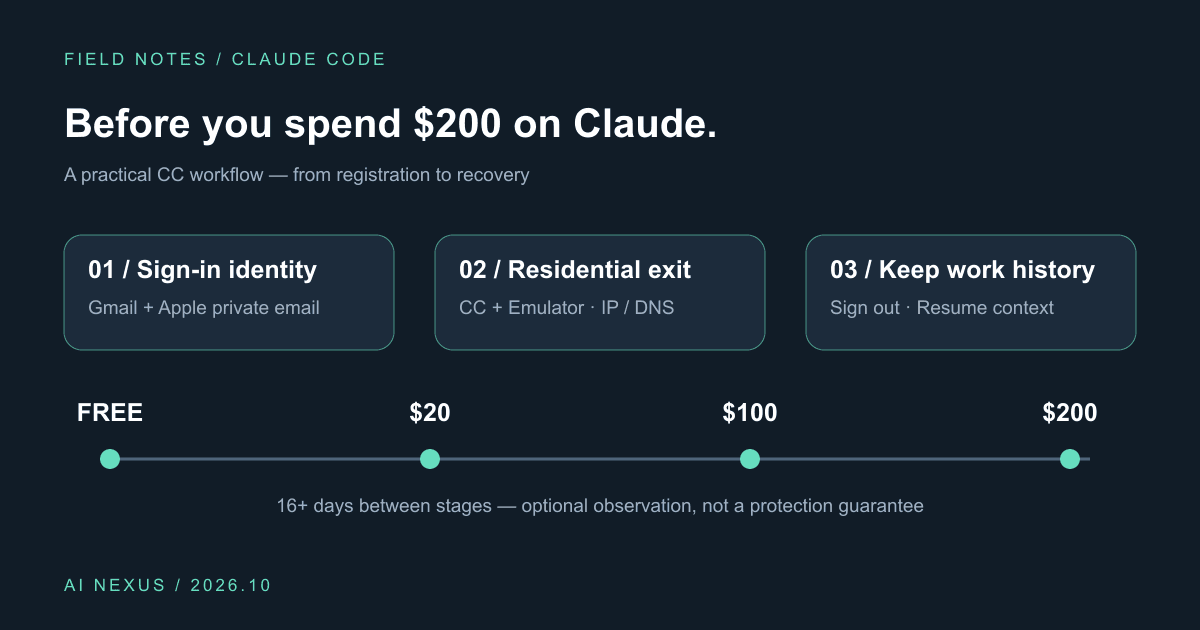
Claude Code account precautions: before you spend $200, do these six things
Gmail plus Apple private sign-in, Cliproxy residential routing for CC and emulators, IP/DNS checks, gradual upgrades, and history-preserving sign-out. Includes a profile and script.
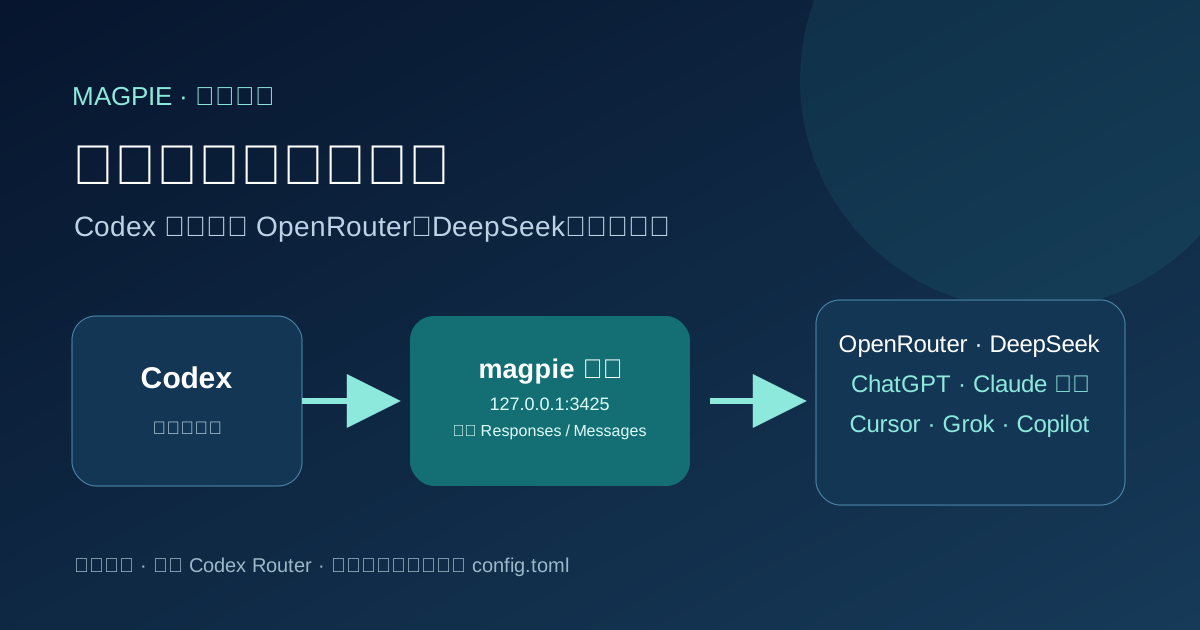
Point Codex at any model with magpie
Install magpie, add a local or signed-in provider, then switch Codex to that model. Rechecked against official magpie docs on 2026-10-06.